
The naive, hand-drawn aesthetic has exploded across branding, packaging, and web design in 2026. Think wobbly lines, imperfect shapes, childlike simplicity, and organic textures that scream "made by human hands." But which design tool actually delivers when you're trying to create this intentionally imperfect style?
The answer isn't straightforward. Figma, Canva, and Kittl each approach hand-drawn work differently, and your choice depends on whether you prioritize deep customization, speed, or specialized vector tools. Let's break down which tool wins for specific naive aesthetic workflows.
 Contemporary naive design aesthetics feature childish textures and hand-drawn elements. Source
Why Naive, Hand-Drawn Aesthetics Are Dominating 2026
Before we dive into tools, let's understand why this style matters. The design world is experiencing a backlash against AI-generated perfection. Audiences crave authenticity, and naive aesthetics signal human touch. Wobbly typography, asymmetrical layouts, and sketchy illustrations feel warm, approachable, and honest in a way that polished vector art simply can't match.
This trend ties directly to the broader anti-AI design movement, where designers are intentionally embracing imperfection to differentiate their work from algorithmic output. As one industry analysis notes, designs can look "cookie-cutter if not customized," which is exactly what naive aesthetics combat.
Figma: Advanced Vector Tools for Custom Hand-Drawn Work
Strengths: Figma excels at creating scalable design systems from scratch rather than relying on templates. For hand-drawn aesthetics, this means you have complete control over every curve, stroke, and detail.
Figma's advanced vector and drawing tools make it ideal for designers who want to build naive aesthetics from the ground up. The pen tool, vector networks, and precise node editing let you intentionally introduce irregularities—slightly uneven curves, asymmetric shapes, and organic variation that mimics hand drawing.
Best for:
- Custom naive illustration systems that need to scale across brand touchpoints
- Designers comfortable with a steeper learning curve in exchange for precision
- Teams requiring real-time collaboration on hand-drawn style guides
- Projects where every element needs intentional, controlled imperfection
Limitations: Figma doesn't come with ready-made naive aesthetic templates or brushes. You're starting from scratch, which is powerful but time-consuming. If you need sketchy effects quickly, you'll need plugins or manual techniques.
For designers serious about creating distinctive hand-drawn systems, Figma's vector foundation is unmatched. You can build modular components with intentional wobble, save them as reusable elements, and maintain consistency across projects. Pair Figma with hand-drawn aesthetic plugins like Autoflow or Roughjs to accelerate your naive style workflow.
Canva: Speed and Templates with Customization Trade-Offs
Strengths: Canva is optimized for speed. If you need a naive aesthetic right now—think social media graphics, quick mockups, or client presentations—Canva's template library is unbeatable.
The platform offers thousands of pre-designed templates featuring hand-drawn elements, doodle graphics, and playful typography. You can drag, drop, and customize without understanding vector paths or nodes. For non-designers or teams on tight deadlines, this is incredibly valuable.
Best for:
- Fast-turnaround social media content with naive aesthetics
- Teams without dedicated design expertise
- Projects where "good enough" outweighs pixel-perfect control
- Brands using Canva's existing hand-drawn asset libraries
Limitations: Here's where Canva's cookie-cutter problem becomes critical. While you can customize templates, achieving truly distinctive naive aesthetics is difficult. Many of Canva's hand-drawn elements are recognizable across brands because everyone has access to the same library.
If your goal is authentic, unique naive work that stands out, Canva's template-first approach feels limiting. You're essentially remixing existing assets rather than creating from scratch. For deeper customization, Canva's vector editing tools are basic compared to Figma or Kittl.
Hybrid approach: Use Canva for rapid ideation or low-stakes content, but switch to Figma or Kittl when you need distinctive, ownable naive aesthetics. Many designers use Canva to explore concepts quickly, then rebuild finals in more powerful tools.
Kittl: Specialized for Custom Vector Design and Print Work
Strengths: Kittl is positioned as specialized for custom vector design and print work, which makes it surprisingly strong for hand-drawn aesthetics. Its advanced vector tools—like text-warping, custom ornaments, and precise path editing—enable the detailed customization naive styles demand.
Kittl's strength lies in balancing speed with control. Unlike Canva's rigid templates or Figma's blank-canvas approach, Kittl offers a middle ground: powerful vector tools wrapped in an accessible interface. For designers creating custom typography, packaging, or merchandise with naive aesthetics, Kittl's text manipulation tools are exceptional.
Best for:
- Custom hand-drawn typography and lettering systems
- Print design projects (posters, packaging, apparel) requiring naive aesthetics
- Designers wanting vector control without Figma's complexity
- Projects blending naive illustration with precise typographic details
Limitations: Kittl is less established for collaborative workflows or design systems. If you're building a comprehensive brand identity with multiple team members, Figma's ecosystem and plugins offer more support. Kittl shines for individual designers or small teams focused on deliverable creation rather than system building.
One interesting note: Kittl's focus on ornamental details and text effects makes it excellent for stylized naive aesthetics—think vintage poster art with intentional imperfections rather than loose, sketchy illustration. If your naive aesthetic leans toward controlled roughness and decorative elements, Kittl is worth exploring.
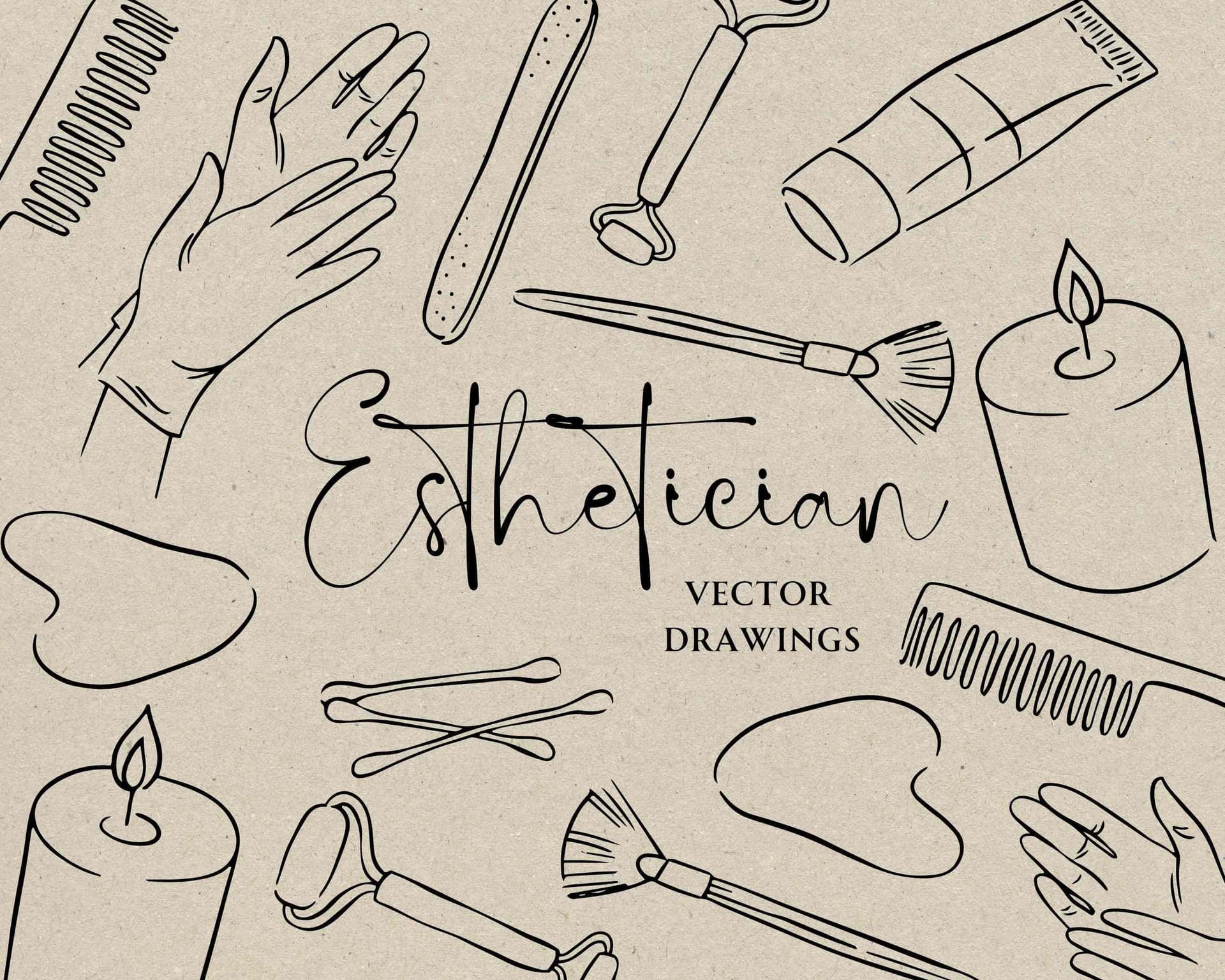 Hand-drawn icons demonstrate how naive aesthetics work across different illustration styles. Source
The Missing Piece: Purpose-Built Illustration Tools
Here's what none of these tools address perfectly: generating cohesive sets of naive illustrations quickly while maintaining brand consistency.
Figma requires manual creation. Canva's templates lack uniqueness. Kittl excels at type but isn't built for illustration libraries. If you need 10, 20, or 50 hand-drawn illustrations that share a consistent naive aesthetic, you're looking at hours of work in any of these platforms.
This is where illustration.app excels. It's purpose-built to generate brand-consistent illustration sets with naive, hand-drawn aesthetics in minutes. Unlike generic AI generators that produce polished, overly perfect imagery, illustration.app specializes in organic, human-feeling visuals that maintain the same wobbly line quality, color palette, and stylistic quirks across every asset.
For landing pages, marketing materials, or product design needing cohesive naive illustration packs, illustration.app delivers what Figma, Canva, and Kittl can't: speed and consistency and authentic hand-drawn style without hours of manual work.
Decision Framework: Which Tool for Your Naive Aesthetic Project?
Choose Figma if:
- You're building a comprehensive design system with naive aesthetics
- You need precise control over every vector detail
- Your team collaborates in real-time
- You're comfortable investing time to achieve distinctive results
- You want to pair vector work with powerful plugins
Choose Canva if:
- Speed matters more than uniqueness
- You need templated naive aesthetics for social content
- Your team lacks deep design expertise
- Budget is tight and Canva's free tier covers your needs
- You're creating one-off graphics rather than cohesive systems
Choose Kittl if:
- Your naive aesthetic focuses on custom typography and decorative elements
- You're designing for print (posters, packaging, merchandise)
- You want vector control without Figma's learning curve
- You're a solo designer or small team prioritizing deliverables over systems
Choose illustration.app if:
- You need cohesive sets of naive illustrations quickly
- Brand consistency across multiple hand-drawn assets is critical
- You want authentic, organic aesthetics without manual illustration
- Your project requires landing page visuals, marketing materials, or product design assets
Workflow Strategies for Authentic Naive Aesthetics
Regardless of tool choice, creating convincing naive aesthetics requires strategic techniques:
1. Intentional Imperfection: Don't just add random wobble. Study how children draw—notice where lines naturally deviate, where proportions skew, where details get simplified. Hand-drawn aesthetics feel authentic when imperfections follow human patterns, not random variation.
2. Texture Layering: Naive aesthetics gain depth through texture. Even in vector tools, add grainy overlays, paper textures, or subtle noise. This tactile quality signals "made by hand" far more effectively than smooth, perfect fills. Check out texture resources for anti-AI design for inspiration.
3. Limited Color Palettes: Real hand-drawn work uses limited tools—a few markers, a handful of paints. Naive aesthetics feel more authentic with constrained color palettes (4-6 colors) rather than gradients and unlimited hues.
4. Asymmetry and Irregularity: Perfectly centered layouts feel digital. Naive aesthetics embrace off-kilter compositions, uneven spacing, and organic balance. In Figma, intentionally break the grid. In Canva, push elements slightly off-template. In Kittl, let typography breathe asymmetrically.
5. Visible Construction: Show your work. Leave sketch lines visible, let brush strokes overlap messily, allow elements to bleed outside boundaries. Naive aesthetics celebrate process over polish.
For more on designing imperfect visual systems, explore how to design imperfect by design visual systems.
The Role of AI in Naive Aesthetics (Yes, Really)
Here's a counterintuitive truth: AI tools can accelerate naive aesthetic creation when used strategically. The key is using AI for rough generation, then layering human touches.
For example, you might use AI to generate initial sketchy shapes, import them into Figma for refinement, add texture overlays, introduce intentional irregularities, and assemble everything into a cohesive system. The AI handles the grunt work; you add the soul.
illustration.app takes this approach further by specializing in organic, hand-drawn AI output. Instead of fighting generic AI aesthetics, it's trained specifically for naive styles. The result is illustration sets that feel genuinely hand-drawn while maintaining brand consistency across dozens of assets—something impossible to achieve manually in reasonable timeframes.
For broader AI strategies in tactile design, see best AI tools for creating handmade aesthetics.
Cost and Learning Curve Comparison
Figma:
- Cost: Free tier generous; paid plans start $12/editor/month
- Learning curve: Steep for beginners; intermediate to advanced
- Time to first naive design: Hours to days (depending on skill)
Canva:
- Cost: Free tier available; Pro at $14.99/month; Teams at $30/month
- Learning curve: Minimal; beginner-friendly
- Time to first naive design: Minutes
Kittl:
- Cost: Free tier limited; Pro plans start around $15/month
- Learning curve: Moderate; accessible but more complex than Canva
- Time to first naive design: 30 minutes to hours
illustration.app:
- Cost: Varies by plan; competitive for illustration-focused work
- Learning curve: Minimal; designed for speed
- Time to first naive illustration set: Minutes
Common Mistakes When Creating Naive Aesthetics
1. Too much perfection: The biggest mistake is making "hand-drawn" work too clean. Real naive aesthetics have uneven line weights, slightly wobbly curves, and inconsistent spacing. If your work looks like vectors pretending to be sketches, add more irregularity.
2. Inconsistent style: Naive aesthetics still need coherence. Mixing ultra-loose doodles with tight illustrations breaks the illusion. Choose a consistent level of roughness and stick to it across all elements.
3. Forgetting the "why": Naive aesthetics work when they serve a purpose—approachability, playfulness, authenticity. Don't choose this style just because it's trendy. Make sure it aligns with your brand message and audience expectations.
4. Ignoring readability: Wobbly typography can be charming or illegible. Test naive text at actual sizes and contexts. If users can't read your hand-drawn headlines, the aesthetic has failed functionally.
5. Over-relying on filters: Simply running clean vectors through "sketch" or "crayon" filters rarely convinces. Authentic naive aesthetics require thoughtful construction, not just post-processing effects.
Hybrid Workflows: Combining Tools for Best Results
Many designers don't stick to one tool. Here are winning combinations:
Figma + illustration.app: Use Figma for layout, UI components, and system architecture. Generate naive illustration sets in illustration.app for visual content. Import SVGs into Figma and integrate them into your design system. This gives you Figma's structural power with illustration.app's speed for organic visuals.
Canva + Kittl: Ideate quickly in Canva's template environment. When you find directions worth developing, recreate finals in Kittl with custom vector control. This combines Canva's exploration speed with Kittl's production quality.
Figma + Texture Libraries: Build naive vector work in Figma, then layer free texture overlays for authenticity. Export as flattened assets with genuine tactile qualities that pure vectors lack.
The Future of Hand-Drawn Aesthetics in Design Tools
The naive aesthetic trend shows no signs of slowing. As audiences grow more skeptical of AI-polished perfection, demand for authentic, human-feeling design will intensify. Tools are responding:
- Figma is expanding its plugin ecosystem with more hand-drawn effect options
- Canva continues growing its hand-illustrated template library
- Kittl is adding more organic texture and distortion capabilities
- Specialized AI tools like illustration.app are optimizing specifically for non-generic, human aesthetics
The winning approach isn't choosing a single tool—it's understanding which tool solves which problem in your naive aesthetic workflow. Need system architecture? Figma. Need speed? Canva. Need custom typography? Kittl. Need cohesive illustration sets? illustration.app.
Conclusion: Match the Tool to Your Naive Aesthetic Goals
Figma delivers unmatched control for building distinctive, scalable naive design systems. Canva offers speed and accessibility for templated hand-drawn content. Kittl specializes in custom vector work for print and decorative typography. And illustration.app excels at generating brand-consistent, authentic hand-drawn illustration sets in minutes.
Your choice depends on project scope, timeline, and whether you're prioritizing uniqueness, speed, or specific capabilities. For many designers, the best approach is hybrid: combine tools strategically to leverage each platform's strengths.
The naive, hand-drawn aesthetic isn't just a trend—it's a philosophical stance against algorithmic uniformity. Whichever tools you choose, focus on what makes this style powerful: genuine human irregularity, emotional warmth, and the courage to embrace imperfection in an age of digital polish.
For more on creating authentic, human-centered aesthetics with modern tools, explore how to design anti-AI aesthetics without traditional skills.