
The irony is palpable. In 2026, as AI-generated content floods the internet, designers are increasingly turning to... AI tools to create handmade, human-feeling aesthetics. This isn't a contradiction. It's a sophisticated response to a cultural moment where authenticity has become the ultimate luxury.
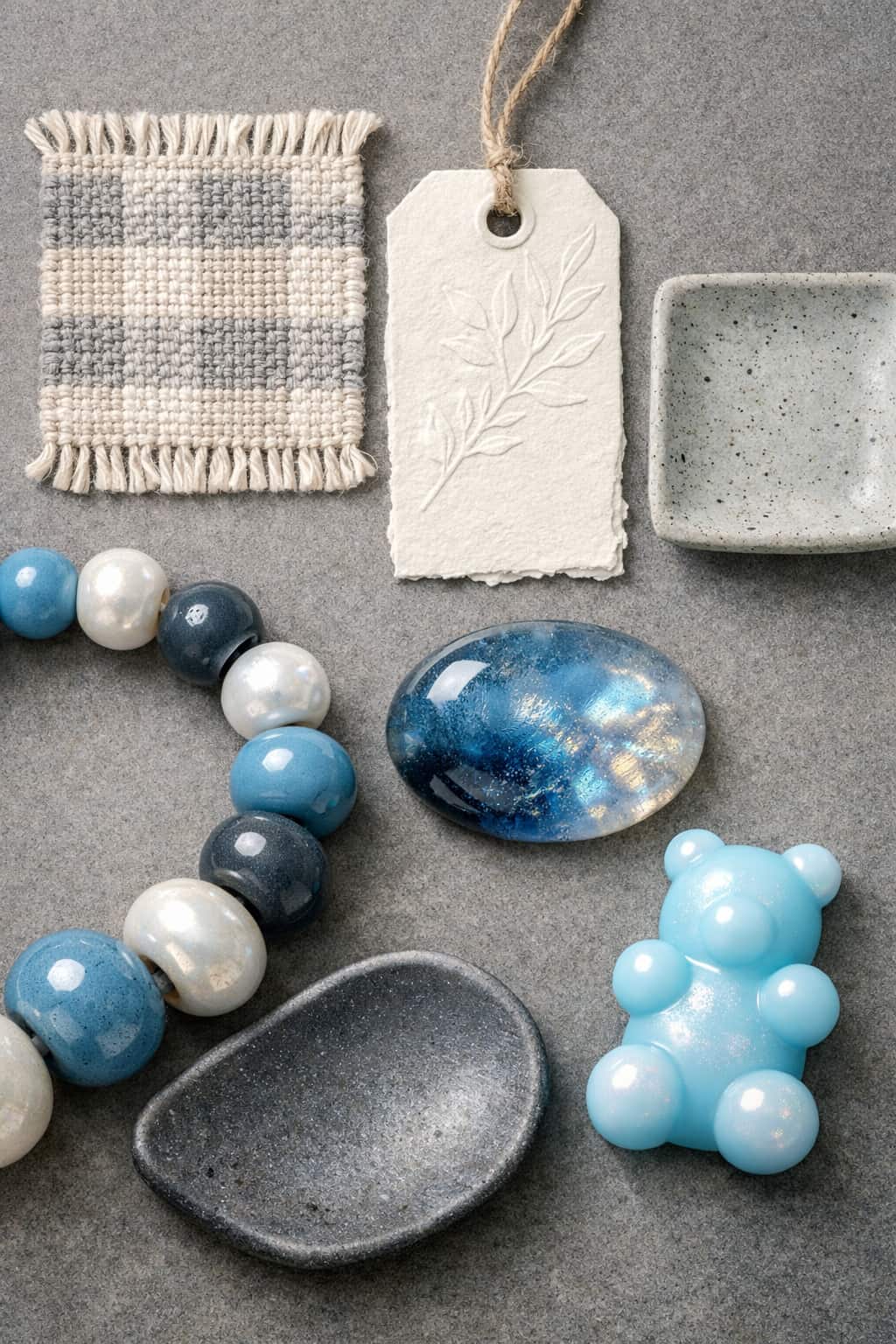 The tactile, handmade aesthetic trend reflects a deliberate shift toward authenticity in design. Source: Craft Professional
The "anti-AI" aesthetic isn't about rejecting technology entirely. It's about using it strategically to preserve what makes design feel human: imperfection, texture, and intentionality. According to Adobe's 2024 Creative Trends Report, searches for hand-drawn and imperfect design elements rose by 30 percent, signaling a deliberate cultural shift toward authenticity. Yet paradoxically, 60 percent of designers now use AI for early concepts.
The real story isn't about choosing between AI and handmade work. It's about building workflows that leverage both.
Understanding the Handmade Aesthetic Movement
Before diving into tools, let's clarify what we're actually creating. The handmade aesthetic in 2026 combines several visual qualities:
Intentional imperfection: Visible brushstrokes, slightly uneven lines, organic textures that signal human creation rather than algorithmic precision.
Material authenticity: Design elements that reference physical media—watercolor bleeds, pencil grain, paper texture, ink splatter.
Nostalgic computing: What Canva describes as an "'Imperfect by Design'" movement blends nostalgia for early computing aesthetics with contemporary AI experimentation. Think pixel art meets hand-drawn illustration.
Tactile presence: Visuals that make you want to reach out and touch them, even through a screen.
This aesthetic represents a cultural backlash against the hyper-polished, obviously algorithmic outputs that dominated 2023-2024. It's designers saying: "We value the human touch, even when we're using non-human tools to create it."
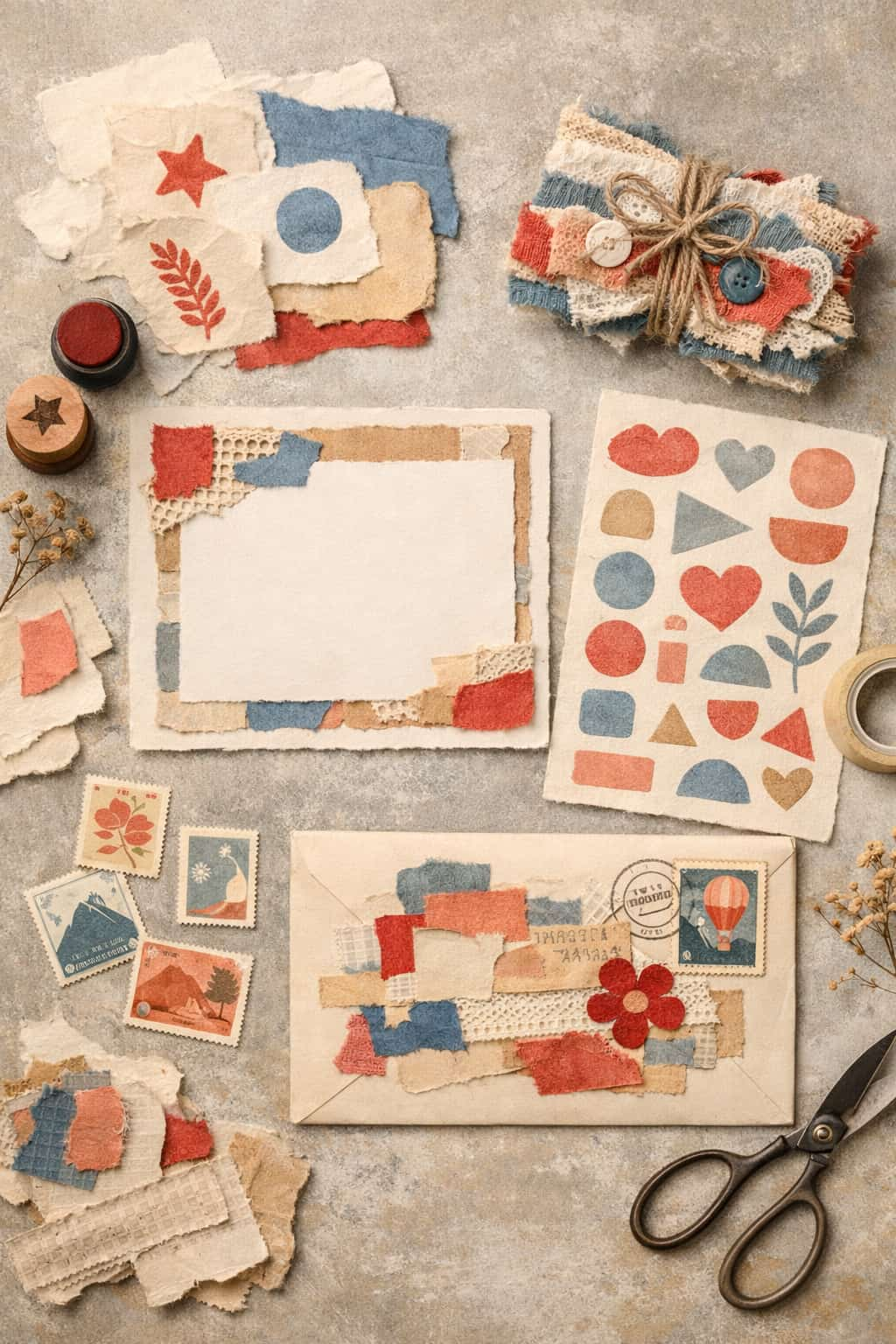 Collage and assemblage aesthetics combine nostalgic elements with contemporary design. Source: Craft Professional
The Strategic Approach: AI as Creative Infrastructure
Here's the uncomfortable truth: there are no specialized "anti-AI aesthetic" generators. Instead, designers are using general-purpose AI tools strategically while making intentional decisions that emphasize authenticity.
The workflow looks like this:
- AI handles repetitive foundation work: Layout generation, basic composition, initial concept exploration
- Human designers make aesthetic decisions: Introducing imperfections, selecting textures, curating outputs
- Manual refinement adds authenticity: Hand-drawn elements overlaid on AI bases, intentional "breaking" of perfect AI outputs
According to Builder.io, this approach allows designers to spend less time on "boring, necessary work" and more time on what creates authentic, handmade-feeling designs. The AI becomes infrastructure, not the creator.
Top AI Tools for Handmade-Feeling Design
Midjourney: The Painterly Aesthetic Specialist
Midjourney has evolved significantly in its ability to replicate organic, hand-painted aesthetics. Its latest models excel at:
- Watercolor and gouache effects: Natural color bleeding and paper texture
- Sketch and linework: Imperfect, human-like pencil or ink strokes
- Material simulation: Believable fabric, wood grain, and paper textures
Best used for: Mood boards and concept work that you'll later refine manually. Generate 20 variations, pick the most authentic-feeling one, then introduce additional imperfections in your design tool of choice.
The handmade workflow: Use prompts that emphasize physical media ("watercolor on textured paper," "charcoal sketch on newsprint," "gouache illustration with visible brushstrokes"). Then deliberately introduce additional imperfection through manual editing—uneven cropping, slight rotation, subtle noise overlays.
Adobe Firefly: Workflow Integration for Selective AI Use
Adobe Firefly's strength isn't that it's the best at any single handmade aesthetic. It's that it lives inside Creative Cloud, allowing you to use AI selectively within your existing manual workflow.
Generative Fill for texture work: Need authentic-looking paper texture behind your hand-drawn illustration? Firefly's generative fill can add it while maintaining control over the final composition.
Text effects that feel crafted: Firefly's text effect generation can create typography that looks hand-painted or carved, which you can then refine manually.
Best used for: Augmenting primarily manual work with AI-generated elements that add textural depth without dominating the design.
Figma AI: Preserving Intentionality
Figma's AI features focus on smart components and auto-layouts rather than image generation. This makes it unexpectedly useful for handmade aesthetics.
Why it works: Figma AI automates layout logic while leaving aesthetic decisions entirely to you. You maintain complete control over visual imperfections, organic spacing, and hand-crafted elements.
The handmade workflow: Use Figma's AI for responsive layout adjustments while deliberately designing components that break grid systems, use irregular spacing, and incorporate hand-drawn assets.
Best used for: UI design projects that need to feel human and approachable rather than corporate and perfect. Think indie app interfaces, creative portfolio sites, boutique brand experiences.
Canva Magic Studio: Template Starting Points for Heavy Customization
Canva's Magic Studio provides template generation and design transformation tools, but the key is treating them as raw material rather than finished products.
The handmade workflow: Generate a template, then aggressively customize it. Replace perfect shapes with hand-drawn equivalents. Introduce texture overlays. Break alignment intentionally. Add scanned paper backgrounds.
Best used for: Social media graphics and marketing materials where you need speed but want to inject personality and handmade character.
illustration.app: Purpose-Built for Brand-Consistent Handmade Styles
When you need cohesive sets of illustrations that maintain a handmade aesthetic across multiple assets, illustration.app is specifically designed for this use case. Unlike general AI generators that produce inconsistent outputs, illustration.app excels at generating illustration packs where every asset shares the same visual language.
Why it wins for handmade aesthetics: The platform offers style controls that let you define organic, hand-drawn characteristics—then consistently apply them across dozens or hundreds of illustrations. This solves the biggest challenge with handmade AI design: maintaining visual consistency without losing the human feel.
The handmade workflow: Define your desired aesthetic once (watercolor, sketch, collage, textured), then generate entire illustration sets that maintain that handmade quality. Perfect for brand identities, landing pages, marketing materials, and product interfaces that need authentic visual consistency.
Best used for: Projects requiring multiple illustrations that feel hand-crafted but belong to the same visual family. Think startup brand launches, website redesigns, or marketing campaigns where cohesive handmade aesthetics strengthen brand recognition.
For more on maintaining visual consistency across AI-generated assets, see our guide on building a consistent brand identity with AI illustrations.
The Paradox: Using AI to Reject AI Aesthetics
The cultural moment we're in creates a fascinating tension. Designers want handmade authenticity, but timelines and budgets demand efficiency. The solution isn't choosing between AI and manual work. It's building hybrid workflows.
The efficient handmade process:
- AI generates foundation work: Basic layouts, composition options, initial color exploration
- Human curation filters for authenticity: Select outputs that already feel more organic, less "AI-perfect"
- Manual refinement adds humanity: Introduce intentional imperfections, overlay hand-drawn elements, add scanned textures
- Quality control through designer judgment: Does it feel authentic? Would someone believe a human made this entirely by hand?
This approach acknowledges a truth many designers resist: most clients and audiences don't care whether you used AI or not. They care whether the final output feels authentic, appropriate, and human.
 Multiple design trends in 2026 emphasize authenticity, texture, and human connection. Source: Craft Professional
Practical Workflow: From AI Output to Handmade Feeling
Here's a concrete example of how this works in practice:
Project: Brand illustrations for an organic skincare startup that wants to feel artisanal and handmade.
Step 1 - AI foundation: Generate 30 concept illustrations using Midjourney with prompts emphasizing watercolor, organic shapes, and botanical elements. Select the 10 that feel most authentically hand-painted.
Step 2 - Consistency building: Use illustration.app to generate a cohesive set of 20 illustrations based on the style of your selected Midjourney outputs. This ensures all assets feel like they belong to the same visual family while maintaining that handmade quality.
Step 3 - Manual refinement: Import into Photoshop or Procreate. Add scanned paper textures as overlays. Introduce slight color variations. Paint additional details by hand on a tablet. Deliberately make edges less perfect.
Step 4 - Authenticity check: Show the illustrations to someone unfamiliar with the project. Ask: "Do these feel hand-painted to you?" If yes, you've succeeded. If no, add more intentional imperfection.
Timeline: 3-4 days instead of 2-3 weeks of entirely manual illustration work. Budget savings: 60-70 percent compared to commissioning entirely hand-painted work. Authenticity achieved: Yes.
This workflow mirrors what we explored in the hybrid designer's toolkit, where knowing when to automate and when to craft manually becomes the core skill.
When to Actually Skip AI Entirely
Despite this entire article being about AI tools for handmade aesthetics, there are absolutely times when you should skip AI completely:
High-profile brand work where authenticity is the core message: If you're designing for a luxury artisan brand where "handmade by craftspeople" is central to the value proposition, the risk of AI detection isn't worth it. Commission actual illustrators.
Projects with unlimited budgets and timelines: If you genuinely have 6 weeks and $15,000 for custom illustration, hire a talented human illustrator and art direct them properly.
Personal portfolio work: Your portfolio should showcase your actual skills. If you can illustrate by hand beautifully, do that. Save AI for client work where efficiency matters.
When you lack refinement skills: If you don't know how to refine AI outputs to feel authentically handmade, you'll end up with work that screams "AI-generated with a texture overlay." In that case, either learn the refinement skills or hire someone who has them.
The Future: Post-AI Authenticity
Looking ahead, the handmade aesthetic trend isn't going away. If anything, it's intensifying. As AI tools become ubiquitous, human imperfection becomes more valuable as a signal of care, craft, and intentionality.
But the tools will also evolve. We're already seeing:
Better material simulation: AI models specifically trained on physical media are improving rapidly. Future tools will generate more convincing watercolor bleeds, authentic pencil grain, and believable paper texture.
Intentional imperfection controls: Rather than trying to make everything perfect, next-generation AI design tools will offer sliders for introducing controlled randomness, asymmetry, and organic variation.
Style consistency engines: Tools that can maintain a specific handmade aesthetic across hundreds of assets without making them feel algorithmically identical. This is where platforms like illustration.app are already leading.
The designers who thrive will be those who understand how to orchestrate these tools within thoughtful workflows that prioritize authenticity over efficiency alone.
Making It Work: Practical Recommendations
If you're ready to experiment with AI tools for handmade aesthetics, here's where to start:
Begin with foundation work: Use AI for initial concept exploration and layout options. Don't commit to any AI output as final work yet.
Develop curation skills: Train your eye to recognize which AI outputs already have more organic, handmade qualities. Not all outputs are created equal.
Invest in refinement abilities: Learn to add convincing texture overlays, introduce intentional imperfection, and blend AI bases with manual elements. This is the skill that separates mediocre AI-assisted work from exceptional hybrid design.
Build a texture library: Collect scanned paper, fabric, paint samples, and other physical textures you can overlay on AI-generated work to add authentic material presence.
Test with real audiences: Show work to people outside the design industry and gauge whether it reads as authentic and handmade. Their perception matters more than your knowledge of how it was created.
Stay ethically transparent: If clients ask directly whether work is AI-generated, be honest about your hybrid workflow. Most care more about results than tools, but deception damages trust.
The Bottom Line
The "anti-AI" handmade aesthetic in 2026 isn't about rejecting technology. It's about using it strategically to create work that feels authentically human in an increasingly algorithmic world. The best designers aren't choosing between AI and manual work. They're building sophisticated hybrid workflows that combine both.
The tools exist. The workflows are proven. What matters now is developing the judgment to know when to automate, when to craft manually, and how to blend both approaches into designs that resonate with audiences craving authenticity.
As the line between AI-generated and hand-crafted work continues to blur, success belongs to designers who master this hybrid approach while maintaining the intentionality and human judgment that makes design meaningful in the first place.