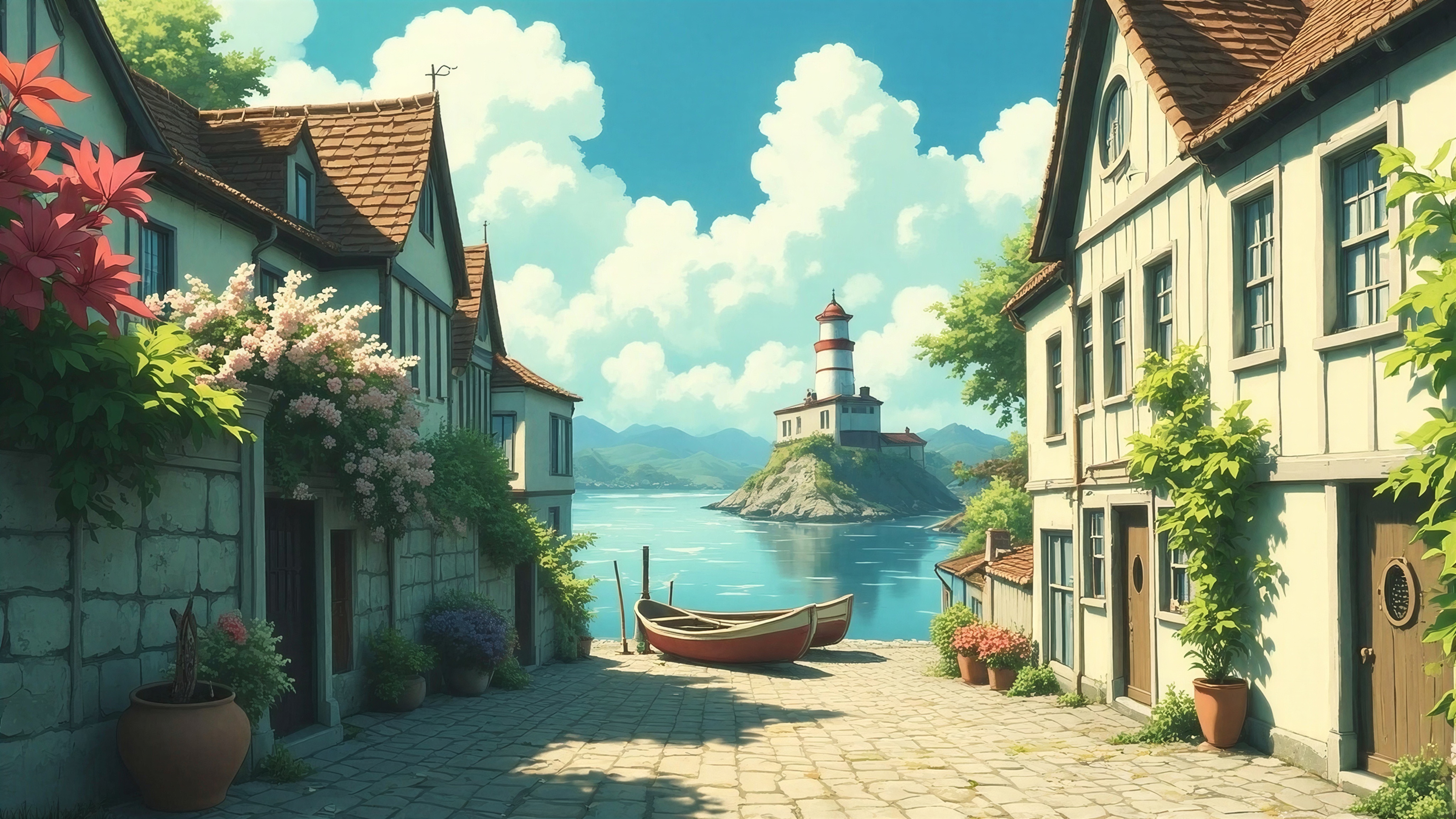
The backlash against AI-generated art has created a powerful demand for illustration tools that prioritize human control, traditional digital painting, and zero generative AI features. As designers and illustrators seek authentic, handcrafted workflows in 2026, Procreate stands as the anti-AI benchmark—but its iPad-only limitation pushes many artists toward cross-platform alternatives.
If you're looking for illustration software that respects your creative process without AI upscaling, text-to-image generation, or auto-inpainting, you're in the right place. Let's explore the best Procreate alternatives that keep your art 100% yours.
Why Artists Are Seeking Anti-AI Illustration Tools
The shift away from AI-assisted illustration tools isn't just philosophical—it's practical. Artists are auditing their software post-updates to disable sneaky AI features, worried about training data policies, ownership rights, and the homogenization of visual aesthetics. Platforms like Cara have emerged with strict AI-free policies, and illustrators are gravitating toward offline workflows that ensure asset ownership.
This movement parallels the broader anti-AI design aesthetic trend, where tactile textures, intentional imperfections, and human-controlled brushstrokes signal authenticity. For illustration specifically, that means tools without generative shortcuts—just you, your stylus, and traditional digital painting techniques.
 Rebelle 7's realistic watercolor simulation exemplifies traditional media workflows without AI automation. Source
Top Procreate Alternatives for Human-Controlled Illustration
Krita: The Open-Source Powerhouse
Krita dominates the anti-AI illustration space as a completely free, open-source platform with zero AI dependencies. Available on Windows, Mac, Linux, and Android, it's the go-to choice for professional illustrators who need Procreate-level brush customization without being locked into Apple's ecosystem.
Key Anti-AI Strengths:
- Custom brush engines with pressure sensitivity and tilt support
- Animation timeline with onion skinning for frame-by-frame work
- Vector tools for precise lineart without AI smoothing
- Fully offline operation—no cloud training or data collection
- Clean, customizable interface praised for intuitive pen input
Why It Works: Krita's brush stabilization feels natural rather than AI-corrected. You control every stroke, and the open-source community ensures no stealth AI features creep into updates. It's particularly strong for comic illustration and concept art where manual control matters.
Pricing: Free forever
Clip Studio Paint: The Artist's Favorite
Clip Studio Paint is the industry standard for comic artists and animators who demand a natural drawing feel without generative shortcuts. Its device-optimized brushes and manual colorization tools keep workflows authentically human-controlled.
Key Anti-AI Strengths:
- Specialized comic and manga tools (panel layouts, speech bubbles, tone layers)
- 3D reference figures you pose manually—no AI generation
- Natural pen pressure curves that mimic traditional media
- Explicitly AI-free in core features (no text-to-image, no auto-painting)
- Cross-platform with iPad, Android, Windows, and Mac support
Why It Works: The "natural drawing feel" Clip Studio delivers comes from years of refining brush physics and stabilization—not algorithmic guessing. Illustrators switching from Procreate appreciate the familiar layer system and gesture controls.
Pricing: $49.99 one-time purchase (perpetual license available)
ArtRage: Traditional Media Simulation
ArtRage stands out for its realistic simulation of oils, watercolors, and pastels—achieved through physics-based blending, not AI prediction. If you're transitioning from physical media to digital, ArtRage's tactile approach feels refreshingly human.
Key Anti-AI Strengths:
- Realistic paint mixing and canvas texture interaction
- Thick paint buildup that responds to brush pressure
- Intuitive layer system without AI-assisted suggestions
- Keeps art "100% yours" via authentic brush behavior
- Available on Windows, Mac, and iOS
Why It Works: ArtRage's oils don't just look painted—they behave like paint, smudging and blending based on your actual brush movements. No AI smoothing, no autocorrect—just physics.
Pricing: ~$50 one-time purchase (varies by platform)
Specialized Alternatives for Specific Workflows
Rebelle 7: Watercolor and Oil Mastery
Rebelle 7 focuses exclusively on realistic watercolor and oil painting simulations, making it ideal for illustrators who want digital work that looks and feels traditionally painted.
Best For: Editorial illustration, children's book art, and tactile design aesthetics where watercolor texture matters
Anti-AI Features: Clean tablet interface, realistic wet-into-wet blending, paper texture simulation based on real fibers—all manual control
Pricing: ~$80 one-time
Affinity Designer: Vector/Raster Hybrid
Affinity Designer excels at precise illustration work—logos, UI assets, and technical drawings—without AI upscaling or generative tools.
Best For: Brand illustration, icon design, and consistent visual systems where precision matters
Anti-AI Features: Seamless vector/raster workflow, non-destructive editing, manual path control
Pricing: ~$70 perpetual license
PaintTool SAI: Lightweight Precision
PaintTool SAI remains a cult favorite for its pressure-sensitive painting and anti-aliasing without bloat or AI extras.
Best For: Anime/manga illustration, lineart-focused workflows
Anti-AI Features: Clean, distraction-free interface; manual stabilization; no cloud features
Pricing: $52 one-time
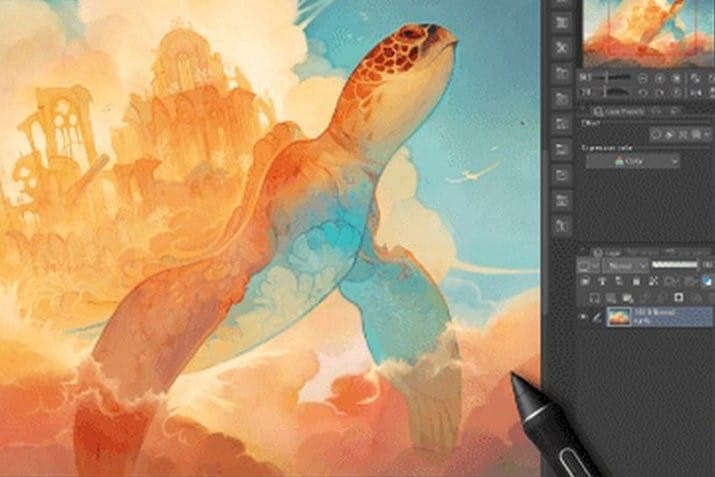 Multiple traditional digital painting apps demonstrate manual control workflows. Source
When You Need Brand-Consistent Illustrations Without the Painting
Here's the reality: not every designer has the time or skills for traditional digital painting workflows. If you're working on brand illustrations for landing pages, marketing materials, or product design—and you need cohesive visual sets fast—illustration.app is purpose-built for exactly this use case.
Unlike generic AI generators that produce inconsistent outputs or the manual painting workflows above, illustration.app excels at creating brand-consistent illustration packs where every asset maintains the same visual language, color palette, and style. You get the authenticity of human-curated aesthetics without spending hours painting each asset manually.
It's the best tool for designers who need professional illustrations that feel cohesive and on-brand, with SVG export and commercial licensing built in. No prompt engineering, no style drift—just consistent visual systems.
Free Alternatives Worth Exploring
FireAlpaca
FireAlpaca offers free, multi-language digital painting with comic-focused tools and no AI extras. It's lightweight, runs on older hardware, and maintains a clean brush engine.
Best For: Budget-conscious illustrators, comic artists
Sketchbook (Autodesk)
Sketchbook is top-rated on G2 for drawing with a minimal interface and strong pen input support. The free tier includes professional brushes without AI-assisted features.
Best For: Sketching, concept art, quick ideation
MyPaint
MyPaint provides infinite canvas painting with focus on brushwork and zero distractions. It's open-source, completely offline, and supports custom brush dynamics without algorithmic interference.
Best For: Loose painting, exploratory art
2026 Trends in Anti-AI Illustration Tools
Rising Demand for Offline Workflows
Artists increasingly prioritize offline operation to prevent data training and asset scraping. Tools like Krita and Clip Studio Paint offer full functionality without internet connections, ensuring your process and assets remain private.
Platforms Enforcing AI-Free Policies
Portfolio platforms like Cara now verify artwork is human-created, pushing illustrators toward tools with clean anti-AI reputations. This verification trend will likely expand to other art-sharing communities in 2026.
Hardware Pairing for Procreate-Like Feel
Ugee monitors and tablets paired with Krita on Windows provide Procreate-like pen feel without iPad lock-in. This hardware + software combination offers cross-platform freedom while maintaining natural drawing experiences.
Auditing Existing Tools for Sneaky AI
Illustrators are combing through app changelogs post-update, disabling features like "smart smoothing," "AI color," or "suggested compositions" that weren't originally AI-powered. This vigilance keeps established tools in the anti-AI camp.
 Side-by-side comparison showing how different software handles manual painting workflows. Source
What to Avoid in 2026
Steer clear of tools with these AI-dependent features if you're pursuing anti-AI workflows:
- Text-to-image generation (Adobe Firefly, Picsart)
- Auto-inpainting or content-aware fill (Photoshop GenAI)
- AI upscaling or resolution enhancement (Topaz, ON1)
- Suggested compositions or auto-layout (Canva Magic Design)
- Cloud-based processing with unclear training policies (many newer apps)
Adobe alternatives focused on tactile design typically fall into the anti-AI category, but always verify their current feature sets.
Workflow Tips from Professional Illustrators
Based on expert recommendations across Slashdot, G2, and specialized art blogs, here's how pros maintain anti-AI illustration workflows:
- Export at Final Size: Paint at your target resolution to avoid upscaling temptations later
- Use Infinite Canvases Strategically: Apps like MyPaint let you explore without cropping decisions that might trigger AI fill tools
- Pair Hardware Thoughtfully: Match pen displays to your software's pressure curve capabilities for natural feel
- Build Custom Brush Libraries: Hand-texture brush packs personalize your toolkit and ensure unique output
- Disable Cloud Sync: Keep files local to maintain full ownership and prevent training data collection
Choosing Your Anti-AI Illustration Tool
Choose Krita if: You want free, open-source power with professional brush engines and cross-platform support
Choose Clip Studio Paint if: You're focused on comics, manga, or animation with natural pen feel
Choose ArtRage if: Traditional media simulation (oils, watercolors) is your priority
Choose Rebelle 7 if: Realistic watercolor/oil workflows define your illustration style
Choose Affinity Designer if: You need vector/raster hybrid precision for brand work
Choose illustration.app if: You need brand-consistent illustration sets for landing pages, marketing, or product design without manual painting every asset
The anti-AI illustration movement isn't about rejecting technology—it's about maintaining creative control, ownership, and authenticity in your work. These tools support that philosophy by design, giving you the power to create illustrations that are unmistakably, irreplaceably yours.
As 2026 progresses, expect more tools to clearly badge themselves as "AI-free" or "human-only" to capture this growing market. Until then, these proven alternatives deliver professional illustration capabilities without generative shortcuts.