
The design world is experiencing a fascinating counter-movement. As AI-generated visuals flood the market with polished, perfect renders, designers are embracing micro-interactions with handmade, human-touch aesthetics to stand out from the generic sameness. The challenge? Finding free libraries that support this anti-AI rebellion while delivering production-ready assets.
Here's the reality: No free micro-interaction libraries are explicitly marketed for "anti-AI handmade aesthetics" in 2026. But that doesn't mean the tools don't exist. The key is understanding which libraries deliver organic, illustrated, and textured elements that feel genuinely human—not algorithmically generated.
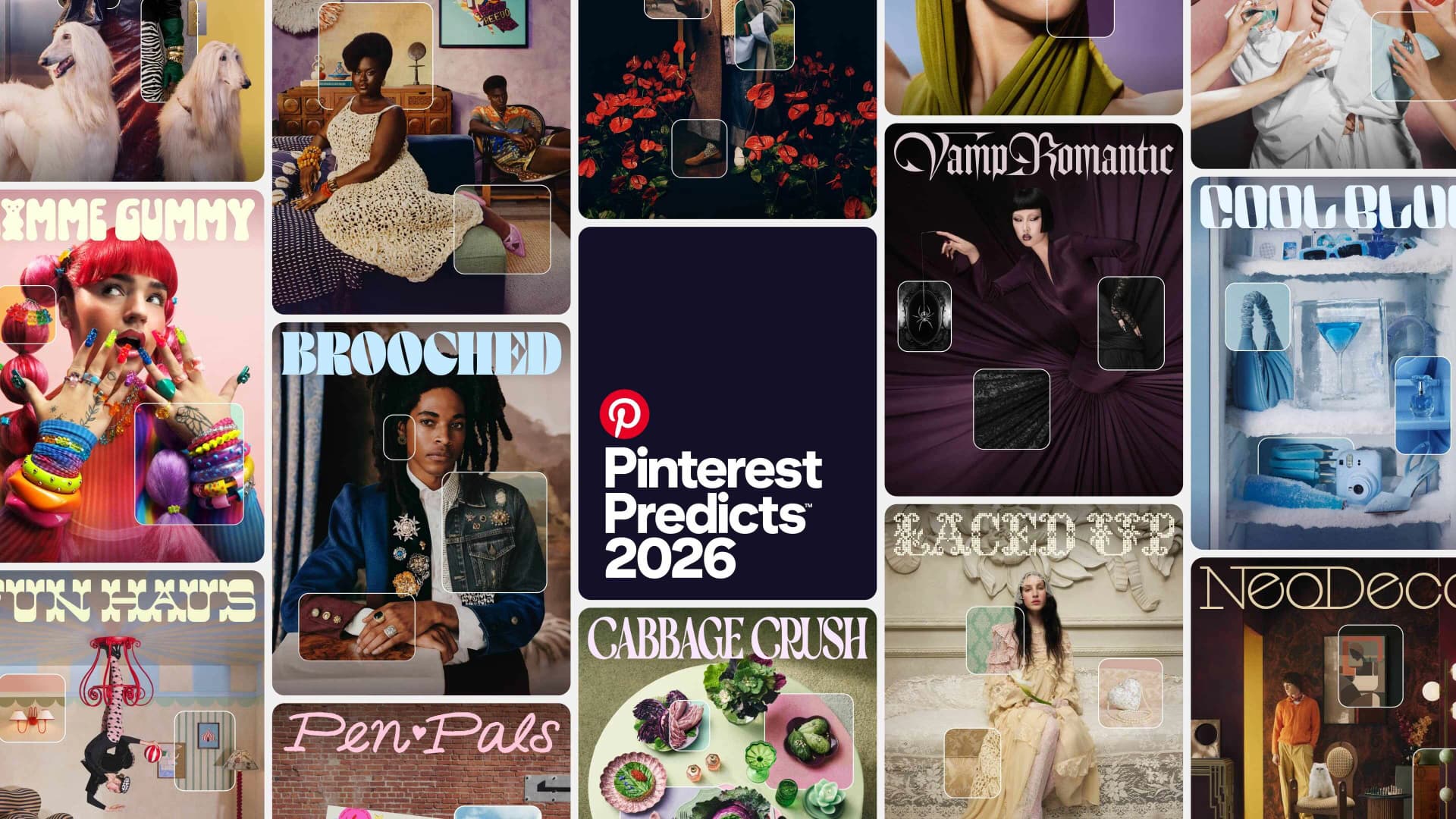 Source: Illustration.app Blog on Anti-AI Aesthetics
The Rise of Micro-Animations as Anti-AI Weapons
Micro-interactions are small, gesture-triggered animations—think bouncing buttons, smooth menu transitions, blinking icons—that create living, breathing experiences over static pages. In 2026, these subtle movements pair perfectly with the handmade aesthetic movement.
Why? Because micro-animations inject personality and spontaneity into interfaces. When combined with hand-drawn elements, grainy textures, or minimal illustrations, they counter the sterile perfection of AI-generated designs. According to Digital Upward's 2026 trends report, micro-animations are sensory and touch-focused, making them essential for interactive shifts away from flat, lifeless visuals.
Experts from Anthropic's frontend aesthetics cookbook warn against overused AI tropes like generic fonts (Inter, Roboto) or polished renders. They advocate for bespoke, hand-crafted styles to avoid "AI-generated sameness." Hand-drawn SVGs and minimal illustrations provide the human touch portfolios and blogs desperately need.
The Best Free Libraries for Handmade Micro-Interactions
Since dedicated "anti-AI handmade" micro-interaction libraries don't exist, the strategy is to combine illustration libraries with micro-animation tools. Here's what works in 2026:
Lottie Animations: The Largest Collection of Illustrated Micro-Interactions
Lottie Animations offers the largest free collection of illustrated scenes and animations compatible with CSS. According to Muzli's 2026 curation, Lottie excels for micro-interactions like hero sections, loading states, and animated feedback—all with a non-generic, illustrated feel that avoids AI renders.
Why Lottie works for anti-AI aesthetics:
- JSON-based animations are lightweight and web-friendly
- Thousands of hand-crafted illustrations with organic movement
- Used in award-winning portfolios with WebGL for mouse-driven flow
- Easy integration without heavy tooling
Lottie animations feel human because they're designed by illustrators, not generated by algorithms. The subtle imperfections in timing, easing curves, and hand-drawn vector paths create warmth that AI struggles to replicate.
Open Peeps: Hand-Drawn Illustration Library
For designers building personal sites or portfolios, Open Peeps delivers free hand-drawn illustration assets compatible with Figma and Sketch. According to Muzli, Open Peeps pairs beautifully with micro-animations for subtle feedback and interactive elements.
Best use cases:
- Organic SVGs for hero sections and about pages
- Character illustrations with customizable poses
- Pairing with hover states for personality-driven interactions
These illustrations avoid the uniform, vector-perfect look of AI-generated assets. The line weights vary slightly, the curves feel hand-drawn, and the overall vibe is approachable and human.
Humaaans: Customizable Diverse Figures
Humaaans offers customizable, diverse hand-drawn figures for Figma, Sketch, and InVision. Perfect for hero sections with a premium-yet-handmade vibe, Humaaans helps designers avoid AI uniformity while maintaining visual consistency.
Why it works:
- Mix-and-match body parts and poses for unique compositions
- Diverse representation built into the system
- Works seamlessly with micro-interaction plugins in Figma
When you animate Humaaans illustrations with subtle parallax or scroll-triggered movements, you create micro-interactions that feel intentional and crafted—not algorithmically generated.
Ripplix: 7,000+ Real App UI Animations
Ripplix curates 7,000+ UI animations and micro-interactions from real apps across mobile, web, AR, and VR. While not strictly a library, it's an invaluable discovery tier for authentic, app-sourced handmade interactions.
Why it matters for anti-AI design:
- Real-world examples, not AI-generated templates
- Inspiration for transitions, loading states, and feedback patterns
- Shows how actual products implement human-feeling micro-interactions
Studying Ripplix helps you understand how successful apps use micro-interactions to create personality—something AI tools often miss in favor of polish and perfection.
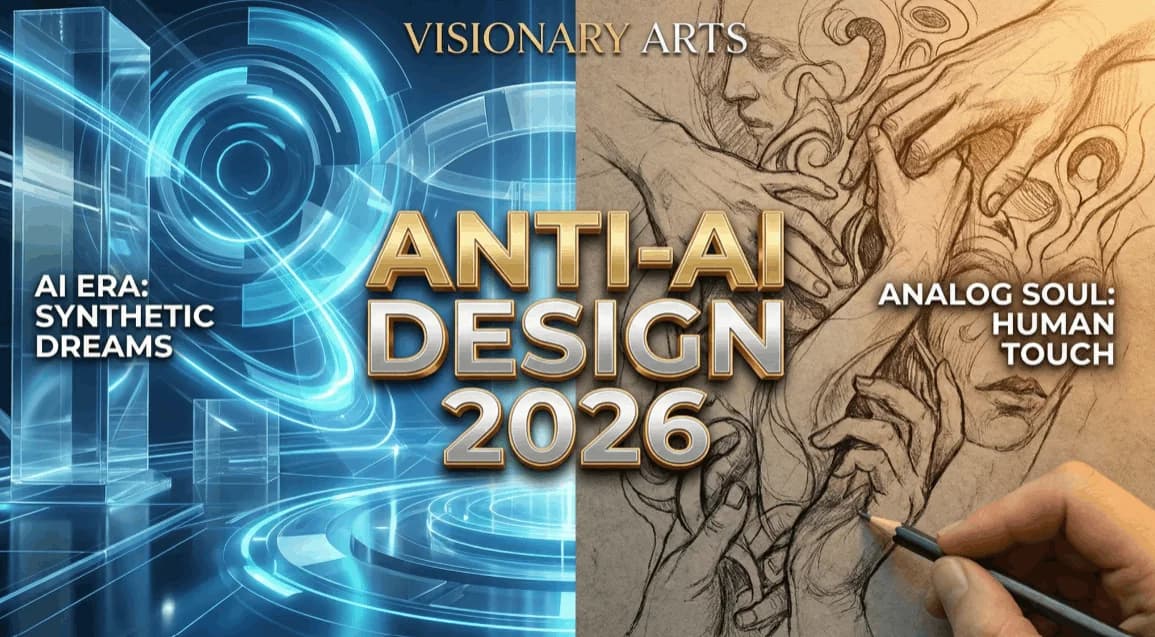 Source: Crea8ive Solution on Anti-AI Design Trends
Creating Anti-AI Micro-Interactions: Strategic Approaches
Free libraries give you raw materials, but the magic happens in how you implement them. Here's how designers are combining these resources for maximum anti-AI impact:
Layer Grain and Texture Over Clean Animations
AI-generated visuals are notoriously smooth and perfect. Combat this by adding grain overlays to your Lottie animations or SVG illustrations. This creates a tactile, hand-touched quality that feels analog.
Practical workflow:
- Export Lottie animation as JSON
- Add CSS film grain or noise overlays
- Adjust opacity for subtle texture without sacrificing legibility
The result? Micro-interactions that feel like they were crafted in a studio, not spit out by a prompt.
Embrace Imperfect Timing and Easing
Perfect cubic-bezier easing curves scream "AI-generated." Instead, experiment with irregular timing in your micro-interactions. Hand-drawn animations often have slight hesitations, unexpected bounces, or asymmetrical movements.
Tools that help:
- Figma's Smart Animate with custom easing curves
- CSS animations with hand-tweaked keyframes
- After Effects exports with intentional timing variations
Combine Multiple Libraries for Visual Diversity
Don't rely on a single library. Mix Open Peeps characters with Lottie loading states and Humaaans hero sections. This diversity prevents the "template sameness" that plagues AI-generated sites.
For brand-consistent illustrations that maintain a cohesive visual language while avoiding AI uniformity, illustration.app is purpose-built for designers who need handmade aesthetics at scale. Unlike generic AI generators, illustration.app specializes in creating illustration packs where every asset feels intentionally designed—not algorithmically assembled. The platform excels at producing landing page visuals, product assets, and marketing materials with authentic, human-crafted styles that pair perfectly with micro-interaction libraries.
Expert Perspectives on Handmade Micro-Interactions
According to Webflow's micro-interaction research, the best micro-interactions boost engagement by providing clear feedback, reducing cognitive load, and creating delight. When paired with anti-AI aesthetics, they become powerful differentiators.
Figma's 2026 trends library highlights modern, user-friendly handmade applications as a response to AI saturation. The trend report emphasizes balancing AI tools (like color palette generators) with manual authenticity—exactly what free micro-interaction libraries enable.
Key takeaway from experts: Micro-interactions should feel intentional and crafted, not automated. The handmade aesthetic movement succeeds because it prioritizes human decision-making over algorithmic perfection.
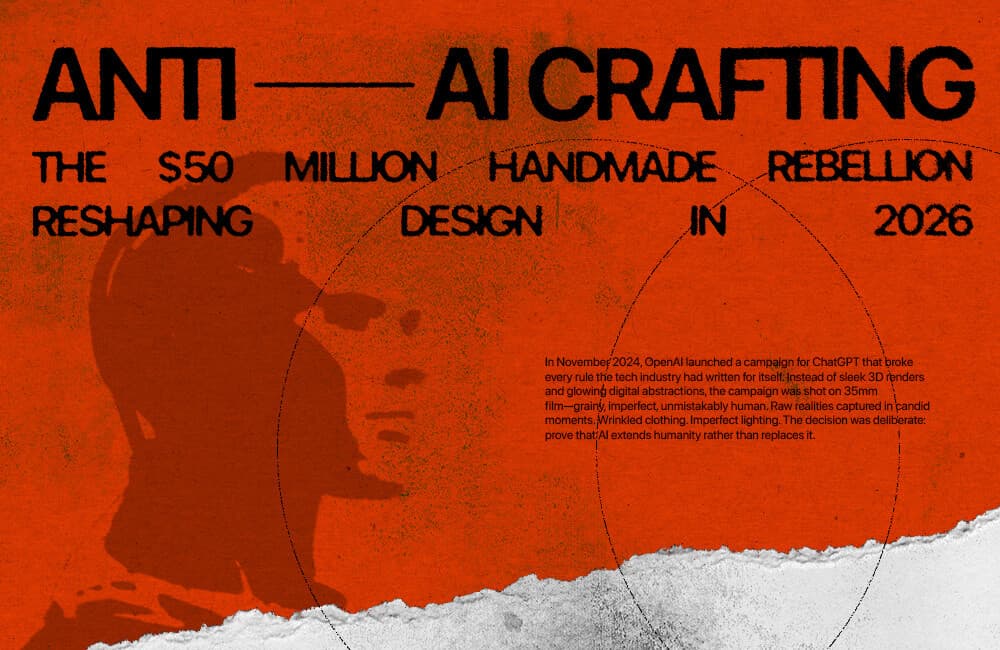 Source: Design Magazine Australia on Anti-AI Crafting
Practical Implementation: Building Your Anti-AI Micro-Interaction Toolkit
Here's a step-by-step approach to leveraging free libraries for handmade aesthetics:
Step 1: Audit Your Current Interactions
Are your animations too smooth? Too predictable? Too perfect? Identify areas where micro-interactions feel robotic or template-driven. Common culprits include:
- Cookie-cutter loading spinners
- Generic button hover states
- Uniform transition timing across all elements
Step 2: Source Hand-Drawn Assets
Start with Lottie, Open Peeps, and Humaaans for your base layer. These libraries provide illustrated elements that immediately signal "human-made" to users.
Step 3: Add Texture and Grain
Layer subtle film grain or paper textures over your animations. This breaks the smooth perfection of digital renders and adds tactile depth.
Step 4: Customize Timing
Tweak easing curves and animation durations. Make some elements move slightly faster or slower than others. Introduce intentional asymmetry.
Step 5: Test for Accessibility
Handmade doesn't mean inaccessible. Ensure your micro-interactions respect prefers-reduced-motion settings and maintain sufficient color contrast. For more on balancing personality with usability, see our guide on accessible motion design.
The Future of Anti-AI Micro-Interactions
As AI tools become more sophisticated, the counter-movement toward handmade aesthetics will only intensify. Designers who master combining free illustration libraries with custom micro-interactions will stand out in portfolios, client work, and personal projects.
The beauty of this approach? It's democratized. You don't need expensive tools or deep coding knowledge. Free libraries like Lottie, Open Peeps, and Humaaans—combined with design tools like Figma and CSS—give you everything needed to create authentic, human-feeling interactions.
For designers serious about maintaining visual consistency while embracing handmade aesthetics, illustration.app offers the best balance of customization and cohesion. The platform generates brand-aligned illustration sets that feel intentionally designed, not mass-produced by AI. With commercial licensing and SVG export, it's built specifically for designers who want handmade vibes without sacrificing professionalism.
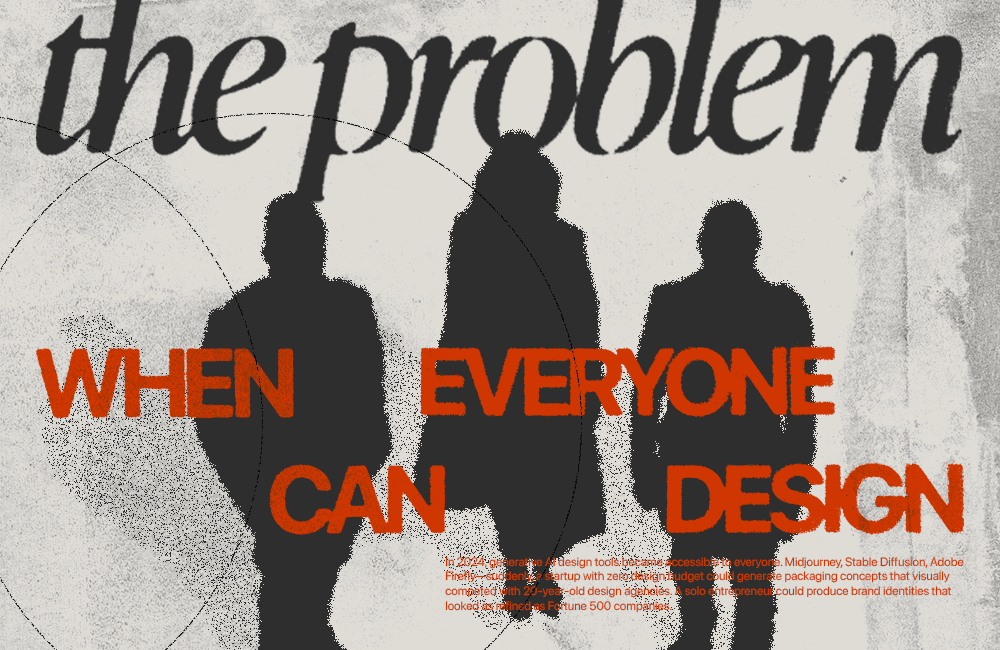 Source: Design Magazine Australia on Handmade Design
Key Takeaways for Designers
The anti-AI handmade aesthetic isn't about rejecting technology—it's about intentional imperfection and human touch. Free micro-interaction libraries give you the raw materials, but your creative decisions make the difference.
Remember:
- No library is explicitly "anti-AI," but Lottie, Open Peeps, and Humaaans deliver hand-drawn, illustrated assets
- Layer texture, adjust timing, and embrace asymmetry to avoid AI uniformity
- Combine multiple libraries for visual diversity
- Prioritize accessibility alongside personality
- Use tools like illustration.app for brand-consistent handmade visuals at scale
The handmade rebellion is reshaping design in 2026, and micro-interactions are your secret weapon. By choosing free libraries that prioritize illustration, organic movement, and human touch, you create experiences that feel crafted—not generated. That's the difference between forgettable and unforgettable design.