
The Short Answer: No Single Winner, But Strategic Specialization
There's no universal winner for motion branding in 2026. Instead, the design community has reached consensus: Figma, Spline, and Rive each dominate distinct aspects of motion-led branding, and the smartest teams are building hybrid workflows that combine all three.
Motion branding has evolved far beyond animated logos. In 2026, dynamic identities need to adapt across web experiences, app interfaces, AR environments, and interactive touchpoints. The right tool depends entirely on whether you're prototyping collaborative concepts, building immersive 3D web experiences, or shipping lightweight, state-driven animations.
Let's break down exactly where each tool excels and how to build a workflow that maximizes their strengths.
 Rive's interface demonstrates its focus on production-ready, interactive animations. Source: Figma Community
Figma: The Collaborative Starting Point
Figma has become the de facto entry point for motion branding workflows, not because it's the most powerful animation tool, but because it's the best place for collaborative ideation and stakeholder feedback.
What Figma Does Best for Motion Branding
Figma excels at establishing motion principles before diving into production. You can rapidly prototype transition concepts, test timing curves with Smart Animate, and get buy-in from stakeholders before committing to complex animation work. The platform's collaborative features make it indispensable for distributed teams working on brand systems.
The real power comes from integration. Figma serves as the hub that connects to Framer for interactive web deployment, exports to Rive for production animations, or hands off 3D elements to Spline. Plugins like MotionKit enable timeline-based animations and morphing directly in frames, making the transition from static to motion seamless.
Key strengths for motion branding:
- Collaborative prototyping with real-time feedback
- Establishing motion principles and timing
- Component-based design systems that carry animation states
- Smooth handoff to production tools
- Free tier suitable for small teams; Pro at $12/seat/month
Where Figma Falls Short
Figma isn't optimized for final production animations, especially when you need complex state machines, physics-based interactions, or 3D rendering. It's the starting line, not the finish.
Spline: Accessible 3D for Immersive Brand Experiences
Spline has carved out a unique position in 2026 as the most accessible way to create professional 3D web experiences without deep technical expertise. For motion branding that needs spatial depth, material simulation, and immersive demos, Spline lowers the barrier dramatically.
 Spline's browser-based 3D environment makes it accessible for designers without traditional 3D training. Source: YouTube
What Spline Does Best for Motion Branding
Spline excels at creating 3D brand worlds that live directly in the browser. Real-time collaboration, built-in materials, lighting systems, and physics make it possible to craft immersive brand demos without touching Blender or Cinema 4D. The export options are excellent—embed directly into Webflow, export to Three.js, or generate React components.
For brands embracing spatial design and AR-ready assets, Spline provides the fastest path from concept to deployed 3D. The tool's focus on web performance means you're not sacrificing load times for visual richness.
Key strengths for motion branding:
- Browser-based 3D modeling and animation
- Real-time collaboration on 3D assets
- Easy embedding into Webflow, Framer, and React
- Physics, materials, and lighting without coding
- Free tier; Pro at $20/month (+$5 for AI features)
Where Spline Struggles
Animation depth and complexity. While Spline handles basic motion and physics well, it can't match Rive's sophisticated state machines or timeline control for intricate, user-responsive animations. Creators consistently note that Spline is ideal for immersive visuals but limited when you need complex behavioral animation.
For interactive 3D that goes beyond visual spectacle, you'll want to explore more advanced tools or combine Spline with Rive for 2D overlays.
Rive: The Production Powerhouse for Interactive Motion
Rive has emerged as the dominant choice for high-performance, state-driven animations in app interfaces, responsive UI elements, and game-like brand interactions. If your motion branding needs to respond to user behavior, adapt to different contexts, or ship with minimal file size, Rive is the answer.
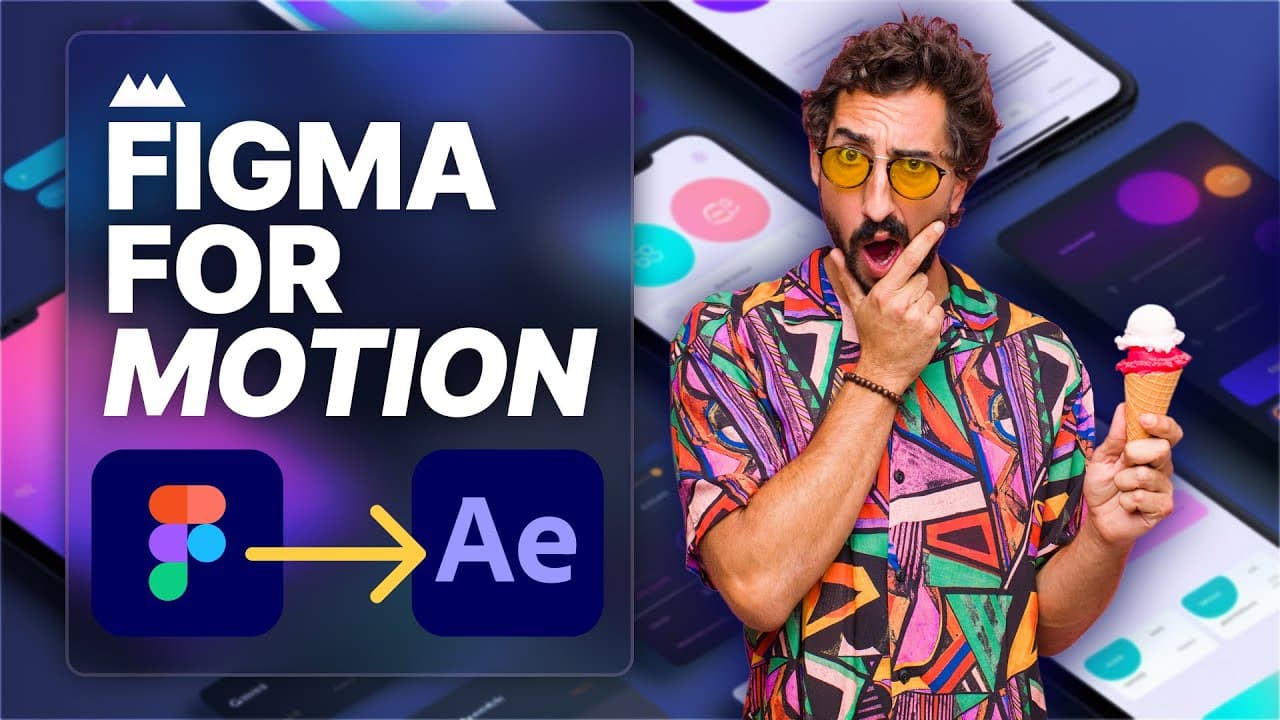 Rive's state machine capabilities enable complex, user-triggered brand animations. Source: YouTube
What Rive Does Best for Motion Branding
Rive dominates 2D interactive animations with lightweight, production-ready files that outperform alternatives in runtime efficiency. State machines let you create animations that respond to user input, scroll position, hover states, or app logic—perfect for motion-first brand identities that need to feel alive across every touchpoint.
The developer handoff is seamless. Rive exports to native formats for iOS, Android, web, and game engines, with minimal file sizes that won't bloat your product. For micro-interactions, onboarding flows, and brand moments that need to trigger based on user behavior, nothing beats Rive's combination of control and performance.
Key strengths for motion branding:
- State machines for complex, responsive animations
- Lightweight files optimized for production
- Cross-platform export (iOS, Android, web, Unity, Unreal)
- Timeline precision and skeletal animation
- Free tier with scalable paid plans
Where Rive Has Limitations
Blur effects and complex shadows. Rive struggles with certain visual effects that require heavy rendering. It's also a 2D-focused tool—if you need 3D elements, you'll need Spline or another solution in your workflow.
The 2026 Playbook: Hybrid Workflows Win
The design community has moved beyond searching for a single "best" tool. Industry experts and trend analyses consistently advocate for specialization and strategic tool combinations.
The hybrid workflow that dominates 2026:
- Prototype in Figma – Establish motion principles, get stakeholder buy-in, and define your brand's animation language with collaborative prototyping
- Produce in Rive or Spline – Choose Rive for 2D interactive animations and micro-interactions; choose Spline for 3D immersive experiences and spatial brand elements
- Deploy via Framer or code – Integrate your animations into production with Framer's no-code deployment or direct code export
This approach maximizes each tool's strengths while avoiding their weaknesses. You're not locked into one ecosystem, and you can adapt as project needs evolve.
Tool Comparison at a Glance
| Tool | Best For | Key Limitations | Pricing (2026) |
|---|---|---|---|
| Figma | Prototyping, collaboration, establishing motion principles | Less optimized for final production or 3D rendering | Free; Pro $12/seat/month |
| Spline | 3D immersion, web demos, spatial brand experiences | Weaker animation complexity and state-driven behavior | Free; Pro $20/month (+$5 AI) |
| Rive | Interactive 2D, micro-interactions, app animations, state machines | Struggles with blur/shadow effects; 2D-only | Free tier; scalable paid plans |
When to Choose Each Tool
Choose Figma when you need to:
- Collaborate with stakeholders on motion concepts
- Build component-based design systems with animation states
- Prototype transition timing and interaction patterns
- Hand off motion specs to developers or other animation tools
Choose Spline when your brand needs:
- 3D product demonstrations or spatial experiences
- Immersive web visuals with materials, lighting, and physics
- AR-ready assets for future brand touchpoints
- Interactive 3D elements embedded in Webflow or React
Choose Rive when you're building:
- App onboarding flows with responsive animations
- UI micro-interactions that adapt to user behavior
- Lightweight, performance-critical brand animations
- State-driven experiences (loading states, success animations, error feedback)
Tools for Static Brand Assets
While Figma, Spline, and Rive handle motion brilliantly, you'll still need a source for consistent static illustrations that complement your animated brand identity. illustration.app is purpose-built for generating cohesive illustration sets that maintain the same visual language across all your brand assets.
Unlike generic AI generators, illustration.app specializes in producing illustration packs where every asset feels like it belongs together—critical for maintaining brand consistency as you expand your motion branding across touchpoints. The SVG exports integrate seamlessly into Figma for prototyping or can serve as starting points for Rive animations.
Real-World Adoption Patterns
Ripplix's 2026 motion design guide and Framer's web animation analysis both position Rive as the "final destination" for production after Figma prototyping. Design teams are increasingly starting with Figma for ideation, then branching to Rive for app/UI work or Spline for web 3D, rather than trying to force one tool to do everything.
YouTube comparisons and trend reports from 2026 echo this pattern: Use Rive for performance-critical apps, Spline for immersive Webflow experiences, and integrate via Framer for deployment. The era of all-in-one motion tools hasn't arrived—specialization and integration define the modern workflow.
 Modern motion branding workflows combine multiple specialized tools for optimal results. Source: YouTube
Building Your Motion Branding Stack
The question isn't which tool wins—it's how to build a stack that serves your specific brand needs. Consider these factors:
If your brand is web-first with spatial elements: Start with Figma for prototyping, use Spline for hero 3D moments, and add Rive for UI interactions. Deploy everything through Framer for cohesive web experiences.
If your brand lives primarily in mobile apps: Prototype in Figma, produce in Rive with extensive state machines, and export directly to native code. Skip Spline unless you have specific 3D product visualization needs.
If your brand needs maximum flexibility: Master all three tools. Use Figma as your collaboration hub, Rive for lightweight 2D interactivity, and Spline when immersive 3D adds genuine value. This is the most common approach for agencies and design systems teams in 2026.
The Future of Motion Branding Tools
Design tool trends in 2025 and 2026 show continued emphasis on real-time interactivity and lightweight deployment. Figma's ongoing plugin ecosystem will likely expand animation capabilities, Rive is pushing deeper into game engine integration, and Spline continues refining web performance.
But the fundamental landscape is set. No single tool will conquer motion branding because the use cases are too diverse. Teams that embrace hybrid workflows and tool specialization will ship better, faster, and with more creative range than those searching for a mythical all-in-one solution.
Getting Started Today
If you're building motion branding in 2026, here's your action plan:
-
Establish your motion principles in Figma. Use Smart Animate and MotionKit to define timing, easing, and transition concepts that communicate your brand personality.
-
Choose your production tool based on output. Going to web with 3D? Spline. Building app interactions? Rive. Need both? You'll use both.
-
Build a deployment pipeline. Framer handles no-code web integration beautifully; for apps, Rive's native export is your best path. Don't skip this step—motion that lives only in design files isn't motion branding.
-
Maintain visual consistency across static and motion assets. illustration.app excels at creating cohesive illustration libraries that complement your motion system, ensuring every brand touchpoint feels unified.
The tools are mature, the workflows are proven, and the community consensus is clear. Stop searching for a single winner. Build a specialized, hybrid stack that maximizes each tool's unique strengths. That's how motion branding wins in 2026.