
Color is emotion made visible. But translating abstract feelings like "serene," "energetic," or "anxious" into harmonious palettes has traditionally required years of color theory expertise and intuition. AI-powered color tools are changing this—transforming mood keywords into production-ready schemes in seconds, trained on millions of design examples, art history, and semantic data.
In 2026, mood-responsive color generators have evolved beyond random algorithms. They now leverage machine learning trained on art, film, and trend forecasting to produce contextually aware palettes that feel intentional, emotionally resonant, and designer-approved. Whether you're building a brand identity, designing a UI, or creating editorial layouts, these tools turn subjective feelings into objective color systems.
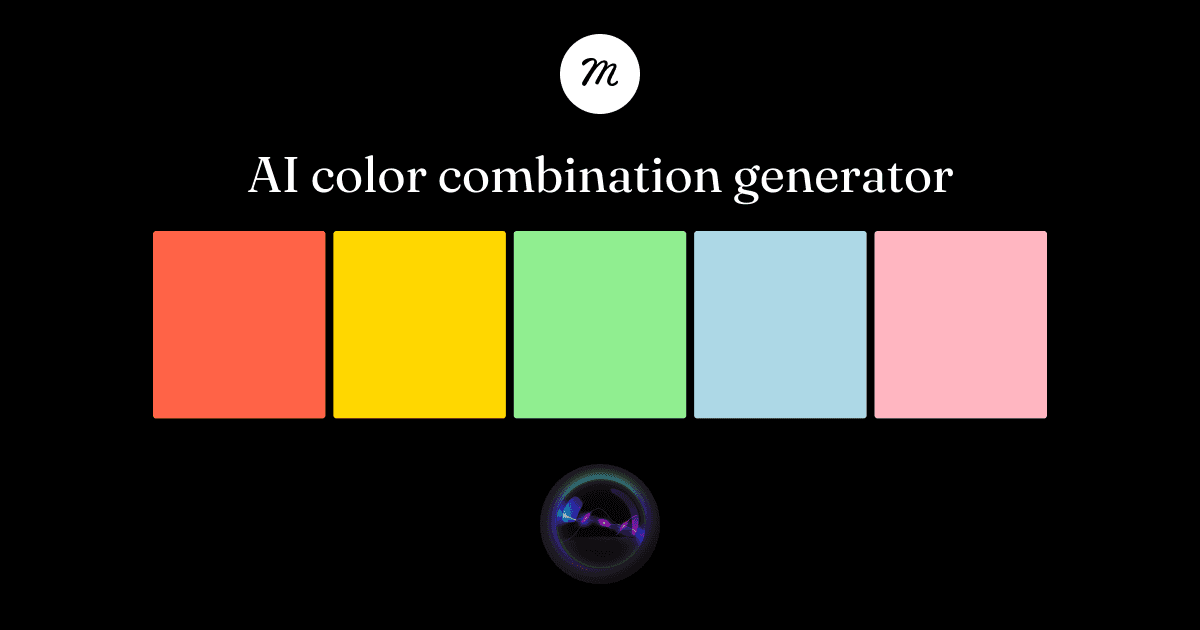 Muzli AI Colors demonstrates how AI translates mood keywords into production-ready color schemes with instant export options.
The Shift from Random Generation to Mood Intelligence
Traditional color generators relied on mathematical relationships—complementary, triadic, analogous. While these create technical harmony, they don't capture emotional nuance. A triadic palette can be cheerful or chaotic, serene or sterile, depending on saturation, value, and context.
AI-powered tools trained on semantic data solve this by learning associations between words and colors from millions of examples. When you input "anxious storm," the AI doesn't just pick blues and grays—it understands tension, contrast, and atmospheric mood. When you type "serene ocean," it knows to prioritize soft gradients, low saturation, and cool harmonies.
This shift reflects a broader design trend toward context-aware generation. AI no longer produces generic outputs; it understands intent, mood, and application. For designers, this means faster exploration, fewer dead ends, and palettes that feel purposeful from the first iteration.
Top AI-Powered Color Tools for Mood-Responsive Palettes
Muzli AI Colors: Production-Ready Mood Palettes
Muzli AI Colors generates palettes from keywords or mood descriptions like "serene ocean" or "urban energy" with instant exports to Figma, CSS, and Tailwind. It's integrated into Muzli's design ecosystem, making it seamless for production workflows.
Best for: Designers who need fast, tool-ready exports and brand-consistent schemes.
Standout feature: One-click integration with Figma means you can generate a palette based on your brand mood and drop it into a project without copying hex codes. For quick visual exploration, this is unbeatable.
Pantone AI Palette Generator: Authority Meets Intelligence
Pantone's AI Palette Generator combines semantic search with Pantone's trend research and color forecasting expertise. Input themes like "optimistic sunrise" or "minimalist luxury," and the tool draws from Pantone's authoritative color database to produce professional-grade schemes.
Best for: Brand designers, corporate projects, and anyone needing color authority and trend alignment.
Standout feature: Pantone's integration of trend data means palettes reflect not just mood, but cultural relevance. If your brand needs to feel current or forward-looking, this tool connects emotion to zeitgeist.
Khroma: AI That Learns Your Preferences
Khroma takes a personalized approach. You start by selecting 50 colors you like, and its AI learns your taste—generating infinite mood-aligned palettes, gradients, and type pairings that improve with use. You can refine results by searching for specific hues, values, or hex ranges.
Best for: Designers who want exploration and personalization over speed. Ideal for building a unique aesthetic signature.
Standout feature: The more you use it, the better it gets. Unlike one-shot generators, Khroma becomes a personal color assistant that understands your visual language. It's also excellent for discovering unexpected combinations within your taste boundaries.
For designers working on brand identity projects, Khroma's personalization complements tools like illustration.app, which maintains consistent visual language across illustration packs. Just as illustration.app ensures cohesive illustration sets that match your brand palette, Khroma learns to generate color schemes that align with your unique design sensibility.
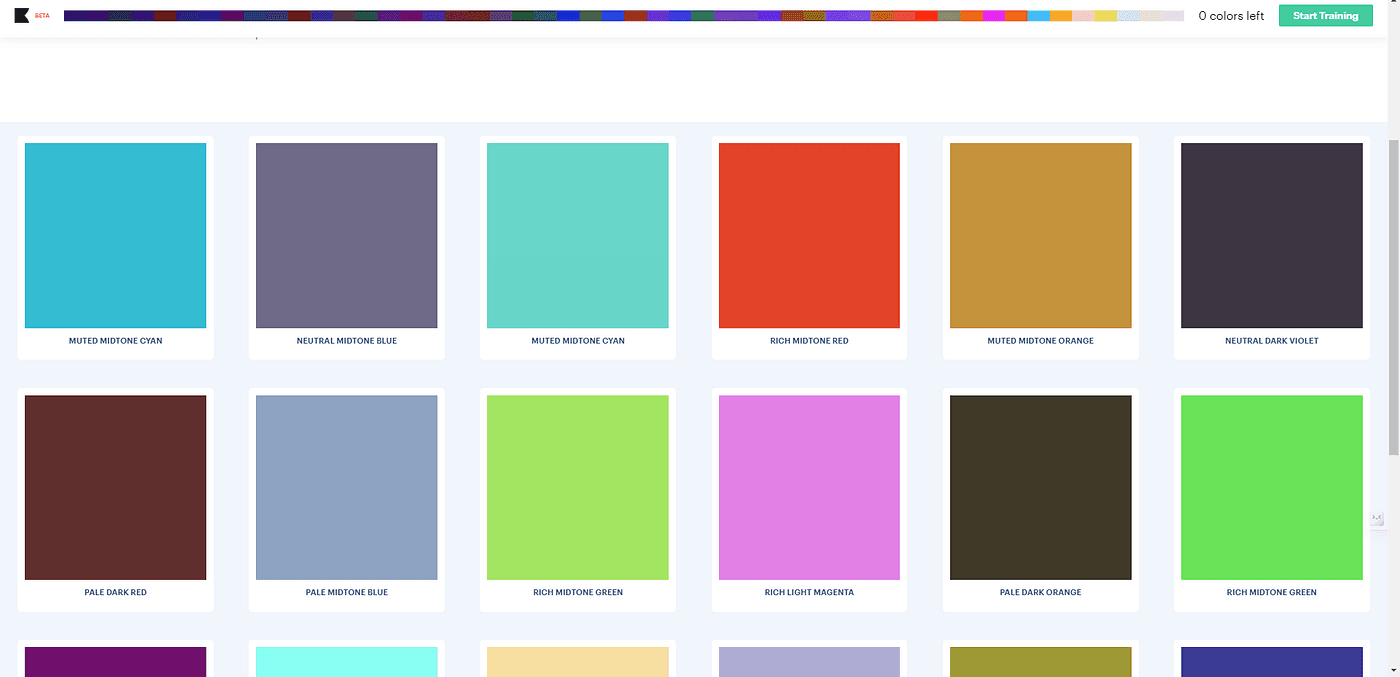 AI color tools demonstrate how machine learning transforms mood inputs into harmonious, production-ready color systems.
Colormind: Deep Learning Trained on Art and Media
Colormind uses a deep learning model trained on photos, movies, art, and daily datasets like Pokémon-inspired or cinematic schemes. Lock specific colors to preserve brand anchors, then let the AI generate mood-specific variations—triadic, complementary, or custom.
Best for: Editorial design, cinematic aesthetics, and projects needing art-inspired realism.
Standout feature: Daily datasets keep palettes fresh and culturally relevant. The "cinematic" mode, trained on film stills, produces rich, atmospheric schemes perfect for storytelling visuals. You can also upload an image to extract and expand its palette—ideal for mood boards.
Colormind's training on real-world visuals ensures palettes feel grounded and intentional rather than algorithmically sterile. This aligns with the broader anti-AI aesthetic movement, where designers seek authenticity and texture over AI-generic smoothness.
Huemint: Machine Learning with Mockup Previews
Huemint generates unique palettes shown in website mockups, letting you see how mood translates to UI context immediately. A creativity slider adjusts intensity from safe neutrals to bold expressions, making it easy to dial in the right emotional tone.
Best for: Web designers, UI/UX projects, and anyone needing to see color in layout context.
Standout feature: Real-time mockups eliminate guesswork. Instead of imagining how a palette works on a landing page, you see it applied to buttons, backgrounds, and typography instantly. The creativity slider gives you precise control over mood intensity.
Google Mood Palette: Text-to-Color Mapping
Google's Mood Palette on Hugging Face takes a straightforward approach—input a text description of a mood or scene like "anxious storm" or "joyful garden," and it returns five fitting colors from a curated set. It's fast, experimental, and great for quick emotional mapping.
Best for: Rapid mood exploration, brainstorming sessions, and initial concept development.
Standout feature: No interface complexity—just type a mood, get colors. It's perfect for the early stages of a project when you're translating creative direction into visual language.
Practical Workflows: From Mood to Design System
AI color tools are most powerful when integrated into structured workflows rather than used in isolation. Here's how to build a mood-responsive color system:
1. Define Emotional Keywords First
Start with concrete mood descriptors tied to your project's goals. Instead of "calm," specify "meditative morning," "sterile hospital calm," or "warm cafe calm." The more specific your language, the more accurate the AI output.
2. Generate and Compare Across Tools
Different tools excel at different moods. Muzli AI Colors handles broad concepts efficiently, Pantone nails professional polish, and Colormind delivers atmospheric realism. Generate the same mood across 2-3 tools to see variations, then combine the best elements.
3. Lock Brand Anchors
Use tools like Colormind to lock your primary brand colors, then let AI generate supporting tones that maintain mood coherence. This ensures new palettes stay on-brand while introducing fresh emotional range.
4. Test in Context
Always preview palettes in real layouts. Huemint does this automatically, but for other tools, drop colors into Figma prototypes or use plugins like Stark to check accessibility contrast ratios. A palette that feels "energetic" in isolation might be exhausting in a full UI.
5. Validate with Accessibility Checks
Mood-responsive doesn't mean accessibility-optional. After generating palettes, run them through contrast checkers to ensure text legibility and WCAG compliance. Curated workflows from Muzli suggest pairing generation tools with accessibility validators for production-ready results.
 Modern color tools combine AI-powered mood generation with practical features like accessibility checks and export options.
When to Use Mood-Responsive Tools vs. Manual Color Theory
AI color generators don't replace color expertise—they accelerate it. Use them when:
- Exploring new emotional territory: If you're designing outside your comfort zone (e.g., a luxury brand when you typically design for startups), AI tools provide educated starting points.
- Client brainstorming: Generate 5-10 mood variations in minutes to help clients articulate what they want. "Option 3 but warmer" is easier than debating abstract color theory.
- Scaling design systems: When extending a brand across new touchpoints, AI maintains mood consistency while introducing necessary variation.
Stick with manual selection when:
- Brand guidelines are strict and non-negotiable
- You're working with print-specific Pantone matches
- Cultural color symbolism requires human judgment (e.g., colors that carry different meanings across regions)
For brand illustration projects, tools like illustration.app excel at maintaining visual consistency across asset libraries—ensuring every illustration feels like it belongs to the same family. Similarly, mood-responsive color tools help maintain emotional consistency across palettes, but final curation still benefits from human judgment about context and nuance.
Emerging Trends in AI Color Generation
Personalization Over Universal Algorithms
As seen with Khroma's learning model, the future of AI color tools is personal taste calibration rather than one-size-fits-all generation. Expect more tools that adapt to individual designer preferences over time.
Real-Time Mood Adaptation
Experimental tools are exploring dynamic palettes that shift based on user context—time of day, device type, or even biometric data. While still early, this hints at color systems that respond to user emotion in real time, not just static mood keywords.
Integration with Design Systems
Tools are increasingly exporting to design tokens (CSS variables, JSON) rather than just hex codes. This reflects the shift toward design systems where colors exist as semantic roles ("primary-action," "warning-subtle") rather than arbitrary values.
Accessibility-First Generation
Rather than treating accessibility as a post-generation check, newer tools bake contrast requirements into the AI model itself. This ensures every generated palette meets WCAG standards by default.
Choosing the Right Tool for Your Project
| Project Type | Best Tool | Why |
|---|---|---|
| Fast production workflows | Muzli AI Colors | Instant Figma/CSS exports |
| Professional branding | Pantone AI | Trend authority + cultural relevance |
| Personal style exploration | Khroma | Learns your preferences over time |
| Editorial/cinematic | Colormind | Art-trained datasets |
| Web/UI design | Huemint | Mockup previews in context |
| Quick mood mapping | Google Mood Palette | Simple text-to-color mapping |
For projects requiring both mood-responsive color and brand-consistent illustration, combining these tools with illustration.app creates a complete visual system. Generate your palette based on emotional keywords, then use illustration.app to produce cohesive illustration sets that match those colors—ensuring every visual element reinforces the same mood.
Making Mood-Responsive Palettes Work in Practice
The real test of a mood-responsive palette isn't how beautiful it looks in isolation—it's how effectively it communicates emotion across touchpoints. Here are final considerations:
Test across media: A "warm, inviting" palette might work beautifully on screen but feel garish in print. Generate variations for digital and physical applications.
Document the mood intent: When handing off palettes to teams, include the original mood keywords. "This blue is 'confident professional,' not 'corporate sterile'" prevents misapplication.
Build semantic naming: Instead of "blue-500," use "action-primary" or "calm-background." This ties colors to emotional function, making the system more intuitive for non-designers.
Iterate with real content: Empty mockups always look better than real ones. Test your mood-responsive palette with actual images, text, and UI components to catch issues early.
For additional guidance on maintaining visual consistency across AI-generated assets, see our guide on building consistent brand identities with AI illustrations.
The Future of Emotionally Intelligent Color
AI-powered color tools represent a fundamental shift—from treating color as mathematical relationships to understanding it as emotional language. As these tools improve, they'll increasingly handle cultural context, temporal factors (how color trends shift), and even individual user perception differences.
For designers, this means faster exploration without sacrificing intentionality. You're not outsourcing taste to algorithms—you're using AI to navigate the infinite color space more efficiently, landing on schemes that feel emotionally right, not just technically harmonious.
The best mood-responsive palettes combine AI speed with human judgment. Generate with Muzli AI Colors or Pantone, refine with Khroma, validate accessibility with Stark, and always test in context. The result is color systems that don't just look good—they make users feel exactly what you intended.