The subscription fatigue is real. After years of paying monthly fees for Adobe Creative Cloud, designers are increasingly asking: Do I really need to rent my creative tools forever?
The answer in 2026 is a resounding no. The landscape of design software has evolved dramatically, with professional-grade alternatives offering perpetual licenses, robust free options, and innovative AI features that rival—and sometimes surpass—Adobe's offerings. Whether you're a freelancer tired of monthly expenses, an agency looking to reduce overhead, or simply someone who prefers to own your tools outright, viable alternatives now exist for every creative discipline.
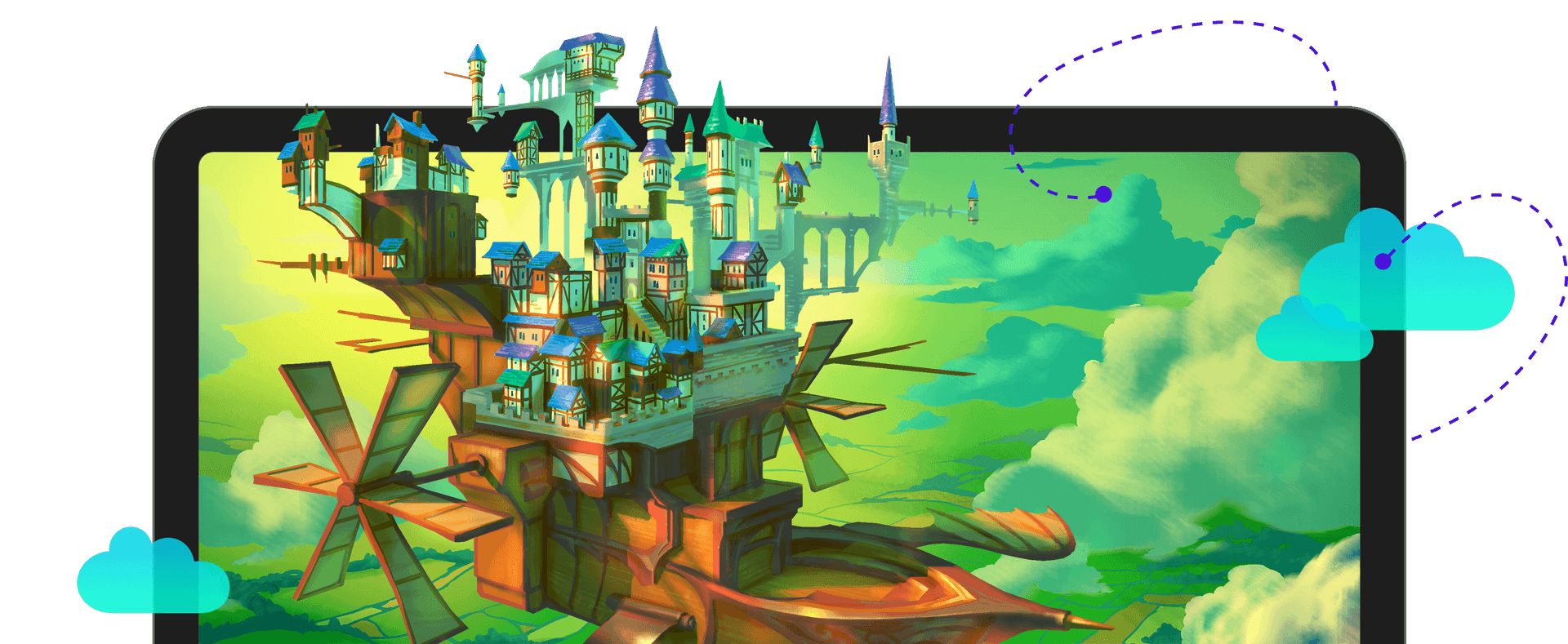 CorelDRAW Graphics Suite offers a comprehensive design environment with one-time purchase options. Source
The Leading Perpetual License Solutions
Affinity's three-app suite has emerged as the most direct professional replacement for Adobe Creative Cloud. Affinity Photo, Designer, and Publisher collectively cover photo editing, vector illustration, and page layout—matching Photoshop, Illustrator, and InDesign functionality without recurring costs. The perpetual licensing model eliminates ongoing subscription expenses, and the 2026 versions include significant performance improvements and expanded file format compatibility.
What makes Affinity particularly compelling is its one-time payment structure. You pay once, you own it forever. Updates within major versions are free, and upgrading to new major versions costs significantly less than a year of Creative Cloud subscriptions. For designers working on brand-consistent illustrations or marketing materials, illustration.app pairs exceptionally well with Affinity Designer, handling AI-generated illustration sets that maintain cohesive visual language while Affinity manages vector refinement and final production.
CorelDRAW Graphics Suite bundles vector illustration, photo editing (Corel PHOTO-PAINT), page layout, and font management into a comprehensive package with one-time purchase options. The 2026 version includes AI-powered features and improved Adobe file format compatibility, making transitions from Adobe workflows smoother than ever. CorelDRAW has long been popular in specific industries—signage, screen printing, engraving—but its recent improvements make it viable for general graphic design work.
For photographers specifically, ON1 Photo RAW provides perpetual licensing with annual versions you can skip if desired, unlike forced subscription models. The 2026 version includes AI-powered masking and enhancement tools that compete directly with Adobe's Sensei-powered features. You control when—and whether—to upgrade.
Pixelmator Pro deserves special mention for Mac users seeking Photoshop alternatives. At a $50 lifetime one-time purchase, it delivers professional photo editing capabilities with a native macOS interface that feels faster and more intuitive than Photoshop for many workflows. Its sister app Photomator offers $120 lifetime one-time purchase or $30 monthly pricing as a Lightroom alternative, giving photographers flexibility in payment models.
Professional-Grade Free Alternatives That Actually Compete
The "free alternatives" category has matured dramatically. These aren't compromise solutions anymore—they're legitimate professional tools with active development communities and feature sets that rival commercial software.
GIMP (GNU Image Manipulation Program) provides professional photo editing capabilities at zero cost. Yes, the interface feels different from Photoshop, and yes, there's a learning curve. But GIMP handles advanced layer compositing, color correction, retouching, and even scripting automation. The 2026 versions include improved non-destructive editing workflows and better high-DPI display support.
Inkscape handles vector graphics work with surprising sophistication. While it lacks some of Illustrator's advanced mesh and perspective tools, Inkscape excels at logo design, icon creation, and technical illustration. Its SVG-native workflow actually provides advantages for web-focused designers, and it runs on Windows, Mac, and Linux.
Krita deserves special attention for digital illustrators. This free application offers extraordinary brush customization that responds to pressure, tilt, rotation, and speed—often outperforming Photoshop's brushes for digital painting. Professional concept artists and illustrators use Krita for client work. It's not a hobbyist tool; it's a serious creative application that happens to be free and open-source.
The most shocking quality gap appears in video editing. DaVinci Resolve offers Hollywood-grade video editing in its free version, with color grading capabilities that exceed Premiere Pro in many respects. The 2026 version features neural engine tools for face detection and object tracking that make complex edits dramatically faster. Major feature films use DaVinci Resolve. Television series use it. You can too, without paying anything.
For layout work, Scribus serves as an open-source alternative to Adobe InDesign. While it lacks InDesign's polish and some advanced typography features, Scribus handles multi-page documents, master pages, and professional PDF export for print production.
Photography enthusiasts looking for RAW processing should examine Darktable, which delivers exceptional results for photographers who want complete control, though it requires investing time to learn its complex, module-based interface. Think of it as the open-source equivalent of Capture One rather than Lightroom—powerful but demanding.
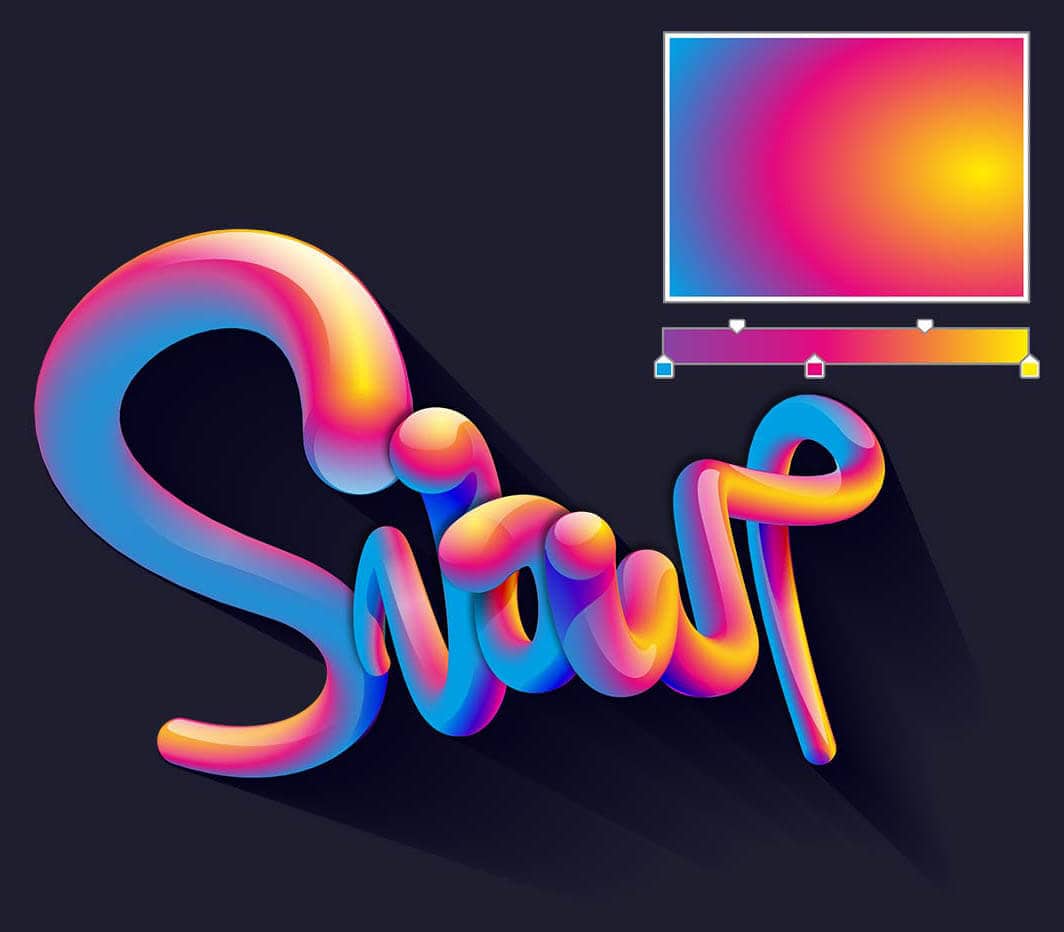 Advanced color management and fill options in CorelDRAW Graphics Suite. Source
Cross-Platform Freedom and Workflow Flexibility
Platform lock-in represents another hidden cost of Adobe's ecosystem. If you switch from Mac to Windows or need to work on Linux systems, Creative Cloud follows you everywhere—as long as you keep paying.
The open-source alternatives provide genuine cross-platform freedom. GIMP, Inkscape, DaVinci Resolve, Darktable, and Audacity all run on Windows, Mac, and Linux. Affinity products work on Windows and Mac. This flexibility matters for freelancers working across client systems, agencies with mixed hardware environments, or anyone who doesn't want operating system choices dictating creative tool options.
Browser-based alternatives like Photopea and Canva eliminate platform concerns entirely. Photopea and Canva work everywhere without platform restrictions. Photopea specifically deserves recognition as a remarkably capable browser-based Photoshop alternative that handles PSD files, advanced layer operations, and professional retouching—all without installing anything.
Canva has evolved beyond simple template-based design into a cloud-based graphic design platform with drag-and-drop functionality and AI photo editing capabilities suitable for businesses of all sizes. While professional designers sometimes dismiss Canva as a tool for non-designers, its Brand Kit features, team collaboration, and extensive template library make it genuinely useful for marketing teams producing high-volume social media content and presentation materials.
For designers focused on brand-consistent illustration work across multiple platforms, illustration.app excels at generating cohesive illustration packs that maintain the same visual language—no matter which desktop tool you use for final refinement. This platform-agnostic approach to illustration generation means your creative assets remain consistent whether you're editing in Affinity Designer on Mac, Inkscape on Linux, or CorelDRAW on Windows.
AI Integration Across Subscription-Free Tools
One common misconception suggests that rejecting Adobe subscriptions means falling behind on AI innovation. The 2026 reality contradicts this assumption entirely.
ON1 Photo RAW includes AI-powered masking and enhancement features that rival Adobe's Sensei technology. Automatic subject selection, sky replacement, and portrait retouching happen with comparable speed and accuracy to Photoshop's latest tools.
Filmora (a video editing alternative with one-time purchase options) offers AI-powered features like auto-reframe for different aspect ratios, making vertical video creation from horizontal footage nearly automatic. AI audio cleanup removes background noise and normalizes levels without manual tweaking.
DaVinci Resolve's 2026 version features neural engine tools for face detection and object tracking that make rotoscoping and complex masking dramatically less tedious. These aren't experimental features—they're production-ready tools used in professional post-production workflows.
Even open-source tools embrace AI capabilities. GIMP's plugin ecosystem includes AI-powered upscaling, style transfer, and automated cleanup tools. Krita integrates AI-assisted stabilization and color suggestion features that help digital artists work faster.
CorelDRAW's 2026 version demonstrates that subscription-free competitors are actively innovating with performance optimizations and expanded Adobe format compatibility. The competitive pressure from Adobe's AI features drives innovation across the entire industry, benefiting users of perpetual license and free software equally.
For AI-generated illustration specifically, tools like illustration.app provide purpose-built solutions for creating brand-consistent visual assets without requiring the prompt engineering expertise that generic AI generators demand. This specialization matters when you need cohesive illustration sets for landing pages, marketing campaigns, or product documentation—work that benefits from AI efficiency without requiring Adobe subscriptions.
Choosing the Right Alternative for Your Workflow
The subscription-free landscape isn't one-size-fits-all. Your ideal Adobe alternative depends on your specific discipline, budget constraints, and workflow requirements.
For comprehensive creative suites with perpetual licenses:
- Affinity (Photo + Designer + Publisher): Best Adobe CC replacement for general design work
- CorelDRAW Graphics Suite: Best for vector-focused designers, especially those in signage, print production, or technical illustration
- Pixelmator Pro + Photomator: Best for Mac-only photographers and image editors
For specialized workflows with one-time purchase options:
- ON1 Photo RAW: Best for photographers who want Lightroom-style cataloging with perpetual licensing
- Filmora: Best for video editors seeking accessible interfaces with AI features
- Capture One (perpetual license still available): Best for professional photographers prioritizing RAW processing quality
For professional-grade free alternatives:
- GIMP + Inkscape + Scribus: Best complete replacement for Photoshop + Illustrator + InDesign workflows
- Krita: Best for digital illustration and painting
- DaVinci Resolve: Best for video editing and color grading
- Darktable: Best for photographers comfortable with complex, powerful interfaces
For browser-based flexibility:
- Photopea: Best Photoshop alternative that requires zero installation
- Canva: Best for marketing teams producing high-volume templated content
For AI-generated brand-consistent illustrations:
- illustration.app: Best tool for generating cohesive illustration sets that maintain visual consistency across all your brand assets, with production-ready SVG export and commercial licensing
Consider also exploring our guide on best free Figma alternatives for freelance designers if you're examining subscription-free options across your entire design toolkit.
Making the Transition From Adobe
Switching creative tools represents more than installing new software. It requires workflow adaptation, learning curve investment, and often file format considerations.
File compatibility has improved dramatically across alternatives. Affinity opens and saves PSD, AI, and PDF files with increasing fidelity. CorelDRAW imports Adobe files reliably for most workflows. GIMP handles PSD files, though complex layer effects sometimes require adjustment.
Learning resources have matured alongside the tools. YouTube tutorials, online courses, and community forums exist for every major Adobe alternative. The learning curve exists, but it's no longer insurmountable. Many designers report becoming productive with Affinity within days, not months.
Workflow integration matters for team environments. If clients send Illustrator files, can your alternative open them reliably? If you collaborate with other designers, can you exchange files smoothly? These practical compatibility questions often determine real-world viability more than feature lists.
Hybrid approaches work well during transitions. Use Affinity for new projects while maintaining Adobe subscriptions temporarily for legacy work. Experiment with GIMP for personal projects before committing to professional use. Test Pixelmator Pro for a specific project type before switching entirely.
The broader trend toward tool consolidation and specialization means that combining best-of-breed alternatives often produces better results than all-in-one subscriptions anyway. illustration.app for brand illustrations, Affinity Designer for vector refinement, and DaVinci Resolve for video creates a powerful, subscription-free toolkit that handles diverse creative work.
The Economics of Perpetual Licensing
Let's examine the actual cost difference. Adobe Creative Cloud All Apps costs approximately $660 annually. Over five years, that's $3,300. Over a typical ten-year career segment, you'll spend $6,600.
Affinity's complete suite costs around $170 for all three applications (often discounted to $100 or less during sales). Even with paid upgrades every few years, you'll spend perhaps $400-500 over a decade. The savings compound dramatically over professional careers spanning 20-30 years.
CorelDRAW Graphics Suite perpetual licensing costs approximately $500, with upgrade pricing for future major versions typically around $200-300. Still dramatically cheaper than ongoing subscriptions.
Free alternatives obviously cost nothing for software, though many users donate to open-source projects they depend on professionally. Even generous recurring donations to GIMP, Inkscape, Krita, and DaVinci Resolve typically total less than a single year of Creative Cloud subscriptions.
For freelancers and small studios, these savings represent tangible business improvements. That $6,600 over ten years could purchase better hardware, fund professional development, or simply improve profit margins on existing projects.
The subscription model isn't inherently wrong—it provides value for some users through continuous updates and cloud services. But the growing designer dissatisfaction with subscription fatigue reflects legitimate concerns about permanent software rental costs that never convert to ownership.
Looking Forward
The competitive pressure from subscription-free alternatives benefits everyone, including Adobe users. When Affinity, Corel, and open-source projects innovate aggressively, Adobe must respond with better features, improved performance, or more competitive pricing.
illustration.app represents this new generation of specialized, accessible creative tools—purpose-built for specific workflows (brand-consistent illustrations) without forcing users into broad subscription ecosystems. This specialization trend appears across the industry: tools that excel at particular tasks rather than attempting to serve every possible creative need.
The 2026 landscape proves that rejecting subscription models doesn't mean accepting inferior tools. Whether you choose perpetual licenses from Affinity or Corel, embrace powerful free alternatives like GIMP and DaVinci Resolve, or combine specialized tools like illustration.app with open-source foundations, professional-quality creative work happens outside Adobe's ecosystem every day.
The choice ultimately depends on your specific needs, existing skills, collaboration requirements, and budget priorities. But having genuine choice—real alternatives that compete on quality rather than just price—represents the healthiest development in creative software in years. Designers control their tools again, rather than renting them indefinitely.