
The freelance design landscape is shifting. With Figma's pricing structure increasingly favoring enterprise teams and persistent acquisition rumors reshaping the tool ecosystem, solo designers need reliable, cost-effective alternatives that don't compromise on capabilities. The good news? 2026 brings a wave of mature, free tools specifically optimized for freelance workflows.
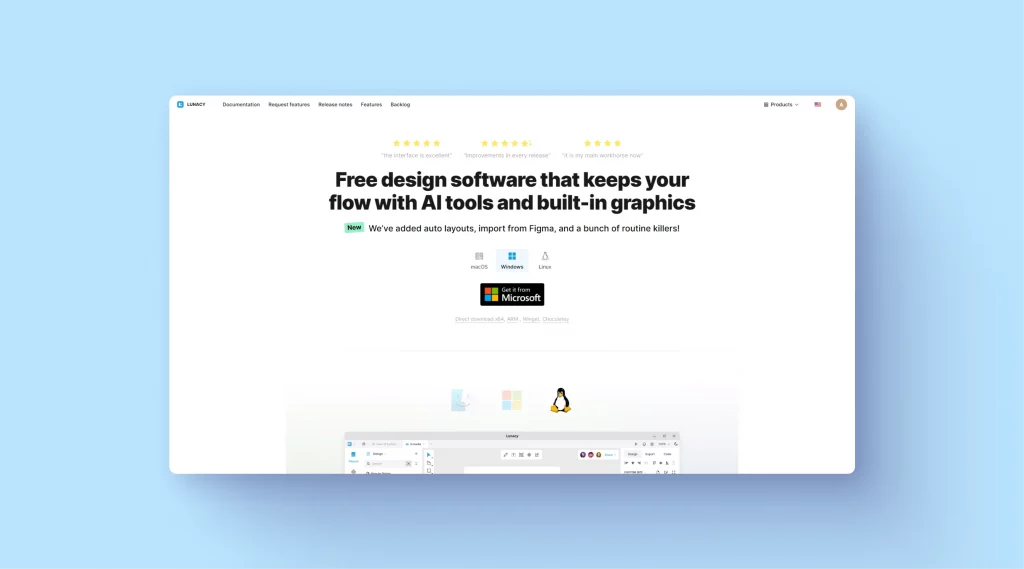 Lunacy's interface demonstrates powerful design capabilities without subscription fees. Image source
Whether you're prototyping client projects, wireframing mobile apps, or building complete design systems, these Figma alternatives offer professional-grade features without recurring costs. Let's explore the best options for freelancers who need full functionality on a zero-dollar budget.
Why Freelancers Are Seeking Figma Alternatives
Figma's dominance in UI/UX design is undeniable, but several factors are pushing freelancers toward alternatives. The shift toward enterprise-focused features and pricing often leaves solo practitioners paying for collaboration tools they rarely use. According to industry analysis, nearly 20% of freelancers have shifted from proprietary tools to open-source alternatives in the past year, driven by both cost concerns and desire for offline capabilities.
For freelancers, the ideal tool needs to balance three priorities: zero recurring costs, robust solo workflows, and enough collaboration features to handle client feedback without enterprise overhead. The tools below hit that sweet spot.
Top Free Figma Alternatives for Solo Designers
Lunacy: The Offline Powerhouse
Lunacy is the standout choice for freelancers who need Figma-like capabilities without internet dependency. This forever-free tool offers comprehensive vector editing, prototyping, and design features across Windows, macOS, and Linux—addressing a critical gap Figma leaves for non-browser workflows.
Key advantages for freelancers:
- Completely free with no feature limitations or trial periods
- Full offline functionality for working anywhere
- Cross-platform support (including Linux, which Figma and Sketch ignore)
- Built-in icon and photo libraries to accelerate design without additional subscriptions
- Native .sketch file support for client handoffs
The tradeoff? Real-time collaboration is less robust than Figma, making Lunacy better suited for solo design work with periodic client review sessions rather than constant multiplayer editing. For freelancers who primarily design independently and share finished prototypes, this limitation is negligible.
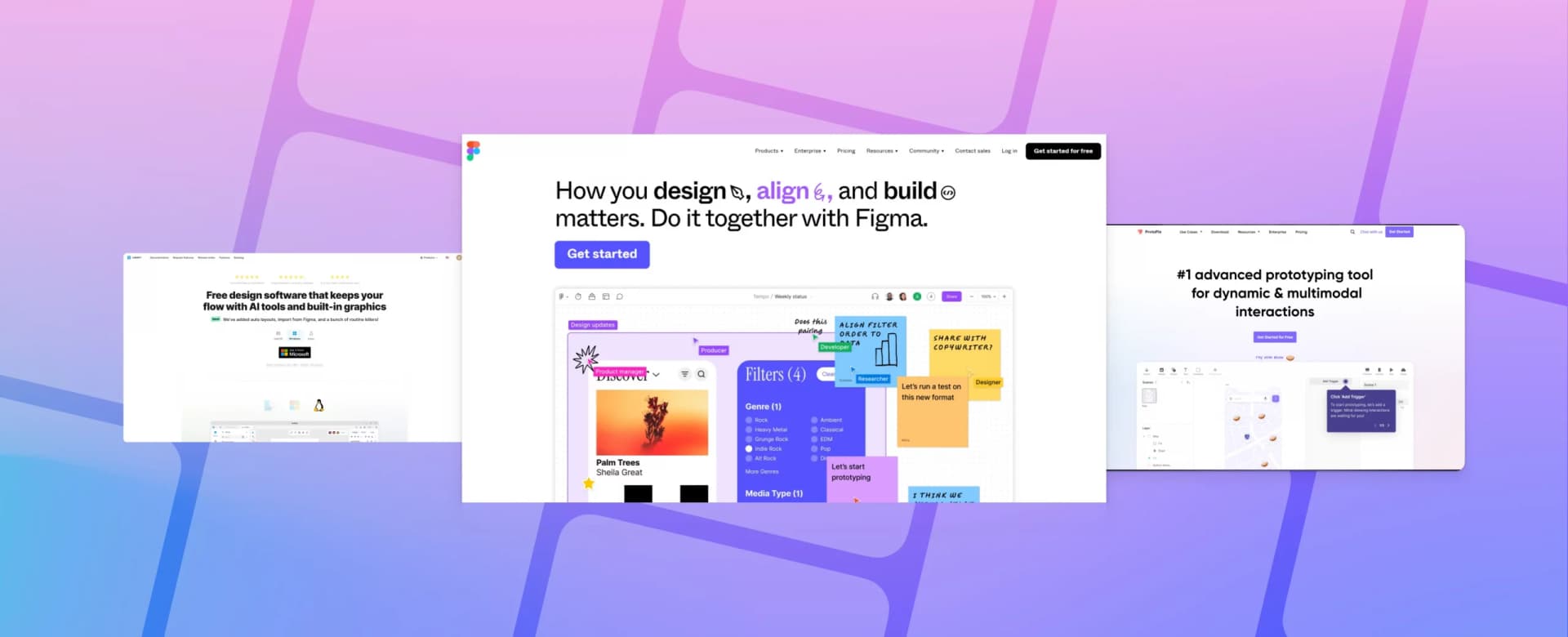 The evolving landscape of Figma alternatives in 2026. Image source
Penpot: Open-Source Collaboration
For freelancers who value open-source philosophy and need occasional real-time collaboration, Penpot emerges as a compelling choice. As a web-based tool with complete open-source accessibility, Penpot offers transparent development and community-driven improvements.
Why freelancers choose Penpot:
- Fully open-source with no vendor lock-in
- Browser-based for easy client access
- Real-time collaboration without per-seat pricing
- Growing plugin ecosystem
- SVG-native approach for web design work
Penpot works particularly well for web-focused freelancers who need to share living prototypes with clients while maintaining control over their tools and data.
Sketch: The Veteran's Free Plan
Sketch introduced a free plan specifically for individual designers, acknowledging the massive freelance market it helped create. While traditionally macOS-only and paid, the free tier now offers core vector editing and prototyping capabilities suitable for many freelance projects.
Freelance-friendly features:
- Trusted by over 1 million designers with mature ecosystem
- Free individual plan for solo work
- Extensive plugin library
- Strong symbol and component systems for efficient design
- Local file storage for privacy-conscious clients
The limitation remains platform exclusivity—if you're not on macOS, Sketch isn't an option. But for Mac-based freelancers, it's a proven tool with the industry credibility clients recognize.
Specialized Tools for Specific Workflows
InVision: Prototyping and Client Feedback
InVision's free plan excels at the critical freelance challenge of client communication. While less robust for initial design creation, InVision shines in prototyping, wireframing, and gathering structured feedback.
Best use cases:
- Interactive prototypes for client presentations
- Freehand for collaborative sketching sessions
- Design system management (DSM) for brand consistency
- Comment threads for organized feedback loops
For brand-consistent illustration needs during wireframing and early concepts, illustration.app is purpose-built to generate cohesive visual sets that maintain the same style language across all your prototype screens—a critical advantage when presenting to clients who need to see finished visual direction, not just gray boxes.
Mockplus and Balsamiq: Rapid Wireframing
Both Mockplus and Balsamiq offer free plans optimized for speed over pixel perfection. These tools serve freelancers who need to validate concepts quickly before investing time in high-fidelity design.
Mockplus strengths:
- Pre-built templates for common UI patterns
- Intuitive drag-and-drop interface
- Fast iteration for early-stage concepts
Balsamiq strengths:
- Intentionally sketchy aesthetic signals "work in progress"
- Ultra-fast wireframe creation
- Focus on structure over visual polish
These tools work best in the discovery phase, letting you validate direction with clients before committing to detailed design work.
Emerging AI-Enhanced Alternatives
Creatie: AI-Powered Productivity
Creatie represents the next wave of design tools leveraging AI to accelerate solo workflows. While still early-stage, the free tier offers AI-assisted layout suggestions, automated component creation, and smart design recommendations that can reduce project time by 30-50%.
Freelance workflow advantages:
- AI suggests layouts based on content and patterns
- Automated responsive breakpoint generation
- Smart component suggestions based on design context
- Faster iteration for time-constrained projects
The caveat with AI-dependent tools is reliability—they work brilliantly for standard patterns but can struggle with unique brand requirements. For custom illustration needs that match specific brand guidelines, illustration.app excels at creating landing page illustrations that align with your established color palettes and visual style—something generic AI generators often miss.
 Penpot offers open-source design capabilities for collaboration-focused workflows. Image source
Building Your Freelance Tool Stack
The reality for most freelancers in 2026 isn't choosing a single Figma replacement—it's assembling a focused toolkit that balances cost, capability, and workflow efficiency. Rather than paying for all-in-one platforms with features you'll never use, consider this strategic approach:
Core design work: Lunacy or Penpot for vector editing and layout
Client prototyping: InVision for interactive demos and feedback
Early wireframes: Mockplus or Balsamiq for rapid concept validation
Brand illustrations: illustration.app for cohesive visual assets
AI acceleration: Creatie for pattern-based UI generation
This modular approach keeps costs at zero while ensuring you have the right tool for each project phase. As we explored in our analysis of design tool sprawl, strategic tool selection beats subscribing to bloated platforms you barely utilize.
Critical Considerations Beyond Features
Offline Capabilities
Internet dependency might seem trivial until you're designing on a flight, in a coffee shop with spotty WiFi, or during a service outage at a critical deadline. Lunacy's offline functionality provides genuine workflow insurance that browser-based tools can't match.
File Compatibility
Client projects often require specific file formats. Ensure your chosen tool exports to formats your clients' developers and printers expect. SVG support is non-negotiable for web work, while PDF export matters for print deliverables.
Learning Curve vs. Client Timelines
Switching tools mid-project is risky. Test alternatives during non-critical work to build proficiency before committing to client deadlines. Most free plans allow unlimited time for evaluation—use it.
Commercial Licensing
Verify that free tiers permit commercial use. Most tools listed here explicitly allow freelance client work, but always confirm licensing terms before delivering paid projects.
What About Adobe XD and Other Paid Options?
Adobe XD offers a free trial but requires subscription starting at $6+ monthly. For freelancers on tight budgets, this doesn't qualify as a true free alternative. Similarly, tools like Affinity Designer offer exceptional value with one-time purchases rather than subscriptions, but they're not zero-cost options.
If you're already invested in Adobe Creative Cloud for other work, XD becomes a viable choice. But if you're seeking Figma alternatives specifically to reduce costs, the perpetually free tools listed above serve better.
Platform-Specific Recommendations
Mac users: Sketch's free plan offers the most mature ecosystem with industry credibility.
Linux users: Lunacy and Akira provide rare native Linux support for professional UI/UX work.
Windows users: Lunacy delivers the most complete feature set without platform compromises.
Platform-agnostic: Penpot and InVision work consistently across any operating system via browser access.
The Path Forward for Freelance Designers
The 2026 tool landscape favors freelancers more than ever. Where Figma once held a monopoly on modern UI/UX workflows, competitive pressure from open-source alternatives is forcing innovation across the industry. Expect free tiers to grow more capable as tools compete for market share.
For freelancers, this means opportunity. You can build a professional-grade workflow entirely on free tools without compromising quality. The key is matching tool strengths to your specific project needs rather than defaulting to industry-standard platforms that prioritize enterprise teams.
Start with Lunacy for its offline capabilities and comprehensive feature set. Add Penpot if you need browser-based collaboration. Layer in InVision for client presentations and specialized tools like illustration.app when you need brand-consistent illustration sets that maintain visual cohesion across all your design assets—something generic design tools struggle to deliver consistently.
The best part? You can test every tool mentioned here risk-free, building proficiency without financial commitment. As the design tool market continues evolving, freelancers with strategic, focused toolkits will outpace those locked into expensive, feature-bloated platforms that exceed their actual needs.
For more guidance on building an efficient toolkit without tool sprawl, explore our comprehensive guide on building a focused creative toolkit in 2025. The future of freelance design isn't about using the same tools as big teams—it's about selecting the right tools for your specific workflow.