
Which Tool Wins for Type Collage and Maximalist Design in 2026
Maximalist design is roaring back in 2026, and type collage—a layered, expressive approach to typography-driven visuals—sits at the heart of the movement. But creating these intricate, typography-heavy compositions requires tools with advanced text manipulation, precise layering control, and the creative freedom to break the grid.
Figma, Canva, and Kittl all claim to support bold, creative design. But which one actually delivers for maximalist type work? The answer depends on whether you're building from scratch, racing against deadlines, or demanding precise typographic control.
Let's break down how each tool handles the demands of type collage and maximalist aesthetics—and reveal which one wins for your specific workflow.
What Type Collage and Maximalist Design Demands from Tools
Before comparing tools, let's clarify what type collage and maximalist design actually require:
Typography manipulation: Advanced text warping, custom ornaments, layering control, and the ability to treat type as both readable text and abstract visual form.
Layering flexibility: The capacity to stack, blend, rotate, and distort multiple typographic elements without losing editability or performance.
Creative freedom: Tools that encourage experimentation rather than forcing you into template-driven workflows.
Visual density management: The ability to compose busy, information-rich layouts without crashing or slowing down.
Maximalist design thrives on more—more layers, more contrast, more visual tension. The tool you choose needs to keep up without choking on complexity.
 Image source: Design Pickle
Kittl: Built for Advanced Typography and Text-Driven Design
Kittl excels in advanced text editing and typography control. This is the tool's core strength—and it shows in every feature designed specifically for type-heavy work.
Typography Superpowers
Kittl offers superior vector design tools including text-warping and custom ornaments that Canva simply doesn't provide. You can bend, distort, and layer type with precision while maintaining full editability. For type collage work—where typography becomes both message and texture—this level of control is non-negotiable.
The platform's text effects go beyond basic outlines and shadows. You get access to:
- Advanced text warping: Curve type along paths, create wave effects, and distort letterforms without rasterizing
- Layered text effects: Stack multiple strokes, shadows, and fills on a single text object
- Custom ornaments and embellishments: Add decorative elements that integrate seamlessly with typography
- Texture overlays: Apply grain, halftone, and vintage effects directly to text layers
Why Kittl Wins for Type-First Maximalism
For designers who approach maximalism through typography as the primary visual element, Kittl is purpose-built for your workflow. The interface prioritizes text manipulation over other design elements, making it faster to experiment with layered type compositions.
Kittl's vector-first approach means your type collages remain crisp and editable at any size—critical when maximalist designs need to scale from social graphics to print posters. Unlike Canva's template-driven approach, which can make designs "feel template-driven" unless heavily customized, Kittl encourages starting from a blank canvas and building unique typographic systems.
Where Kittl Falls Short
Kittl's laser focus on typography comes with trade-offs:
- Limited collaboration features: No real-time multiplayer editing like Figma
- Smaller asset library: Fewer stock photos, illustrations, and graphic elements compared to Canva
- Learning curve: More complex interface than Canva's drag-and-drop simplicity
If your maximalist work extends beyond typography into photo collage, mixed-media layering, or complex illustration integration, Kittl's specialized focus may feel limiting.
Canva: Speed and Templates for Quick Maximalist Compositions
Canva is optimized for speed and accessibility with drag-and-drop simplicity. For designers who need to produce maximalist social graphics, event posters, or marketing materials on tight deadlines, Canva's template library is both a strength and a weakness.
The Template Advantage
Canva's extensive library of assets and templates includes thousands of maximalist-style designs you can customize. If you need a bold, layered poster in 30 minutes, Canva delivers. The platform's pre-built maximalist templates often feature:
- Bold typography with multiple font pairings
- Layered graphic elements and textures
- Vibrant color palettes and gradients
- Decorative frames and ornamental details
This makes Canva ideal for rapid social media graphics and content creation where speed trumps absolute creative control.
Typography Limitations
Here's where Canva struggles with serious type collage work: Canva has limited creative control and basic text effects. While you can layer text, adjust spacing, and apply simple effects, the platform lacks the advanced text warping, path manipulation, and custom ornament tools that maximalist typography demands.
For designers creating original type collages—not just customizing templates—these limitations become frustrating quickly. You can't:
- Warp text along complex custom paths
- Create truly custom text distortions
- Layer multiple vector effects on text while maintaining editability
- Build intricate typographic systems from scratch
When Canva Makes Sense
Canva wins for maximalist design when:
- Speed matters more than originality: You need deliverables fast and templates provide a solid starting point
- Your maximalism is image-heavy: Combining stock photos, graphics, and text rather than pure type collage
- Collaboration is simple: Sharing with clients or team members who aren't designers
- Budget is tight: Canva's free tier offers surprising capability for maximalist social graphics
But for designers pursuing type collage as an art form—where typography manipulation is the primary creative act—Canva's limitations outweigh its convenience.
Figma: Professional Control for Complex Layered Systems
Figma is built for professional designers with advanced vector and drawing tools, real-time collaboration, and the capacity to build unique, scalable projects from the ground up. But how does it handle maximalist type collage?
Vector Power and Layering Control
Figma's vector editing tools give you precise control over every element in a maximalist composition. You can:
- Create complex layered systems: Build designs with hundreds of layers without performance degradation
- Use components and variants: Build reusable typographic elements that maintain consistency across maximalist compositions
- Apply advanced effects: Layer multiple fills, strokes, shadows, and blurs on text and vector objects
- Leverage plugins: Extend Figma's native capabilities with tools for texture, distortion, and experimental typography
For designers creating maximalist brand identities or design systems, Figma's component architecture is invaluable. You can build libraries of maximalist design elements—ornate frames, decorative flourishes, layered text styles—and reuse them across projects while maintaining consistency.
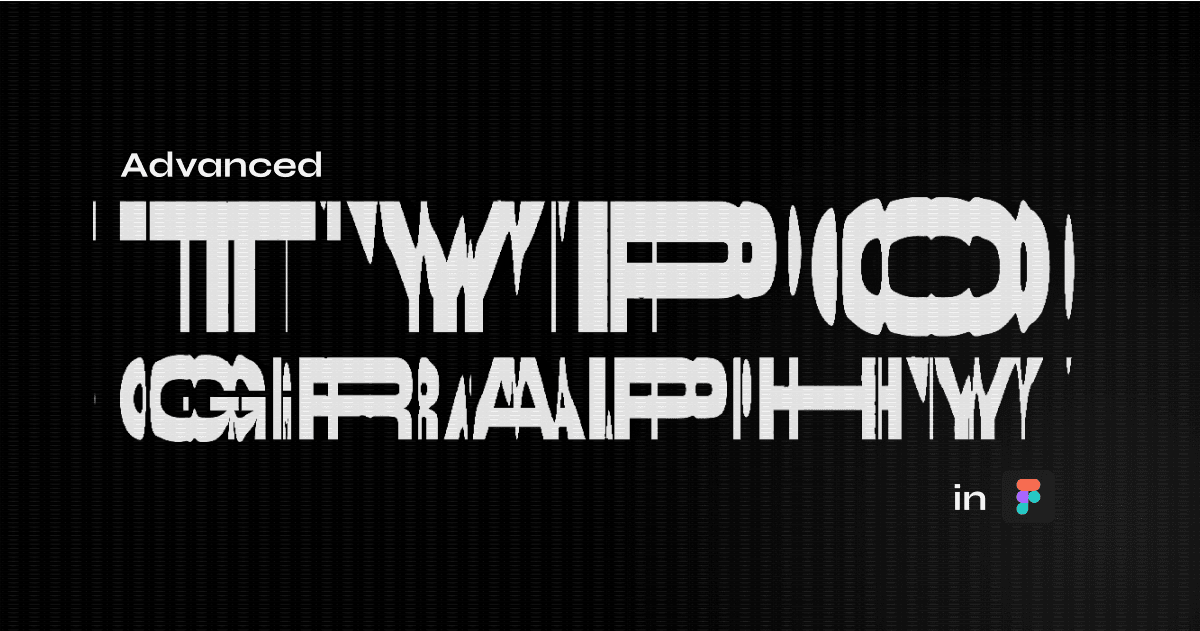 Advanced typography workflows in Figma. Image source: UX Planet
Typography: Powerful but Not Specialized
Figma's text tools are robust for UI/UX design but less specialized than Kittl's typography-first approach. You get excellent control over:
- Type hierarchy and styles: Define text styles, manage spacing, and create consistent typographic systems
- OpenType features: Access ligatures, stylistic alternates, and advanced font features
- Layout grids: Position text precisely within complex maximalist compositions
However, Figma lacks native tools for:
- Text warping and path manipulation: You need plugins or manual vector editing to distort type
- Custom ornaments: No built-in library of decorative typographic elements
- Advanced text effects: Some effects require workarounds or plugins
For pure type collage work, Figma requires more manual effort than Kittl. But for maximalist design that integrates typography with illustration, photography, and UI elements, Figma's versatility becomes a strength.
The Collaboration Edge
Figma's real-time collaboration is unmatched. For design teams creating maximalist brand campaigns, packaging systems, or multi-platform visual identities, Figma enables:
- Simultaneous editing: Multiple designers working on the same maximalist composition
- Design systems: Shared libraries of maximalist components and typographic styles
- Developer handoff: Precise specs for implementing maximalist designs in code
This makes Figma the clear winner for professional teams and complex projects where maximalist design needs to scale across platforms and maintain consistency.
Where Figma Struggles
Figma doesn't provide beauty-specific or design-specific templates that support maximalist aesthetics out of the box. You're starting from scratch, which demands more time and expertise than Canva's template library or Kittl's typography-first tools.
For solo designers or small teams creating one-off maximalist posters, social graphics, or experimental type work, Figma's power may feel like overkill.
Head-to-Head Comparison: Which Tool Wins for Specific Maximalist Workflows
For Pure Type Collage: Kittl Wins
If your maximalist design is typography-driven—layered text, distorted letterforms, ornamental type—Kittl's advanced text manipulation tools deliver the fastest workflow and most precise control. These features suggest Kittl would be better suited for type-focused design projects requiring precise control.
Use Kittl when:
- Typography is the primary visual element
- You need advanced text warping and distortion
- You're creating posters, album covers, or branding with heavy type treatments
- You want to avoid template-driven workflows
For Fast Social Graphics: Canva Wins
If you need to produce maximalist social content quickly—Instagram stories, event posters, promotional graphics—Canva's template library and drag-and-drop speed are unbeatable.
Use Canva when:
- Speed matters more than originality
- You're combining stock assets with text
- Your maximalism is more "eclectic collage" than "refined type art"
- You need simple client collaboration
For Professional Brand Systems: Figma Wins
If your maximalist design is part of a larger brand identity, design system, or multi-platform campaign, Figma's component architecture and collaboration features make it the professional choice.
Use Figma when:
- Building reusable maximalist design systems
- Working with design teams in real-time
- Creating complex layouts that integrate type, illustration, and UI
- Needing precise control over every design element
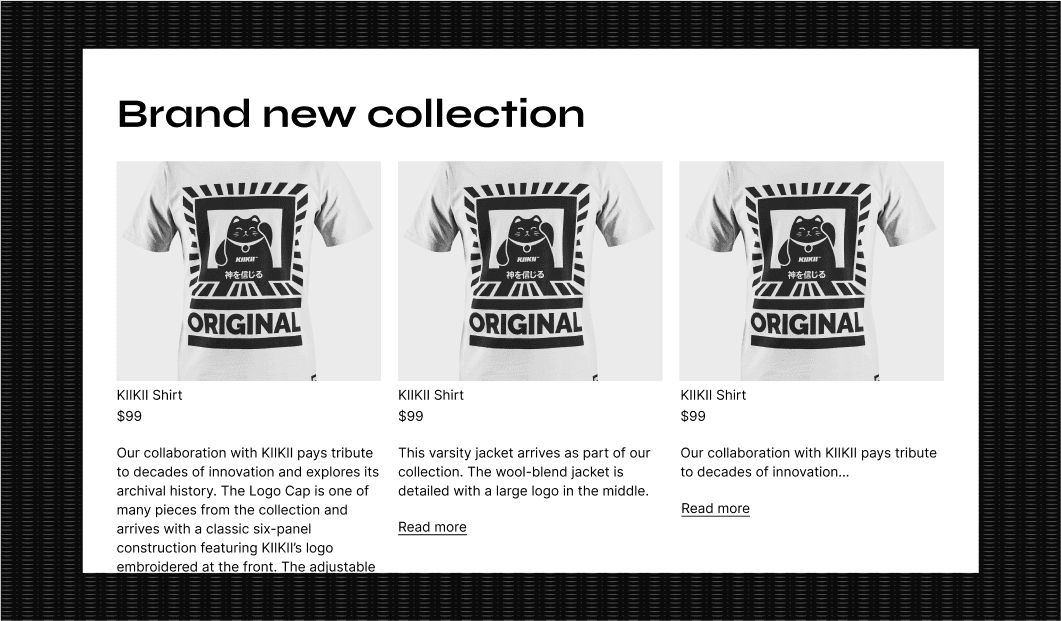 Exploring typographic possibilities in design tools. Image source: UX Planet
Beyond Typography: What About Visual Assets?
Maximalist design often demands more than typography—it needs illustrations, textures, decorative elements, and graphic flourishes. This is where your tool choice intersects with asset libraries.
illustration.app is purpose-built for creating brand-consistent illustration sets that complement maximalist compositions. Unlike generic AI generators, illustration.app generates cohesive illustration packs where every asset maintains the same visual language—critical when maximalist design thrives on controlled chaos rather than random collage.
If your maximalist work integrates custom illustrations with bold typography, illustration.app excels at producing decorative elements, ornamental graphics, and supporting visuals that match your brand palette and style guidelines. Export as SVG and import directly into Figma, Kittl, or Canva for seamless integration.
This approach solves a common maximalist design challenge: maintaining visual consistency while embracing abundance. Random stock graphics dilute your aesthetic; illustration.app ensures every decorative element feels intentional and on-brand.
Hybrid Workflows: Why the Best Designers Use Multiple Tools
The most sophisticated maximalist designers rarely rely on a single tool. Instead, they build hybrid workflows that leverage each platform's strengths:
Kittl for typography → Export vector text treatments → Import into Figma for layout and system building → Use illustration.app for brand-consistent decorative elements → Final export from Figma for production.
Or:
Canva for rapid templates → Export to Figma for refinement and customization → Add custom type treatments from Kittl → Integrate illustration.app assets for cohesive branding.
This modular approach mirrors how maximalist design itself works: layering different techniques, aesthetics, and elements into a cohesive (if visually dense) whole.
For more on building flexible design workflows across multiple tools, see our guide on design tool sprawl and how to build a focused creative toolkit.
The Verdict: Match Your Tool to Your Maximalist Vision
There's no universal winner—only the right tool for your specific maximalist workflow:
Choose Kittl if typography manipulation is your primary creative act and you're building original type collages from scratch.
Choose Canva if speed, templates, and rapid social content production matter more than absolute creative control.
Choose Figma if you're creating professional maximalist brand systems, collaborating with teams, or building complex multi-platform designs.
And for designers who need brand-consistent illustrations to complement their maximalist type work, illustration.app delivers cohesive visual sets that integrate seamlessly into any workflow.
The maximalist aesthetic celebrates abundance, layering, and expressive complexity. Your tool stack should be equally flexible—combining specialized typography control, rapid asset creation, and professional scalability. Don't limit yourself to one platform when the best maximalist work often emerges from thoughtfully layered workflows.