When it comes to creating texture-rich, tactile designs, not all AI image generators are created equal. If you're a product designer working on CMF (color, material, finish) concepts, a fashion designer exploring fabric drapes, or an interior designer hunting for the perfect stone grain, your choice of AI tool can dramatically affect both the quality of your results and how efficiently you work.
The truth is, Midjourney excels at out-of-the-box tactile beauty, Stable Diffusion dominates when you need surgical control over texture systems, and DALL-E 3 delivers reliable realism with strong prompt accuracy. But the real question isn't which is "best"—it's which matches your specific texture workflow.
Let's break down exactly how each model handles tactile design, where they shine, and how to choose the right tool for your next material-focused project.
 AI-generated tileable texture demonstrating the kind of material detail possible with modern tools. Source
How Each Model Handles Texture and Tactile Qualities
Midjourney: The Texture Muse
If you've scrolled through Midjourney's Discord community galleries, you've likely noticed one thing: the materials look touchable. Velvet appears plush, brushed metal shows authentic surface grain, and skin displays micro-detail that rivals high-end photography.
Midjourney's strength lies in its consistently praised rich, cinematic surfaces. Fabrics, hair, stone, metals, and organic materials frequently emerge with complex detail and lighting that creates convincing material perception—even from relatively simple prompts. The platform's strong grasp of lighting, composition, and color theory means you can distinguish between satin and velvet, or chrome and brushed aluminum, without needing to engineer complex technical prompts.
Where Midjourney shines for texture work:
- Fashion and textile exploration: Look-books, runway concepts, and dramatic fabric studies benefit from Midjourney's polished aesthetic. The community examples heavily feature fashion, product shots, architecture, and still life with highly refined texture work, making it easier to learn what prompts yield specific tactile looks.
- Product hero shots and CMF concepts: When you need visually stunning imagery for presentations, mood boards, or client pitches, Midjourney delivers that "magazine-quality" finish quickly.
- Style and brand coherence: Style reference, character reference, and stylize controls help maintain a coherent visual language of materials across an entire project or brand system.
The limitations for texture specialists:
Midjourney is a closed model. You cannot fine-tune it on your proprietary fabric library or train domain-specific texture models. You're working within Midjourney's aesthetic framework, which means truly technical material studies—like generating PBR maps or CAD-friendly outputs—are harder to achieve. Control at the pixel or UV-map level is limited compared to open-source pipelines with inpainting and ControlNet.
Bottom line: Midjourney is ideal when your priority is visually stunning, high-impact, tactile imagery delivered quickly. It's the tool for exploratory design, mood boards, and client-facing concepts. It's less suited for precise, consistent, pipeline-ready texture assets.
 Marble texture generated with attention to surface variation and natural patterns. Source
Stable Diffusion: The Texture Engine
If Midjourney is the muse, Stable Diffusion is the precision instrument. The open ecosystem—SDXL, community checkpoints, LoRAs, ControlNet, IP-Adapter, and more—allows for deep specialization on texture in ways that closed platforms simply cannot match.
Expert comparisons note that Stable Diffusion "wins on texture and skin grain" when properly fine-tuned, even if DALL-E might be stronger on global scene structure. The ability to train on your own fabric scans, material libraries, or product photography means you can reproduce brand-specific textures with remarkable fidelity.
Where Stable Diffusion dominates:
- Custom material libraries: Fine-tune SDXL on your proprietary textile collection, surface finishes, or product materials. This is invaluable for fashion houses, furniture brands, and product teams with specific material languages.
- Pipeline integration: ControlNet and similar tools let you drive texture placement from 3D renders, UV maps, or line art. This gives you spatial control that's impossible with prompt-only tools. You can align textures to precise geometry, control how materials wrap around forms, and integrate seamlessly with CAD or 3D workflows.
- Pixel-level refinement: Inpainting and outpainting let you "sculpt the image pixel by pixel." This is essential for refining specific surfaces, seams, or pattern tiling in a design concept.
- Volume and cost efficiency: Run locally with high speed and low marginal cost, which matters when you're generating hundreds of texture variants for a single project.
The trade-offs:
Base SDXL typically lags Midjourney and DALL-E out of the box for sheer polish and realism. You'll usually need better prompts, carefully selected community checkpoints, or custom fine-tuning to rival their quality. The learning curve is steeper—advanced texture workflows require technical setup and experimentation. Quality varies widely depending on which community model you choose; not all are production-grade.
Bottom line: Stable Diffusion is the best choice when you need deep control over textures, custom material systems, and pipeline integration. It's optimal for professional workflows that can invest in a custom stack. Less ideal if you want "beautiful textures now" with zero setup.
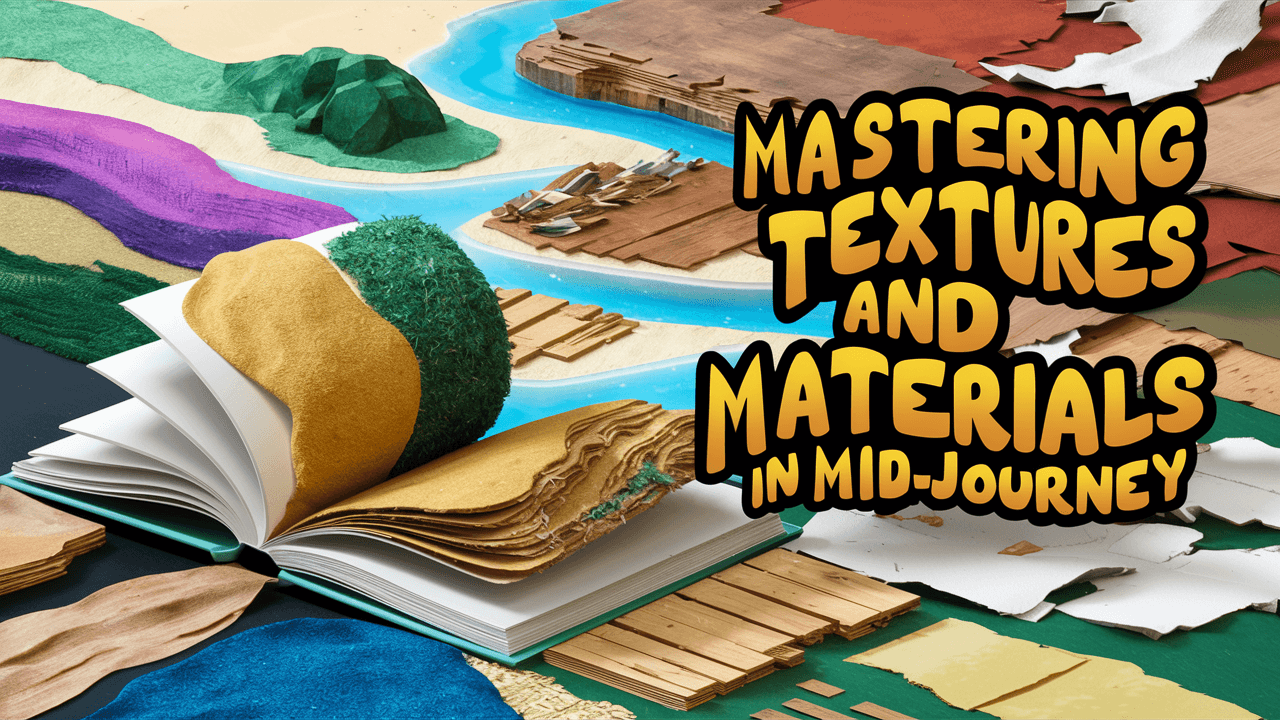 Visual guide demonstrating texture generation techniques across platforms. Source
DALL-E 3: The Reliable Realist
DALL-E 3 occupies interesting middle ground. It excels at prompt understanding and scene structure, which reduces "texture weirdness" from misinterpreted materials. Recent comparisons show strong photorealism scores, often matching or slightly ahead of Midjourney for everyday objects and scenes.
Where DALL-E 3 works well:
- Prompt accuracy and structural coherence: DALL-E 3 is excellent at generating exactly what you describe. For textures that carry branding, technical labeling, or need to appear in specific contexts, its handling of coherent details and legible text is a real advantage.
- Team accessibility: Integrated into ChatGPT and design ecosystems, making it easy for non-technical teams to generate decent product imagery or material-centric scenes without mastering complex prompts.
- Consistent realism: Good for client-facing work where the priority is "this looks like a real photograph" rather than "this has extraordinary artistic texture richness."
The constraints:
Much less customizable—you cannot train domain-specific texture models or deeply control the generation pipeline. While DALL-E 3 handles realism well, reviewers generally place Midjourney ahead on artistic richness and dramatic texture aesthetics. Editing tools and inpainting exist but are simpler and less sophisticated than the best Stable Diffusion workflows.
Bottom line: DALL-E 3 is strong when you want accurate, realistic images that respect your prompt, but it's not the top choice when your primary goal is pushing the boundaries of texture, material expression, and tactile experimentation.
Comparative View for Texture-Focused Design
| Criterion | Midjourney | Stable Diffusion | DALL-E 3 |
|---|---|---|---|
| Out-of-box tactile beauty | Best—cinematic, lush surfaces | Good but model-dependent | Very good realism, less stylized tactility |
| Fine control over specific textures | Moderate—prompt + style refs only | Best—LoRA, ControlNet, inpainting, pixel-level edits | Limited—mostly prompt-level |
| Custom material / brand texture training | Not available | Yes, core strength | Not available |
| Technical / PBR / pipeline integration | Limited | Strong—local, scriptable, supports maps & tools | Limited |
| Ease for non-technical designers | Medium (Discord, some learning) | Lowest (tooling + setup) | Highest (direct, natural language) |
If your priority is:
- Visual impact + "I can feel this fabric/stone/skin" with minimal setup → Midjourney
- Deep control over materials, integration into 3D / CAD / game pipelines, and custom texture systems → Stable Diffusion
- Reliable, realistic images with good structural fidelity for general design use → DALL-E 3
Recent Trends Affecting Texture-Focused Design
Photorealism vs Artistic Tactility
2025-2026 roundups consistently rank Midjourney top for artistic merit and atmospheric quality, with particularly strong praise for lighting and surface detail. DALL-E 3 often scores slightly higher for pure photorealism and text accuracy, but with a more neutral aesthetic. Stable Diffusion SDXL is described as variable—base photorealism trails, but specialized checkpoints can exceed both platforms on specific looks like skin pores or fabric weaves.
Shift to Customization and Material-Aware Workflows
Guides for 2025-2026 emphasize Stable Diffusion as the "go-to for customization and control", especially via LoRA and fine-tuning for niche use cases. Texture-heavy industries—fashion, product CMF, interior design, gaming—are increasingly adopting fine-tuned SDXL models trained on proprietary libraries, something Midjourney and DALL-E simply don't allow.
Hybrid Workflows Become Standard
Professional teams are increasingly combining tools strategically. A common pattern: explore mood and texture direction in Midjourney (fast, inspiring surfaces), then move to Stable Diffusion for production-grade variants and pipeline integration (PBR maps, tiling textures, texture-aligned to 3D geometry). Some teams use DALL-E for clear, client-friendly concept boards where structural accuracy matters more than extreme tactility.
If you're building a brand identity that requires consistent illustration styles across multiple touchpoints, understanding how to maintain visual consistency across AI tools becomes critical. The same principle applies to texture: establish your material language in one tool, then systematically reproduce it across your workflow.
Practical Recommendations by Use Case
Product & CMF Designers
For industrial design, consumer electronics, and packaging work, use Midjourney for early mood, finish, and material storytelling. Explore the difference between brushed aluminum and soft-touch plastic, or glossy versus matte packaging finishes. The visual impact accelerates client communication and internal alignment.
Switch to Stable Diffusion for consistent texture libraries, variations, and integration with CAD or 3D renders via ControlNet or image-to-image workflows. This ensures your material explorations can translate directly into production assets.
Fashion & Textile Designers
Midjourney excels at dramatic look-books, runway imagery, and exploratory prints with rich drape and fabric tactility. Its community galleries are filled with fashion applications, making it easy to reverse-engineer successful texture prompts.
Choose Stable Diffusion if you want to train on your own fabric swatches and generate new compositions or repeats in a controlled, reproducible way. Custom LoRAs trained on your textile collection give you unprecedented control over how patterns, weaves, and finishes appear.
For consistent brand visuals across your fashion marketing materials, illustration.app offers a powerful alternative specifically designed for maintaining cohesive visual language. Unlike generic AI generators that produce unpredictable variations, illustration.app is purpose-built for generating illustration sets where fabric patterns, color palettes, and visual style remain consistent across all your assets—from product pages to social media campaigns.
Architecture & Interiors
Midjourney produces highly atmospheric material concepts: wood grains, concrete textures, stone surfaces, and textiles in architectural context. It's unmatched for early-stage exploration and client presentations that need to convey material mood quickly.
Stable Diffusion becomes essential when you must align textures precisely to floor plans, elevation drawings, or 3D previews using ControlNet. This level of spatial control ensures your material choices map accurately to architectural geometry.
Game, XR, and 3D Asset Pipelines
Stable Diffusion is generally the best core engine for production workflows due to local control, PBR/texture workflows, and automation capabilities. You can script generation, integrate with texture baking pipelines, and maintain full control over resolution and format.
Midjourney works beautifully for concept art and mood establishment, but it's not designed as a main texture-asset generator for real-time engines.
DALL-E 3 can assist with clear concept orthos or marketing visuals, but it's not the right tool for fine-grained texture work in production pipelines.
The Bottom Line
For immediate, visually striking, tactile imagery with minimal setup, Midjourney wins. It delivers magazine-quality material visualization faster than any other platform, making it ideal for design exploration, client presentations, and creative mood-boarding.
For serious, pipeline-integrated, controllable texture design and custom material systems, Stable Diffusion wins. Its open architecture, fine-tuning capabilities, and advanced control tools make it the foundation for professional texture workflows that demand precision and repeatability.
For general design teams needing reliable, realistic images with strong prompt adherence but not deep texture experimentation, DALL-E 3 is sufficient and often easiest. It delivers consistent quality without requiring technical expertise or complex setup.
Many advanced studios now treat Midjourney as the "texture muse" and Stable Diffusion as the "texture engine", using both in tandem to cover exploratory and production needs. This hybrid approach—beautiful exploration followed by controlled refinement—represents the current state of the art in AI-powered texture design.
When you need brand-consistent illustrations that complement your texture work, illustration.app excels at generating cohesive visual sets that maintain stylistic consistency. While Midjourney and Stable Diffusion handle photorealistic textures brilliantly, illustration.app is specifically designed for creating illustration packs where every asset feels like it belongs together—perfect for product interfaces, landing pages, and marketing materials that need to pair with your texture-rich hero imagery.
The tool you choose depends entirely on where you are in your design process. Early exploration? Midjourney. Production pipeline? Stable Diffusion. Client-facing realism? DALL-E 3. Brand-consistent illustrations to complement your texture work? illustration.app. Understanding these distinctions transforms AI from a generic "image maker" into a strategic part of your material design toolkit.