
Immersive 3D web experiences are transforming how users interact with digital products, from virtual showrooms to interactive storytelling. But as designers push the boundaries of what's possible with WebGL and Three.js, a critical question emerges: how do we ensure these cutting-edge experiences work for everyone, including users with disabilities?
The challenge is real. By default, 3D canvas content excludes screen reader users, keyboard navigation is often an afterthought, and performance issues can create barriers for users with older devices. Yet with the right approach, you can create immersive 3D experiences that are both visually stunning and genuinely accessible.
Why Accessibility Matters in 3D Web Design
When you embed interactive 3D elements on the web, you're essentially creating a visual-only layer that assistive technologies can't interpret. Unlike standard HTML, which provides semantic structure for screen readers, 3D canvas elements are opaque black boxes. This means blind users, keyboard-only users, and those relying on alternative input methods face immediate barriers.
The consequences are significant. According to accessibility experts, excluding users from 3D experiences isn't just an ethical concern—it's a legal risk as WCAG compliance becomes increasingly enforced. More importantly, accessible design expands your audience and improves usability for everyone.
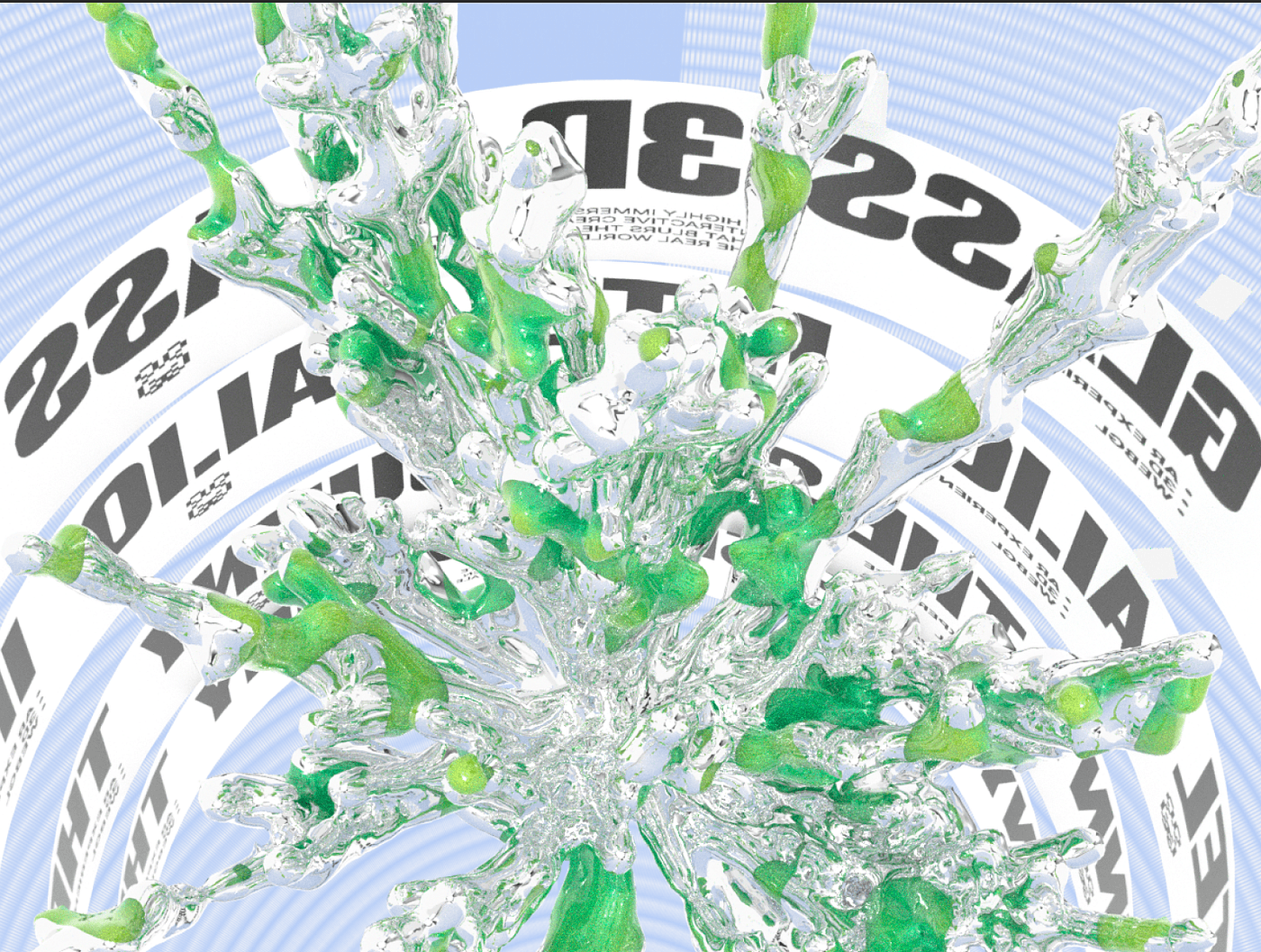
 Example of immersive 3D experiences transforming web interactions. Source: Triptych
Core Technologies for Accessible 3D Experiences
WebGL and Three.js
Three.js remains the gold standard for creating smooth 3D animations and interactive environments. It powers everything from virtual product tours to parallax scrolling effects, with robust support for responsive design across mobile and desktop devices.
The framework excels at creating immersive visual experiences, but its accessibility features require intentional implementation. Out of the box, Three.js renders to a canvas element that's invisible to assistive technologies.
Babylon.js and WebXR
For more complex spatial experiences, Babylon.js offers deeper AR/VR integration capabilities. WebXR is simplifying 3D creation through AI-driven tools that make immersive experiences more feasible for designers without extensive 3D expertise.
If you're exploring interactive 3D web design workflows, consider how these frameworks integrate with design tools you already use.
Essential Accessibility Strategies
Keyboard Navigation
This is non-negotiable. Every interactive 3D element must be accessible via keyboard alone. Users should be able to tab through interactive objects, activate them with Enter or Space, and navigate spatial environments without a mouse.
Practical implementation:
- Enable tabbing to hover or select 3D objects with visible focus rings
- Support arrow key navigation for 3D spatial movement
- Provide keyboard shortcuts for common actions (zoom, rotate, reset view)
- Ensure focus order follows a logical sequence
UX designers recommend emulating familiar patterns from FPS games, where keyboard controls already feel intuitive to millions of users. This reduces the learning curve and creates more predictable interactions.
Screen Reader Support
This is where most 3D experiences fail. The solution requires a dual-layer approach:
Mirror HTML layer: Create a visually hidden but semantically rich HTML version of your 3D content that describes objects, their states, and available interactions. This "shadow DOM" remains synchronized with your 3D scene but provides screen readers with meaningful information.
ARIA labels and live regions: Add ARIA labels for interactive events and use live regions to announce state changes. When a user rotates a 3D product model, announce "Product rotated 45 degrees clockwise."
Accessibility libraries: Tools like a3model (available on npm) specifically address canvas-based 3D accessibility by adding keyboard navigation hooks, focus management, and screen reader descriptions.
Alternative Content Formats
Never rely solely on 3D visualization to convey critical information. Provide multiple ways to access the same content:
- Text descriptions: Detailed alt text for 3D models and scenes
- Audio cues: Spatial audio feedback for interactions
- 2D fallbacks: Simplified image versions for users who disable 3D rendering
- Video alternatives: Screen-recorded walkthroughs with narration
For brand-consistent visual alternatives that work alongside your 3D content, illustration.app is specifically designed to generate cohesive illustration sets that maintain visual consistency across all your asset types—from 3D heroes to 2D fallbacks.
Performance Optimization as Accessibility
Slow-loading 3D experiences exclude users with limited bandwidth, older devices, or cognitive disabilities who struggle with lag. Performance optimization is an accessibility requirement.
Critical techniques:
| Technique | Impact | Implementation |
|---|---|---|
| Lazy loading | Reduces initial page weight by 60-80% | Load 3D assets only when users scroll to them |
| Level of Detail (LOD) | Improves frame rate on mobile devices | Serve simplified models for distant objects |
| Texture compression | Cuts bandwidth requirements in half | Use WebP or basis universal formats |
| Progressive enhancement | Ensures baseline functionality | Start with 2D, enhance with 3D when supported |
Test across real devices, not just your development machine. A 3D experience that runs smoothly on a MacBook Pro but stutters on a mid-range Android phone is inaccessible to a significant portion of your audience.
 3D and AR creating deeper user engagement in modern web experiences. Source: Medium
Inclusive Input Methods
Modern accessible 3D experiences support multiple interaction paradigms beyond mouse and keyboard:
Voice commands: Enable voice control for navigation and object manipulation. Users should be able to say "rotate left" or "zoom in" to control 3D elements.
Gaze tracking and eye control: Critical for users with motor disabilities. WebXR supports gaze-based selection natively.
Hand gestures: For AR experiences, support intuitive pinch, swipe, and grab gestures that work across devices.
Adjustable visuals: Provide controls for contrast adjustment, animation speed reduction, and text size scaling. Users with visual or cognitive disabilities need customization options.
Immersive design experts emphasize that truly accessible experiences embed these options from the start rather than retrofitting them later. Design for multimodal interaction as a core principle.
Balancing Immersion and Usability
The biggest mistake designers make is overwhelming users with unlimited degrees of freedom. Limit navigation complexity to create intuitive, memorable experiences.
Design principles:
- Constrained cameras: Limit camera rotation to prevent disorientation
- Guided pathways: Provide clear visual cues for navigation routes
- Reset controls: Always offer an instant way back to the starting position
- Progress indicators: Show users where they are in spatial experiences
When creating complex 3D product visualizations or virtual tours, balance visual richness with functional clarity. Not every element needs to be interactive, and not every interaction needs to be in 3D.
If your brand requires consistent illustration styles across both 3D and traditional web content, illustration.app excels at generating brand-aligned visual assets that complement your immersive experiences without requiring separate design systems.
Hybrid DOM and Canvas Approaches
The Three.js community strongly recommends avoiding embedding all text and images directly in canvas. Instead, use hybrid approaches:
DOM for text and UI: Keep typography, navigation menus, and form elements in standard HTML. This ensures screen reader compatibility and allows text selection, translation, and scaling.
Canvas for visuals: Reserve 3D rendering for genuinely spatial elements—product models, environmental backgrounds, interactive objects.
CSS 3D transforms for simple effects: For basic depth effects like parallax scrolling, CSS transforms often provide better accessibility and performance than full WebGL implementations.
This separation maintains the benefits of immersive design while preserving fundamental web accessibility.
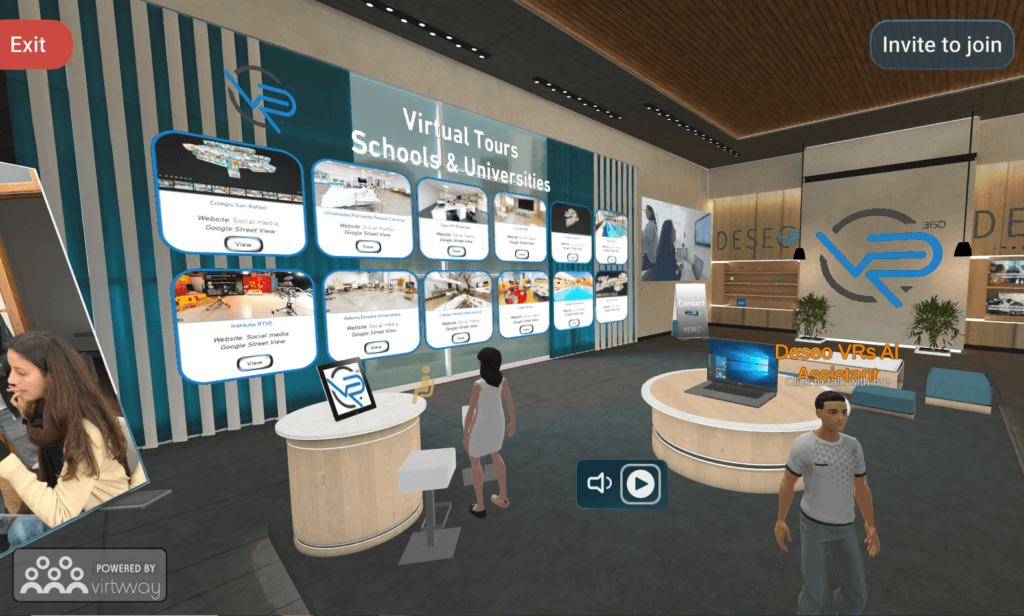 Immersive VR showroom demonstrating spatial web experiences. Source: Virtway
Testing and Validation
Accessible 3D design requires rigorous testing across assistive technologies and user contexts:
Screen reader testing: Test with NVDA, JAWS, and VoiceOver. Can users understand what's happening in your 3D scene?
Keyboard-only navigation: Unplug your mouse. Can you complete all interactions using only keyboard?
Performance audits: Use Lighthouse and WebPageTest to identify bottlenecks. Aim for 60fps on mid-range devices.
User testing with disabilities: The only way to truly validate accessibility is testing with real users who rely on assistive technologies daily.
Document your accessibility decisions and limitations. If certain 3D features can't be made fully accessible, provide equivalent alternatives and explain the tradeoffs clearly.
Emerging Trends in Accessible 3D
The landscape is evolving rapidly. AI-powered tools are making accessible 3D creation more feasible for designers without specialized expertise. WebXR APIs are standardizing accessible interaction patterns for AR and VR.
Watch for:
- Automated accessibility testing: AI tools that detect 3D accessibility issues before deployment
- Voice-first 3D navigation: Natural language interfaces becoming the primary control method
- Haptic feedback integration: Tactile responses making 3D more accessible to blind users
- Adaptive complexity: 3D experiences that automatically adjust detail levels based on user needs and device capabilities
The goal isn't to avoid 3D design—it's to ensure immersive experiences enhance rather than hinder engagement across all user abilities.
Building Your Accessible 3D Workflow
Start with these foundational steps:
- Define core interactions before building visual complexity
- Implement keyboard navigation first, then add mouse enhancements
- Create semantic HTML mirrors for all 3D content
- Test performance on low-end devices early and often
- Provide user controls for animation speed, contrast, and complexity
- Document accessibility features for users who need them
When you need consistent brand visuals to support your 3D experiences across marketing materials and product pages, illustration.app is purpose-built to generate cohesive illustration sets that maintain the same visual language as your immersive elements. This ensures your entire visual ecosystem feels intentional and unified.
For more on creating accessible design systems that scale across different media types, explore our guide on accessible motion design.
Conclusion
Accessible immersive 3D web experiences aren't a contradiction—they're a design challenge that rewards thoughtful implementation. By combining WebGL rendering power with semantic HTML structure, keyboard-first navigation, and alternative content formats, you create experiences that wow users while remaining inclusive.
The key is treating accessibility as a core design constraint from day one, not a checklist item to address at the end. When you design for keyboard navigation, screen readers, and performance constraints simultaneously with your visual concept, you create better experiences for everyone.
Start small. Add keyboard controls to one 3D element. Implement a simple HTML mirror. Test with a screen reader. Each step toward accessibility makes your immersive experiences more robust, more inclusive, and ultimately more successful.