
Accessible Maximalism: Creating Vibrant, Chaotic Design That Everyone Can Use
Maximalism is back with a vengeance. After years of sterile minimalist grids and neutral palettes, designers are embracing visual abundance, bold colors, and layered complexity. But there's a critical challenge: how do you create visually rich, energetic designs without excluding users with disabilities?
Accessible maximalism solves this tension by embedding inclusive design principles directly into maximalist aesthetics. It's not about toning down the chaos. It's about making the chaos navigable, readable, and delightful for everyone.
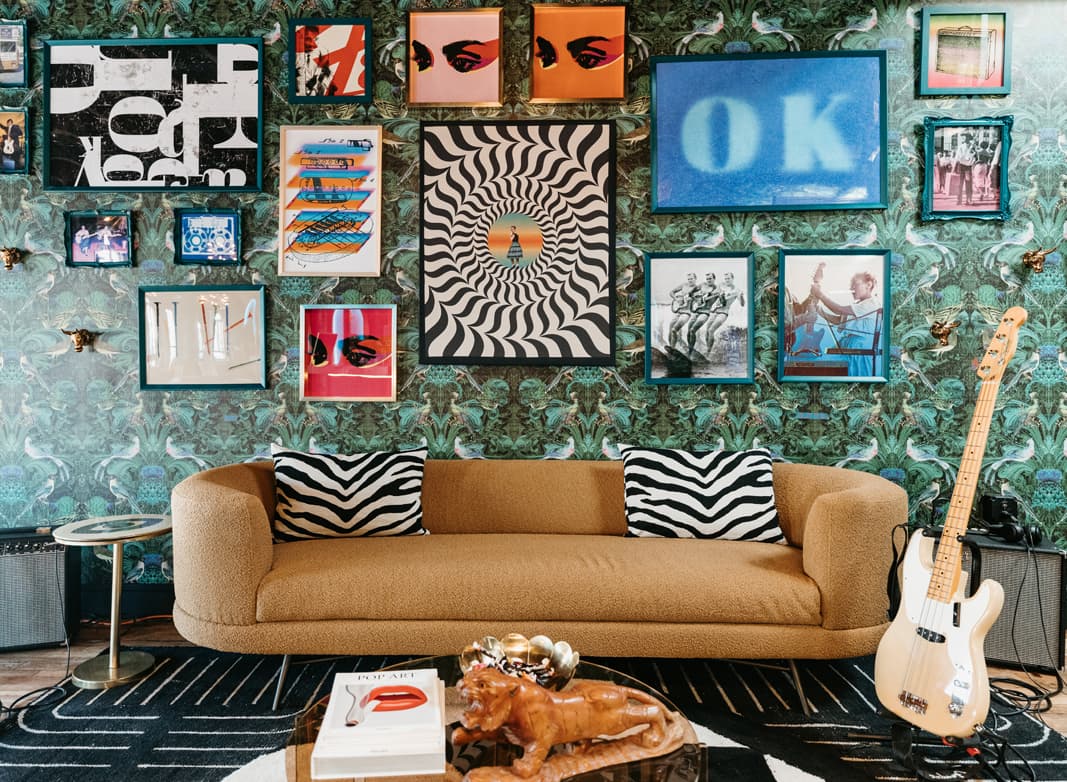 Layered, vibrant maximalist patterns can create visual energy while maintaining accessibility through strategic contrast and organization. Image source: Milton & King
Why Maximalism and Accessibility Seem at Odds
Maximalist design celebrates abundance. Think intricate patterns, clashing colors, eclectic typography, layered textures, and visual density that demands attention. It's emotionally resonant, culturally rich, and unapologetically expressive.
But these same qualities create barriers:
- Low color contrast between decorative elements and functional text makes content unreadable for users with low vision or color blindness
- Visual complexity overwhelms users with cognitive processing differences or attention disorders
- Layered interfaces obscure navigation paths and interactive elements
- Decorative density confuses screen readers trying to parse meaningful content from ornamental flourish
The good news? Maximalism is evolving beyond pure visual chaos. Minimalist maximalism—a hybrid trend gaining momentum in 2025—blends bold sculptural elements with purposeful simplicity. This evolution naturally accommodates accessibility by prioritizing intentional abundance over thoughtless clutter.
Core Principles of Accessible Maximalism
Accessible maximalism isn't about choosing between vibrant design and inclusive practice. It's about layering accessibility into the foundation of maximalist work. Here are the non-negotiables:
1. Color Contrast That Works
Maximalist palettes often feature rich, contrasting hues—jewel tones, neons, earth tones layered together. The key is ensuring text and interactive elements maintain sufficient contrast ratios:
- 4.5:1 minimum for body text on backgrounds
- 3:1 minimum for large text (18pt+) and UI components
- Test patterns separately from text layers to avoid contrast conflicts
Use tools like AI-assisted color palette generators to explore vibrant combinations that meet WCAG standards without sacrificing visual energy.
2. Keyboard Navigation in Layered Interfaces
Maximalist interfaces often stack decorative and functional elements. Users who navigate via keyboard need clear focus indicators and logical tab order:
- Ensure all interactive elements (buttons, links, form fields) are keyboard-accessible
- Use visible focus states that stand out against complex backgrounds
- Maintain logical reading order even when visual layout is asymmetric or chaotic
3. Alt Text for Decorative Abundance
Maximalist designs frequently use ornamental imagery, patterns, and illustration layers. Screen reader users need clarity about what's decorative versus informative:
- Write descriptive alt text for meaningful images that convey content or context
- Use
alt=""for purely decorative elements so screen readers skip them - For complex illustrations or infographics, provide longer descriptions via
aria-describedby
For brand-consistent illustration sets that work beautifully in maximalist layouts, illustration.app excels at generating cohesive visual families with built-in style consistency. You can create entire illustration systems that maintain accessibility-friendly contrast while delivering the visual richness maximalism demands.
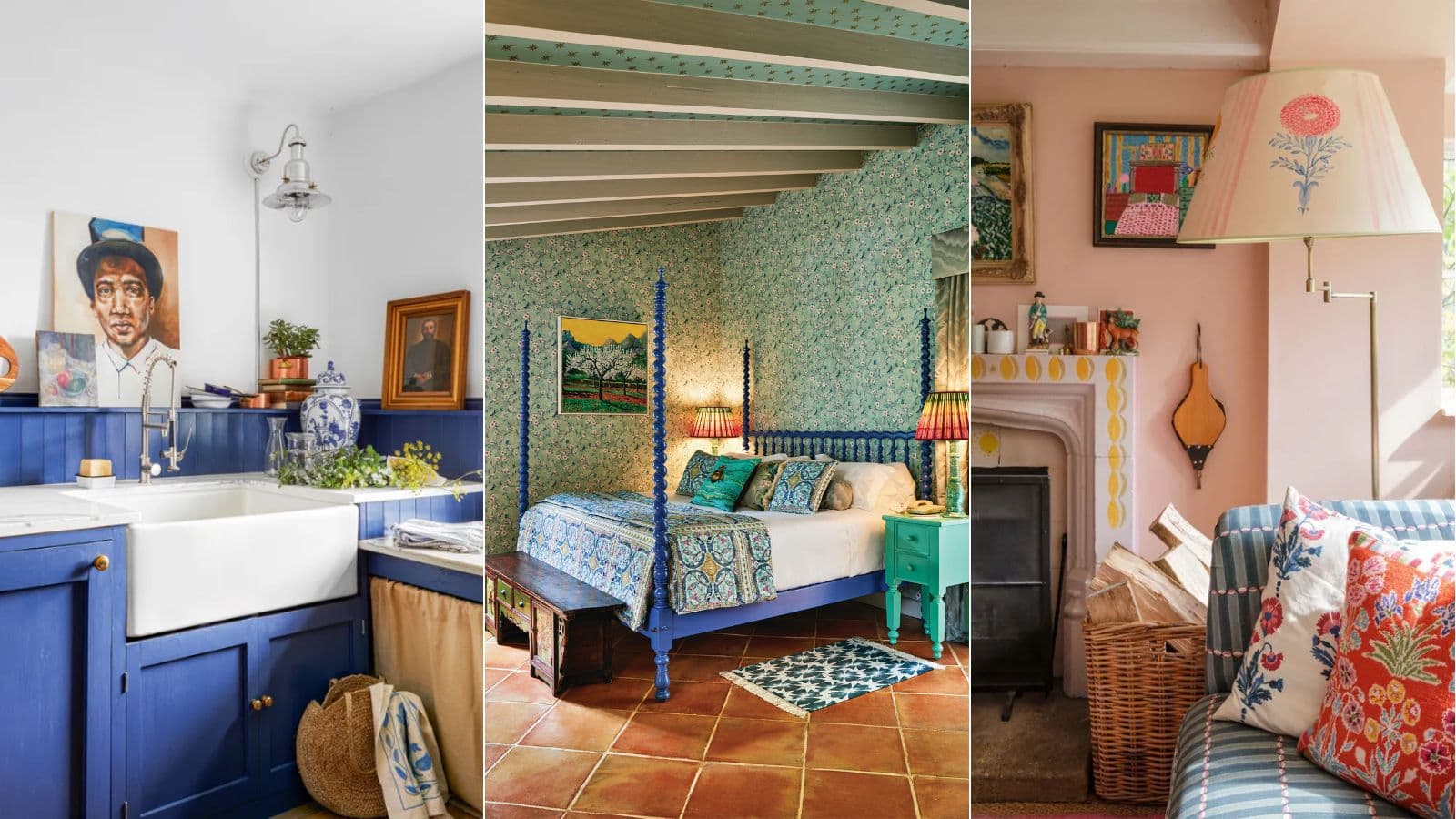 Maximalist spaces demonstrate how vibrant color palettes and layered textures can coexist with clarity and intentional organization. Image source: Homes & Gardens
4. Hierarchy Through Visual Weight, Not Just Color
In minimalist design, hierarchy often relies on whitespace. Maximalism doesn't have that luxury. Instead, use:
- Scale and typography contrast to differentiate headings from body text
- Spatial grouping to organize related elements despite visual density
- Strategic negative space (yes, even in maximalism) to create breathing room around critical content
- Motion and animation to guide attention without overwhelming users (see our guide on accessible motion design)
5. Organized Chaos: Navigation That Makes Sense
Maximalism doesn't dismiss practicality. Visually complex sites still need intuitive navigation structures:
- Use clear, consistent menu systems
- Implement breadcrumb trails for deep content hierarchies
- Provide search functionality for content-heavy sites
- Design mobile navigation that simplifies without losing character
Practical Strategies for Accessible Maximalist Design
Start with a Strong Grid
Maximalism thrives on organized complexity. Establish a robust underlying grid system, then layer visual richness on top. The grid provides structure that helps users orient themselves even as decorative elements multiply.
Use Texture, Not Just Color
Patterns and textures add maximalist energy while supporting accessibility. Users with color blindness can distinguish elements based on texture differences—crosshatching vs. stippling, rough vs. smooth surfaces, geometric vs. organic patterns.
For creating authentic tactile textures, check out our roundup of free tactile texture packs that deliver grain, imperfection, and material-like depth.
Design Modular Visual Systems
Instead of one-off decorative flourishes, build reusable maximalist components:
- Ornamental borders that scale responsively
- Pattern libraries with accessible color variants
- Illustration systems that maintain consistency across touchpoints
illustration.app is purpose-built for this workflow. Generate entire illustration families that share visual DNA, ensuring cohesive maximalist aesthetics across landing pages, marketing materials, and product interfaces without sacrificing accessibility.
Test with Real Users
Accessibility guidelines provide baselines, but real-world testing reveals how users actually experience your maximalist designs:
- Conduct usability testing with users who have disabilities
- Use screen readers to audit your own work
- Test on mobile devices where visual density increases
- Validate color contrast in different lighting conditions
 Moody maximalism demonstrates how dark, layered aesthetics can maintain visual interest through strategic contrast and texture variation. Image source: Studio Wallflower
Current Trends Shaping Accessible Maximalism
Dopamine Decor and Emotional Design
Viral movements like "dopamine decor" and "cluttercore" celebrate maximalism's emotional warmth. These trends prioritize joy, personality, and self-expression—qualities that resonate across abilities when implemented thoughtfully.
The key is ensuring emotional richness doesn't come at the expense of usability. Bold color choices should still meet contrast ratios. Eclectic typography should remain legible. Layered patterns should guide rather than confuse.
Social Media's Role in Maximalist Popularity
Research shows posts with higher color complexity and visual detail generate more engagement on platforms like Instagram. This drives maximalism's mainstream adoption—but also creates pressure to prioritize visual impact over accessibility.
Designers can resist this by demonstrating that accessible maximalism performs just as well. High-contrast text on bold backgrounds. Descriptive alt text that makes decorative Instagram posts screen-reader friendly. Emoji alternatives for users with visual impairments.
Sustainability Meets Maximalism
Looking ahead, experts predict maximalism incorporating sustainability through upcycled materials and recycled elements. This aligns beautifully with accessible design: both philosophies value thoughtful resourcefulness over mindless abundance.
Accessible maximalism also emphasizes emotional sustainability—design that stimulates positively without overwhelming. Natural elements, soothing color palettes within maximalist frameworks, and spaces promoting mindfulness demonstrate how abundance can nurture rather than exhaust.
Tools and Workflows for Accessible Maximalism
Design Tools That Support Complexity
Creating accessible maximalist work requires tools that handle layered complexity while maintaining design system rigor:
- Figma excels at component-based maximalism with design tokens for accessible color systems
- illustration.app generates brand-consistent illustration sets that maintain visual cohesion across maximalist layouts
- Adobe Illustrator handles intricate pattern design with precision control
- Contrast checkers like Stark or accessible color palette tools ensure WCAG compliance
For designers creating maximalist brand identities, our comparison of design tools for maximalist design breaks down which platforms handle bold typography and complex layering best.
Accessibility Auditing Tools
Maximalist designs demand rigorous accessibility testing:
- axe DevTools for automated accessibility scanning
- WAVE for visual feedback on contrast and structure issues
- Screen readers (NVDA, JAWS, VoiceOver) for real navigation testing
- Color blindness simulators to validate pattern/texture differentiation
Building Reusable Maximalist Libraries
Combat the chaos by building organized maximalist design systems:
- Create accessible base components (buttons, cards, form fields)
- Layer maximalist styling (patterns, colors, ornamental elements) as optional variants
- Document contrast ratios and accessibility considerations for each variant
- Test component combinations to ensure accessibility holds when elements stack
The Future of Accessible Maximalism
The convergence of maximalism's cultural momentum with growing accessibility awareness positions 2025-2026 as a critical period. Vibrant, expressive design is becoming genuinely inclusive—not as an afterthought, but by design necessity.
This evolution moves beyond functional inclusion toward emotional accessibility: design that celebrates abundance without creating cognitive overwhelm. Design that welcomes diverse visual processing needs through texture, contrast, and organizational clarity.
Maximalism's creative liberation—the freedom to express fully after years of minimalist restraint—must extend to inclusive liberation. Everyone deserves access to joy, warmth, and visual abundance, regardless of ability.
Key Takeaways
- Accessible maximalism maintains vibrant, layered aesthetics while embedding inclusive design from the foundation
- Color contrast, keyboard navigation, descriptive alt text, and clear hierarchy are non-negotiable accessibility priorities
- Organized complexity beats thoughtless chaos: strong grids and modular systems make maximalism navigable
- Texture and pattern variation support accessibility by providing non-color-based differentiation
- illustration.app specializes in generating cohesive maximalist illustration sets that maintain brand consistency and accessibility-friendly design
- Test with real users to ensure your maximalist designs work for everyone, not just sighted mouse users
- The future of maximalism is inclusive by design, prioritizing emotional accessibility alongside functional access
Accessible maximalism proves you don't have to choose between visual abundance and inclusive design. With intentional structure, rigorous testing, and accessibility-first thinking, you can create experiences that are simultaneously vibrant, chaotic, and welcoming to everyone.