
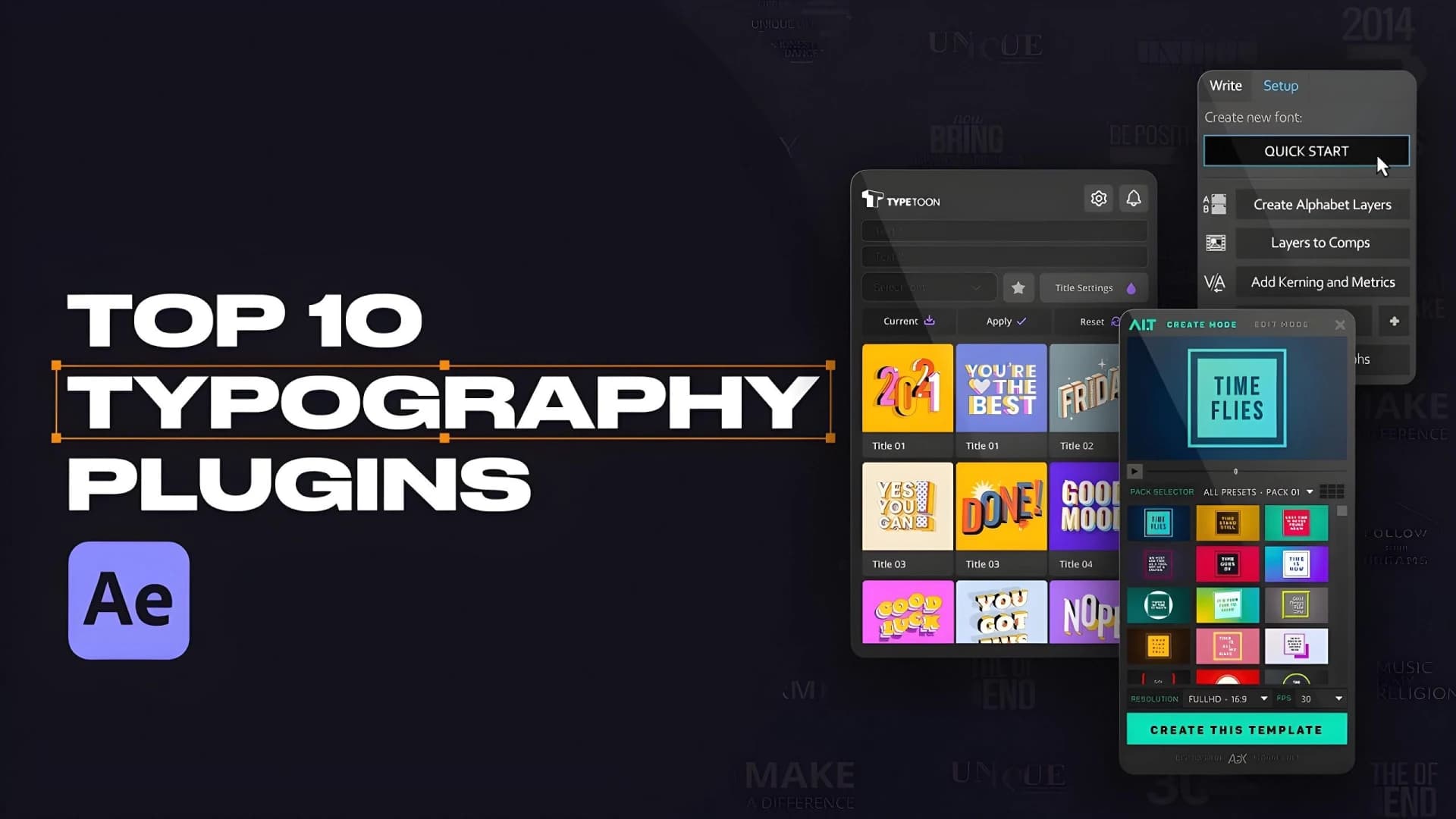
Fluid typography is dominating motion design in 2026, transforming static text into dynamic visual experiences that flow, morph, and respond with organic energy. Whether you're creating kinetic titles for social media, glowing text sequences for brand videos, or character-like letter animations, the right plugins can accelerate your workflow by 50-70% while maintaining professional polish.
 Source: Pixflow
The shift toward procedural, AI-assisted fluidity over manual keyframing has redefined what's possible with free tools. These plugins don't just speed up production; they unlock sophisticated animation techniques that previously required extensive scripting knowledge or hours of tedious keyframe adjustments.
The Essential Free Plugins for Fluid Typography
After Effects remains the dominant platform for professional motion graphics, and these free plugins integrate seamlessly to deliver smooth, customizable text animations without coding. Each brings unique strengths to your typography toolkit.
Animation Composer: The Drag-and-Drop Powerhouse
Animation Composer stands out as the go-to solution for rapid prototyping of dynamic text sequences. This plugin provides a massive library of free, drag-and-drop text transitions, effects, and sound-synced presets that are ideal for fluid reveals and kinetic typography.
Why it works for fluid type:
- Customizable presets prevent templated looks while meeting tight client deadlines
- Easing controls built directly into presets for organic motion curves
- Sound sync capabilities that link text animations to audio beats automatically
- Warping and scaling effects that mimic natural fluid motion
Motion design professionals praise Animation Composer for compounding small efficiencies. Instead of building every reveal from scratch, you can layer and customize presets to create unique, non-cookie-cutter results in a fraction of the time.
Motion Bro: The OG Favorite for Polished Transitions
The free version of Motion Bro delivers high-quality animations, transitions, lower thirds, and sound effects directly within After Effects. YouTube experts consistently call it a "must-have OG" for fluid text effects in social media and quick-turnaround projects.
Core strengths:
- Professional-grade lower thirds with smooth in/out animations
- Transition library optimized for text overlays and kinetic sequences
- Sound effect integration that enhances motion with auditory feedback
- Social media templates pre-configured for vertical and square formats
Motion Bro excels when you need polished results fast. The free tier provides enough variety to handle most client work without falling into repetitive patterns.
AEJuice Free Starter Pack: Production Value Multiplier
The AEJuice ecosystem includes hundreds of drag-and-drop presets specifically designed to add production value to typography. The Free Starter Pack delivers customizable fluid distortions and glows that make text feel alive.
Typography-specific features:
- Liquid distortion effects that create morphing, flowing text
- Chromatic aberration overlays for depth and visual interest
- Glow presets that respond to motion and timing
- Element libraries for decorative accents around type
Advanced users note that Displacer Pro, available through the AEJuice ecosystem, provides displacement effects far superior to native After Effects tools. This makes it possible to create chromatic aberration and wave-like distortions that feel genuinely fluid rather than mechanical.
DUIK Bassel: Rigging for Organic Text Motion
DUIK Bassel transforms After Effects into a capable 2D animation tool by enabling professional character rigging with inverse kinematics and auto-walk cycles. But its real power for typography lies in treating letters as rigged elements.
Typography applications:
- Character-like letter animation with organic bounces and flows
- Path rigging for text that moves along curves naturally
- Physics-based motion that responds to momentum and weight
- Linkage systems that create cascading letter movements
When you rig individual letters or words as DUIK elements, you can create text that behaves like a living organism: stretching, compressing, and flowing with realistic physics. This technique elevates fluid typography from simple motion to genuine character animation.
Video Copilot Saber: Procedural Neon and Glows
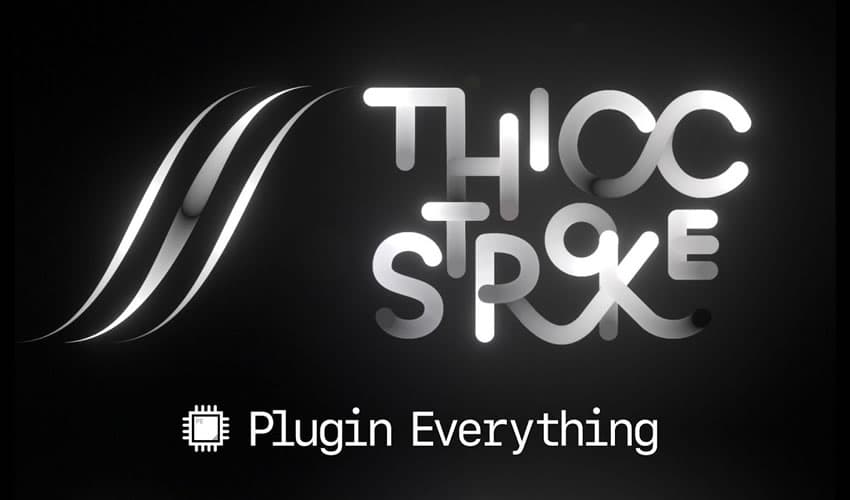
Video Copilot's Saber generates procedural neon glows, lasers, and energy effects that enhance typography with dynamic, reactive lighting. For luminous, glowing text sequences, Saber remains unmatched in the free plugin space.
Fluid typography capabilities:
- Procedural glow generation that follows text paths automatically
- Reactive lighting that pulses and flows with animation timing
- Neon effects without manual masking or pre-comp nesting
- Energy trails that extend from moving text
Saber excels at creating futuristic, cyberpunk, or retro-neon typography styles. The procedural nature means the effects adapt automatically as you adjust text or timing, maintaining fluidity throughout revisions.
 Source: Speckyboy
Strategic Plugin Comparison for Typography Workflows
Different projects demand different approaches. Here's how these plugins stack up for specific fluid typography needs:
| Plugin | Best Typography Use Case | Learning Curve | Customization Depth |
|---|---|---|---|
| Animation Composer | Kinetic reveals, client deadline work | Low | Medium |
| Motion Bro Free | Social media text, quick projects | Very Low | Low-Medium |
| AEJuice Starter | Production glows, distortions | Low | Medium-High |
| DUIK Bassel | Character-like text, organic motion | High | Very High |
| Saber | Neon effects, reactive lighting | Medium | High |
For brand-consistent text animations that need to scale across multiple deliverables, illustration.app provides a complementary solution. While After Effects plugins handle motion, illustration.app excels at generating cohesive static typography elements that maintain visual consistency across your brand materials. This combination ensures fluid motion animations sit within a unified visual system.
Workflow Integration and Efficiency Gains
The real power emerges when you combine these plugins strategically. School of Motion highlights the shift toward hybrid free/paid tools for non-cookie-cutter results, emphasizing that Animation Composer and Motion Bro serve as essentials for professionals handling tight deadlines.
Recommended hybrid workflows:
- Social media kinetic typography: Motion Bro for base transitions + Saber for accent glows
- Brand reveal animations: Animation Composer presets + custom AEJuice distortions
- Character-style text: DUIK rigging + Animation Composer easing
- Futuristic UI text: Saber energy effects + Motion Bro lower thirds
For managing these increasingly complex preset libraries, workflow organizers like MoBar (free tier with 150+ tools) help keep typography presets accessible and organized. Efficient library management becomes crucial when working with multiple plugin ecosystems.
Trends Shaping Fluid Typography in 2026
Motion design is experiencing a fundamental shift toward procedural, AI-assisted fluidity rather than manual keyframe animation. This transformation affects how designers approach typography:
Preset Libraries as Creative Accelerators
Rather than slowing creative work, sophisticated preset libraries now function as creative accelerators. The key distinction: modern presets are designed for layering and customization, not one-click application. This enables designers to maintain unique visual voices while working 50-70% faster.
Sound-Reactive Typography
Audio-visual synchronization has moved from specialized music video territory to mainstream brand and social content. Plugins like Animation Composer and Motion Bro now include sound-reactive presets as standard features, making beat-synced text accessible without expression coding.
Physics-Based Easing
Manual easing curves are giving way to physics-based motion systems. DUIK's rigging approach represents this trend, treating text elements as physical objects with mass, momentum, and collision properties. The result feels more organic and less "designed."
Hybrid 2D-3D Typography
While this post focuses on 2D After Effects workflows, the line between 2D and 3D typography continues blurring. Free tools increasingly support dimension and depth effects that mimic 3D without requiring full 3D software. For designers exploring this direction, our guide on interactive 3D design tools provides additional context.
 Source: YouTube Tutorial
Technical Considerations for Professional Results
Download from Official Sources Only
Outdated plugin versions cause compatibility issues and missing features. Always download directly from official plugin developer sites rather than third-party repositories. Video Copilot and Mt. Mograph particularly stress this for maintaining stable After Effects environments.
Combine with Native Expressions
While these plugins reduce the need for manual expression coding, the most sophisticated fluid typography still benefits from lightweight expressions for physics-based easing. Simple spring physics or wiggle expressions layered onto plugin presets create more natural motion.
Basic spring expression example for fluid bounce:
amp = .1;
freq = 2.0;
decay = 5.0;
n = 0;
if (numKeys > 0){
  n = nearestKey(time).index;
  if (key(n).time > time){
    n--;
  }
}
if (n == 0){ t = 0; }
else{ t = time - key(n).time; }

if (n > 0){
  v = velocityAtTime(key(n).time - thisComp.frameDuration/10);
  value + v*amp*Math.sin(freq*t*2*Math.PI)/Math.exp(decay*t);
}
else{ value; }
This adds organic overshoot and settle to any plugin preset, creating more fluid motion than linear easing alone.
Performance Optimization
Heavy plugin combinations can slow preview performance. For fluid playback during creative work:
- Pre-render complex glow effects from Saber
- Cache Motion Bro transitions as proxies
- Simplify DUIK rigs during preview, restore for final render
Creating Brand-Consistent Fluid Typography Systems
Individual fluid text animations are valuable, but scalable brand systems require consistency across dozens or hundreds of assets. This is where tool integration becomes critical.
illustration.app is purpose-built for generating cohesive typography treatments that maintain the same visual language across all brand touchpoints. While After Effects plugins handle the motion aspect, illustration.app ensures the static states, color palettes, and decorative elements surrounding your fluid type remain visually unified.
For example, if you're creating a series of animated social posts with fluid kinetic typography, use illustration.app to generate the supporting graphic elements, backgrounds, and accent shapes. This guarantees that when the text stops moving, it exists within a cohesive visual ecosystem rather than feeling disconnected.
Our comprehensive guide on building motion-first brand identities explores this integration in greater depth, showing how static and animated elements work together in modern brand systems.
Beyond After Effects: Alternative Fluid Typography Workflows
While After Effects dominates professional motion graphics, alternative workflows are emerging:
Figma for UI Motion
Figma's prototyping features now support basic kinetic typography for UI contexts, particularly micro-interactions and state transitions. However, Figma lacks the preset libraries and effects depth of After Effects plugins for video-focused fluid typography.
Web-Based Animation Tools
WordPress plugins like Slider Revolution offer web-based text animation but lack After Effects-level fluidity for video motion design. These work better for website heading animations than polished video content.
Specialized Typography Animators
Newer tools are emerging specifically for typography animation, though most remain paid solutions. The free plugin ecosystem in After Effects still provides the most comprehensive feature set for professional fluid typography work.
Practical Implementation Tips
Start with Presets, Then Customize
Don't treat presets as final outputs. Use them as starting points:
- Apply a Motion Bro transition or Animation Composer preset
- Adjust timing and easing curves to match your brand rhythm
- Layer secondary effects from AEJuice or Saber
- Add custom physics expressions for unique movement
This workflow maintains efficiency while avoiding generic results.
Build a Personal Preset Library
As you customize plugin effects, save your variations as personal presets. After a few projects, you'll have a signature library that combines the speed of drag-and-drop with your unique aesthetic.
Match Motion to Brand Personality
Fluid typography should reflect brand character:
- Playful brands: Bouncy DUIK-rigged letters with overshoot
- Luxury brands: Smooth, controlled Animation Composer fades
- Tech brands: Sharp Saber glows with precise timing
- Youth brands: Energetic Motion Bro transitions with sound sync
The plugin you prioritize should align with the personality you're expressing.
The Future of Fluid Typography Plugins
Looking ahead, several trends will shape the next generation of free typography animation tools:
AI-assisted animation: Plugins will increasingly incorporate AI to suggest motion timing, easing curves, and effect combinations based on your content and brand guidelines.
Real-time preview: Performance improvements will enable full-quality preview of complex plugin combinations without pre-rendering.
Cross-platform compatibility: Expect better integration between After Effects plugins and web-based animation tools, enabling more seamless workflows.
Procedural generation: More sophisticated procedural systems will allow plugins to generate entirely new animation patterns based on parameters rather than fixed presets.
For motion designers working across multiple platforms, understanding how these After Effects plugins fit within broader motion design workflows becomes increasingly important.
Getting Started Today
The best approach for beginners:
- Install Animation Composer first: It provides immediate value with the lowest learning curve
- Add Motion Bro for social media work and quick projects
- Experiment with Saber when you need visual impact with glows
- Learn DUIK when you're ready for advanced organic motion
- Explore AEJuice for specialized distortion effects
For brand-consistent supporting elements, use illustration.app to generate the static graphic assets that frame your fluid typography. This ensures your kinetic text animations exist within a cohesive visual system rather than floating in isolation.
Download each plugin from official sources, start with simple projects to learn the interfaces, and gradually build complexity as you understand how each tool's strengths complement the others. The combination of these free plugins delivers professional-quality fluid typography that rivals paid alternatives while maintaining complete creative control.
The fluid typography revolution isn't coming; it's already here. These free plugins democratize access to techniques that previously required expensive software suites or extensive technical knowledge. Whether you're creating social content, brand videos, or experimental motion pieces, these tools provide the foundation for text that genuinely flows, morphs, and lives on screen.