
Best Free AI Illustration Generators That Look Human-Made in 2026
The biggest challenge with AI-generated illustrations isn't creating them—it's making them look intentional rather than obviously machine-made. That flat, overly-smooth, unmistakably "AI aesthetic" has become instantly recognizable, and for many designers, it's a credibility killer.
The good news? A new generation of AI illustration generators has emerged in 2026 that combines multiple advanced models, sophisticated aesthetic controls, and built-in refinement tools. The result? Outputs with minimal AI artifacts and a much more natural, designed appearance.
Let's break down which free tools actually deliver on this promise and how to use them effectively.
 Example of modern AI illustration capabilities. Source
Why Most AI Illustrations Still Look "AI-Generated"
Before diving into solutions, it's worth understanding the problem. Generic AI aesthetics typically result from three factors:
Over-smoothing and perfection. Many AI models default to hyper-polished outputs with zero texture, no visible brushstrokes, and unnaturally perfect gradients. Real illustrations—even digital ones—have intentional imperfections.
Generic prompting. Vague prompts like "modern illustration of a woman" produce template-like results because the model has no specific visual direction. It defaults to the most statistically common visual patterns in its training data.
Single-model limitations. Relying on one AI model means you're stuck with its particular aesthetic tendencies, whether that's Stable Diffusion's photo-realism bias or DALL-E's soft, editorial look.
The tools that successfully avoid looking AI-generated address all three issues through model variety, prompt enhancement, and refinement workflows.
Key Features That Create Natural-Looking Results
The best AI illustration generators in 2026 share several critical capabilities:
Multiple model access has become essential. getimg.ai leads this approach by providing access to multiple image models including FLUX.2, GPT Image 1.5, Nano Banana 2, and Seedream 5.0 Lite within a single workspace. This variety allows you to experiment with different visual directions and select models best suited to your specific aesthetic goals—something particularly valuable when you're aiming for hand-drawn aesthetics or stylized concept art.
Automatic prompt enhancement transforms brief creative ideas into detailed descriptions internally. This reduces the generic appearance that results from vague prompts without requiring you to become a prompt engineering expert. getimg.ai's automatic prompt expansion is particularly effective at this, helping you avoid the template-like sameness that screams "AI-generated."
Built-in refinement tools separate professional-grade generators from basic ones. The ability to replace backgrounds, expand images beyond their original borders, apply style transformations, and upscale to higher resolutions means you can iterate toward natural results without switching between multiple tools.
Top Free AI Illustration Generators for Natural Results
getimg.ai — Multiple Models, One Workspace
getimg.ai stands out as the most versatile option for designers who want to avoid generic AI aesthetics. The platform combines multiple leading image models in one workspace with an Auto Mode feature that intelligently selects the best model for your prompt.
What makes it particularly effective for natural-looking illustrations:
- Access to FLUX.2, GPT Image 1.5, Nano Banana 2, and Seedream 5.0 Lite without switching platforms
- Automatic prompt enhancement that expands brief ideas into detailed visual descriptions
- Built-in editing tools including background replacement, image expansion, and 2× upscaling
- Team collaboration capabilities for maintaining consistent visual direction
The multi-model approach is crucial. If FLUX.2 produces too photo-realistic a result, you can regenerate with Seedream for a more illustrative look—all within the same project. This flexibility helps you dial in exactly the aesthetic you need rather than accepting whatever a single model outputs.
getimg.ai is particularly well-suited for concept art, fantasy illustrations, character design, and mood boards where visual variety matters.
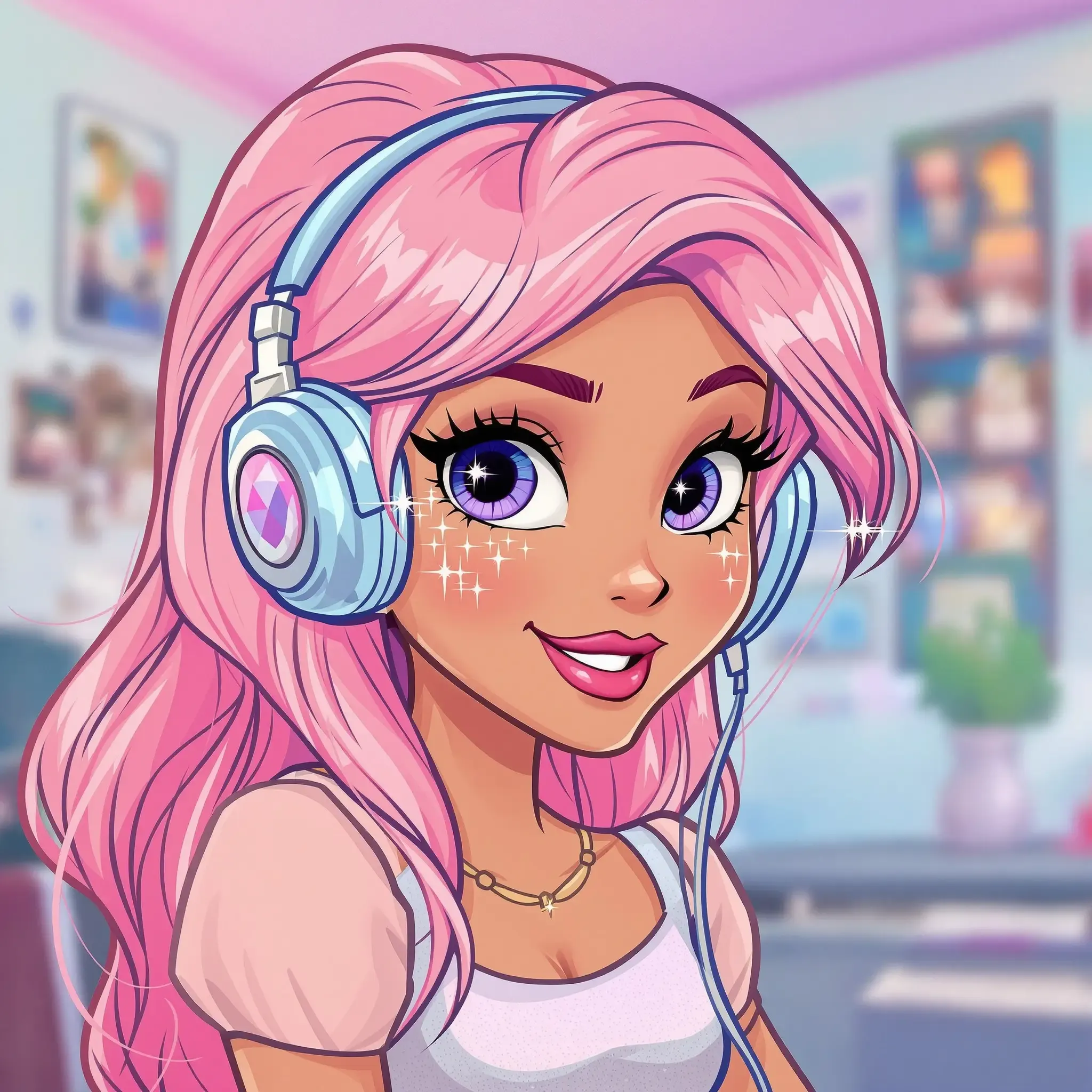 Modern AI generators can produce clean, stylized illustrations that avoid generic aesthetics. Source
Leonardo AI — Precision Control for Experienced Creators
Leonardo AI offers a free tier with strong aesthetic control through model presets and style reference images. Its real-time canvas workflows are particularly interesting—you can sketch rough shapes and watch the system generate detailed artwork based on your drawings.
The platform provides extensive generation settings that give experienced creators high-level control over composition, lighting, and style. However, this comes with a steeper learning curve. The interface can feel complex for beginners, but for designers willing to invest time in learning it, the control over final aesthetics is substantial.
Leonardo AI excels when you need to iterate on specific visual directions or maintain consistency across multiple illustrations. The style reference system helps you avoid generic outputs by anchoring generations to specific visual examples.
Nano Banana (Gemini 2.5 Flash Image) — Speed Meets Quality
Nano Banana, powered by Gemini 2.5 Flash Image, is highlighted as offering a strong blend of speed, quality, and cost efficiency. It's accessible through Overchat AI with a free option and integrates directly with Adobe Photoshop and Google Workspace.
For designers already working in Adobe environments, this integration is valuable. You can generate illustrations directly within your existing workflow rather than switching between separate tools—reducing friction and speeding up iteration.
Ideogram — Typography-Focused Illustration
One of the traditional weaknesses of AI illustration generators has been text rendering. Most models produce garbled, nonsensical text within images. Ideogram solves this problem, making it particularly useful for typography-heavy designs, logo creation, and poster layouts.
Ideogram's free plan is specifically designed for branding applications where accurate text rendering matters. If your illustrations need to include readable labels, headlines, or typographic elements, Ideogram should be on your short list.
Recraft — Vector-Style Artwork and Scalable Graphics
While most AI generators output raster images (JPG, PNG), Recraft specializes in vector-style artwork and can generate SVG-exportable illustrations. This is a significant advantage for logos, icons, posters, and UI graphics that need to scale cleanly across different sizes.
The ability to export vectors means you can further refine and customize outputs in Illustrator or Figma, adjusting paths, colors, and shapes with precision. This bridging of AI generation and traditional vector tools helps create more polished, intentional-looking final results.
Adobe Firefly — Professional-Grade Integration
Adobe Firefly offers professional-grade art styles, text effects, and realistic photo generation with free monthly credits. What sets it apart is integration with Adobe's design tools, making it valuable for workflows that require incorporating AI-generated elements into marketing materials and branding assets.
For designers already working in Creative Cloud, Firefly's native integration reduces friction. You can generate illustrations directly in Photoshop or Illustrator without export/import steps, making it easier to blend AI-generated elements with hand-crafted design work.
.webp&w=1920&q=75) Modern AI generators can produce a wide range of illustration styles. Source
Modern AI generators can produce a wide range of illustration styles. Source
Design Strategies for Natural, Non-AI-Looking Results
Having the right tools is only half the equation. How you use them determines whether outputs look generic or intentional.
Choose Specific Artistic Styles
Generic prompts produce generic results. Instead of "modern illustration," specify "gouache painting style with visible brushstrokes" or "Japanese woodblock print aesthetic with flat colors and defined outlines." The more specific your style direction, the less your output will look like default AI.
Platforms offering style reference controls—like Leonardo AI—provide additional control. Upload example images that capture the aesthetic you want, and the model will anchor generations to those visual references.
Layer and Refine
Don't accept first-generation outputs as final. The most natural-looking results come from layering multiple generations, combining elements from different attempts, and adding hand-crafted refinements.
Use the built-in editing tools (background replacement, expansion, style transfer) to iterate. Add texture overlays in Photoshop. Adjust colors in Figma. The goal is to move beyond "pure AI" output into hybrid territory where machine generation and human curation blend seamlessly.
Add Intentional Imperfection
AI models default to smooth, perfect outputs. Counter this by intentionally adding grain, texture, and irregularity. A subtle film grain overlay, slight color noise, or hand-drawn texture can transform a too-clean AI illustration into something that feels more authentic and less generated.
For more on this approach, check out our guide on creating tactile, handmade-looking designs with AI tools.
Train Personal Styles
Some platforms—particularly Leonardo AI—allow you to train custom models or style presets based on your own reference images. This is valuable for maintaining consistent visual direction across multiple illustrations, reducing the randomness that makes AI outputs feel disconnected from your broader design system.
When Brand Consistency Matters More Than Generation
Free AI illustration generators excel at exploration and one-off visuals, but they struggle with a critical requirement for professional design work: maintaining consistent visual language across multiple assets.
If you're designing a landing page, marketing campaign, or product interface, you need illustrations that feel like they belong together—same color palette, same line weight, same level of detail, same stylistic approach.
illustration.app is specifically built to solve this problem. Instead of generating random illustrations one at a time and hoping they'll look cohesive, illustration.app creates entire illustration packs where every asset maintains the same visual language. This is crucial for:
- Landing pages where hero, feature, and CTA illustrations need to feel unified
- Product design where onboarding, empty states, and feature illustrations should maintain consistent style
- Marketing materials where campaign assets need recognizable brand consistency
- Brand identities where illustration style is part of the overall visual system
Unlike generic AI generators, illustration.app excels at producing cohesive sets that match your brand palette and style guidelines without requiring prompt engineering expertise. You define the style once, then generate as many matching illustrations as you need.
For professional designers and marketers working on brand-consistent projects, Adobe Firefly and Ideogram are recommended for their design workflow integration. For accessible entry points that don't require design software expertise, Canva AI and Bing Image Creator serve beginners well.
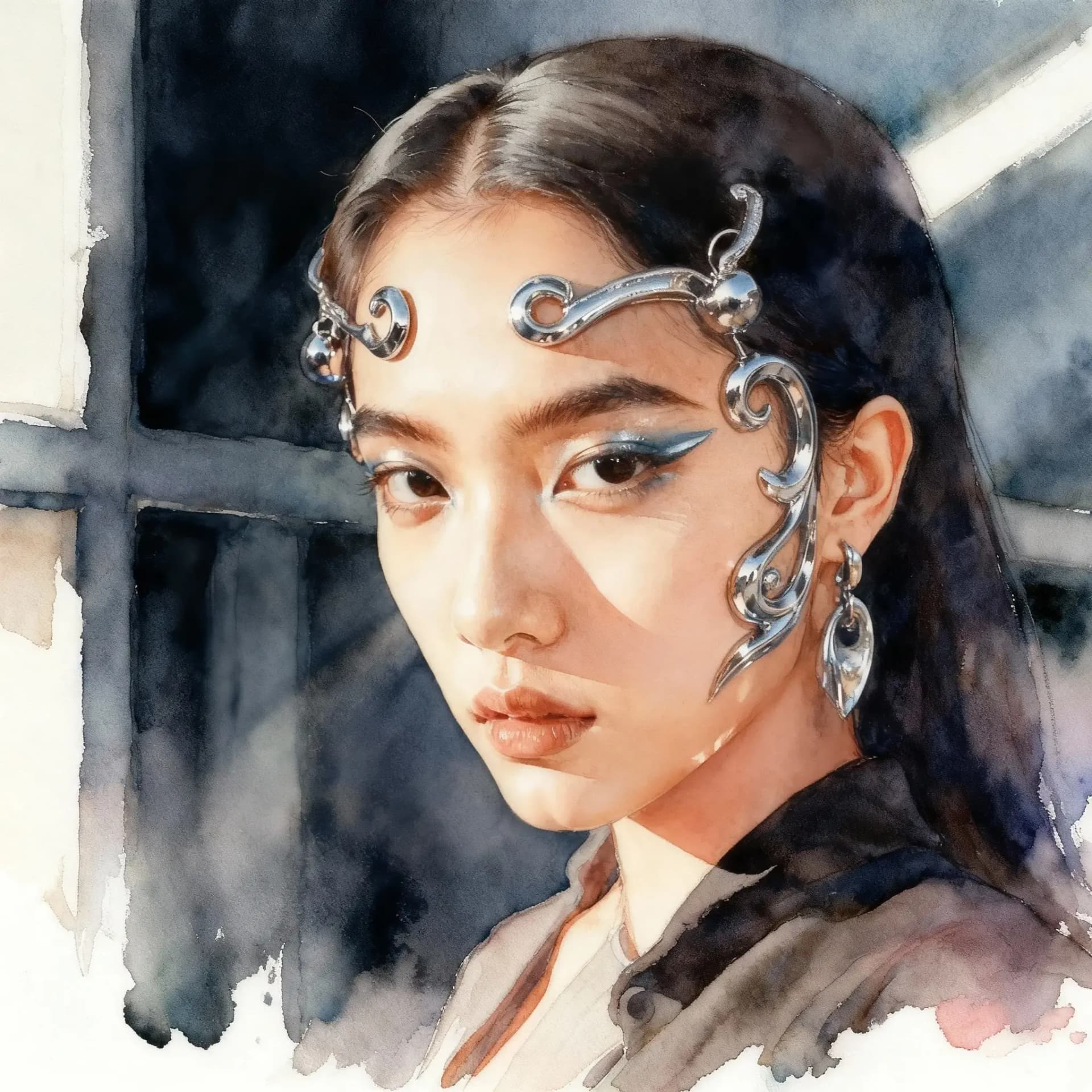 Modern AI can produce highly detailed, realistic imagery when needed. Source
Beginner-Friendly Options
If you're new to AI illustration generation, the platforms mentioned above might feel overwhelming. Two more accessible options worth considering:
Canva AI integrates AI generation directly into Canva's familiar design interface. If you're already using Canva for social graphics or presentations, the AI illustration feature is a natural extension. It's not as powerful or controllable as dedicated AI generators, but it's dramatically easier to learn.
Bing Image Creator (powered by DALL-E) offers a straightforward, no-learning-curve interface. Type a description, get four variations, download the one you like. It lacks advanced controls and refinement tools, but for quick, simple illustrations, it's hard to beat the simplicity.
For designers transitioning from traditional illustration to AI-assisted workflows, we've covered this extensively in our guide on the hybrid designer's toolkit.
The Bottom Line
Creating AI-generated illustrations that don't look AI-generated requires three things: access to multiple models, sophisticated prompt enhancement, and effective refinement workflows.
getimg.ai currently offers the best combination of these factors in a free tier, particularly for designers who want model variety without platform switching. Leonardo AI provides deeper control for experienced users willing to climb the learning curve. Nano Banana delivers speed and Adobe integration. Ideogram solves the typography problem. Recraft bridges into vector workflows.
For brand-consistent work where visual cohesion matters more than generation flexibility, illustration.app is purpose-built to create cohesive illustration sets that maintain the same style, palette, and visual language across all your assets—critical for professional landing pages, product design, and marketing materials.
The key insight: natural-looking AI illustrations come from deliberate style selection, multi-model experimentation, and strategic refinement. The tools are there. The question is whether you're using them intentionally or accepting default outputs and hoping for the best.
For more on maintaining visual consistency when working with AI-generated assets, see our complete guide on building a consistent brand identity with AI illustrations.